
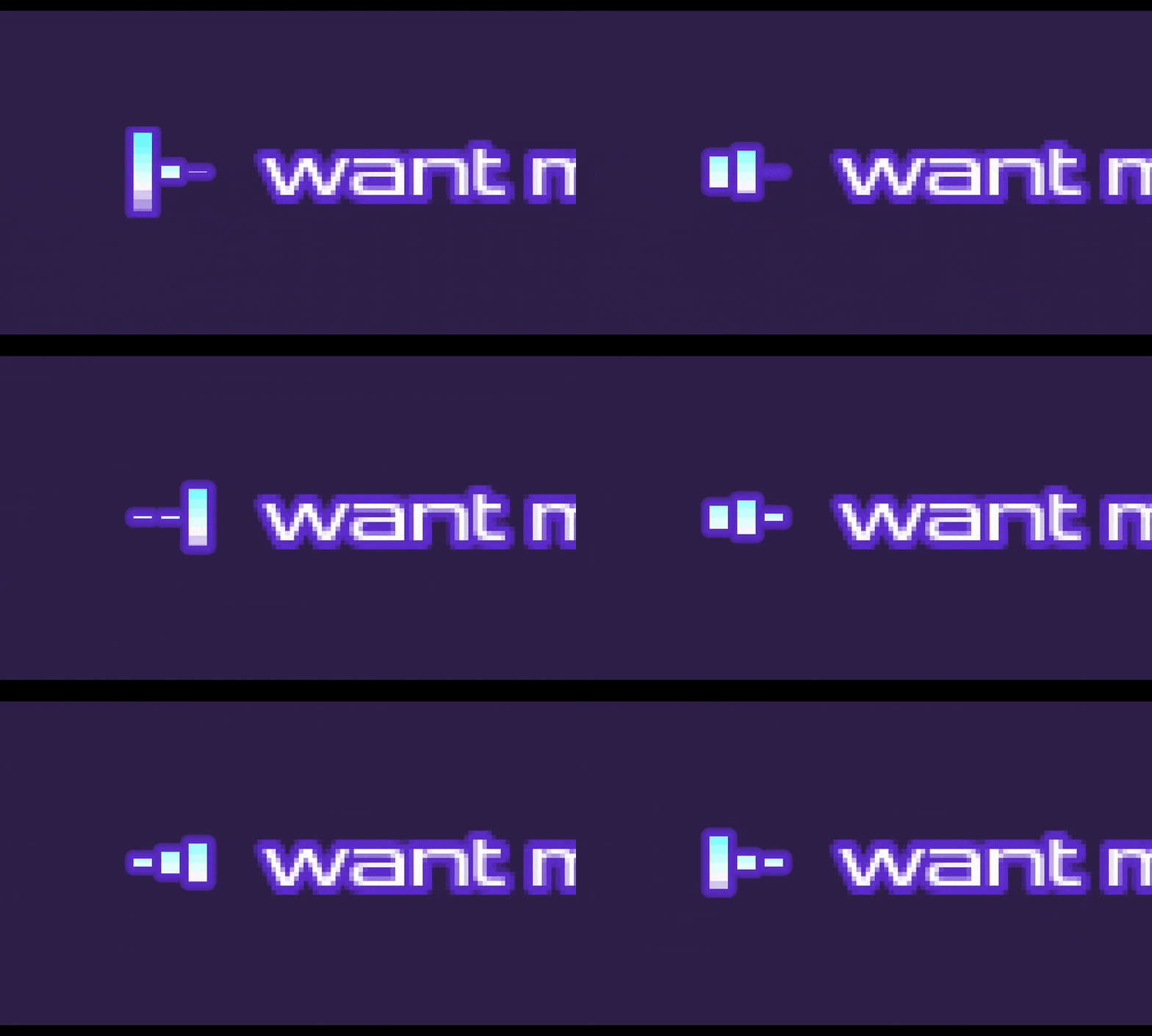
Now Playing Animated Bars

This shader recreates the animated icons you see in a lot of music streaming apps right beside the name of a song that is currently playing.
- Apply this shader to a
ColorRect. - Set a
GradientTexture1Dfor the Noise Texture parameter and make it look similar to the screenshot below. The red, green, and blue channels are used as the height of each bar for the animation. - In gdscript, you will need to set the bpm and track_time to match the current playing song like this:
bars_material.set_shader_parameter("track_time", player.get_playback_position())
bars_material.set_shader_parameter("bpm", player.stream.get_bpm())
If you don’t need it to sync up with the track, replace the track_time uniform with TIME in the shader.
Shader code
shader_type canvas_item;

uniform float track_time = 0.0;
uniform float bpm = 120.0;
uniform vec3 outline_color : source_color;
uniform sampler2D noise_texture : hint_normal, repeat_enable;
uniform sampler2D gradient_mask_texture : hint_normal, filter_nearest;

float remap(float v, float from1, float to1, float from2, float to2) {
	return (v - from1) / (to1 - from1) * (to2 - from2) + from2;
}

// https://iquilezles.org/articles/distfunctions2d/
float sdBox(in vec2 p, in vec2 b) {
	vec2 d = abs(p)-b;
	return length(max(d,0.0)) + min(max(d.x,d.y),0.0);
}

void fragment() {

	float bar_width = 0.1;
	float bar_space = bar_width * 3.0;
	float speed = bpm / 60.0;

	vec4 heights = texture(noise_texture, vec2(track_time * speed, 0.0)) * 0.5;

	float dist = min(min(sdBox(UV - vec2(0.5 - bar_space, 0.5), vec2(bar_width, heights.x)),
		 sdBox(UV - vec2(0.5, 0.5), vec2(bar_width, heights.y))),
		 sdBox(UV - vec2(0.5 + bar_space, 0.5), vec2(bar_width, heights.z)));

	if (dist < 0.0) {
		vec4 gradient = texture(gradient_mask_texture, UV);
		COLOR = vec4(gradient.rgb, 1.0);
	} else if (dist < 0.1) {
		COLOR = vec4(outline_color.rgb, remap(dist * dist, 0, 0.02, 1, 0));
	} else {
		COLOR = vec4(1.0, 1.0, 1.0, 0.0);
	}
}
Live Preview

