
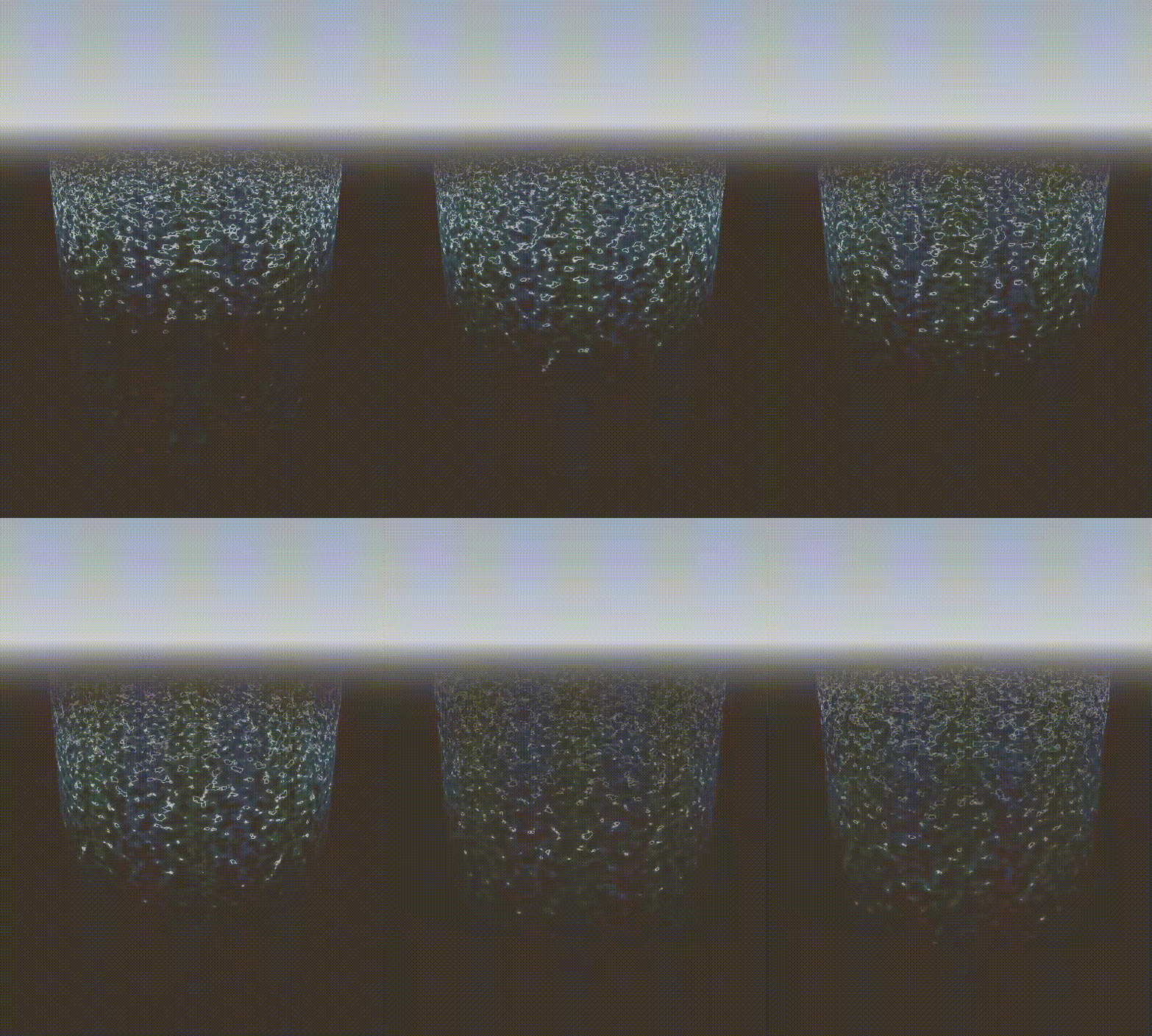
Energy Wave Shader

NOTE: GIFs I captured have terrible quality. Real shader produces a much higher quality effect.
A versatile spatial shader perfect for interaction zones, force fields, energy barriers, magic circles, or any effect that needs to dramatically reveal from bottom to top with organic, wave-like motion.
Features:
-
Animated rise/reveal effect – Smoothly reveals from bottom to top via rise_progress (0-1), perfect for tweening
-
Noise-distorted edges – Organic, wavy reveal line instead of a hard cutoff
-
Glowing edge highlight – Bright leading edge as the effect rises
-
Top fade – Gradual transparency fade at the top for a natural energy dissipation look
-
Wave transparency bands – Animated horizontal wave patterns for that energy/force field feel
-
Pulsing emission – Subtle breathing effect
-
Noise-based shimmer – Dynamic surface variation
Use Cases:
-
Interaction/pickup zones
-
Force fields and barriers
-
Magic circles activating
-
Energy shields powering up
-
Teleporter effects
-
Skill/ability area indicators
Parameters:
|
Parameter |
Description |
|
color |
Main color of the effect |
|
color_edge |
Color of the glowing leading edge |
|
emission_strength |
Brightness/glow intensity |
|
rise_progress |
Animate this! 0 = hidden, 1 = fully revealed |
|
edge_width |
Thickness of the glowing edge |
|
noise_scale |
Scale of the noise pattern |
|
noise_strength |
How much noise distorts the reveal edge |
|
time_speed |
Speed of noise animation |
|
fade_softness |
Softness of the reveal edge |
|
noise_texture |
Noise texture (use NoiseTexture2D with FastNoiseLite) |
|
top_fade_start |
Where top fade begins (0-1) |
|
top_fade_power |
Curve of top fade falloff |
|
invert_top_fade |
Flip fade direction if needed |
|
wave_transparency |
Strength of wave bands (0 = solid, 1 = full waves) |
|
wave_frequency |
Number of wave bands |
|
wave_speed |
Animation speed of waves |
Setup:
-
Create a MeshInstance3D with a CylinderMesh (cap_top & cap_bottom = false) or QuadMesh
-
Create a ShaderMaterial and assign this shader
-
Create a NoiseTexture2D with FastNoiseLite (seamless = true) and assign to noise_texture
-
Animate rise_progress from 0→1 to reveal, 1→0 to hide
Tips:
-
Works great on cylinders for 360° effects or quads for flat panels
-
Use invert_top_fade if the fade appears on the wrong end (depends on mesh UV orientation)
-
For interaction zones, tween rise_progress with EASE_OUT on enter, EASE_IN on exit
-
Combine with particles for extra juice!
Godot Version:
Godot 4.x
Shader code
shader_type spatial;
render_mode blend_mix, depth_draw_opaque, cull_disabled, unshaded;

uniform vec4 color : source_color = vec4(0.0, 0.8, 1.0, 1.0);
uniform vec4 color_edge : source_color = vec4(1.0, 1.0, 1.0, 1.0);
uniform float emission_strength : hint_range(0.0, 20.0) = 5.0;
uniform float rise_progress : hint_range(0.0, 1.0) = 0.0;
uniform float edge_width : hint_range(0.0, 0.3) = 0.08;
uniform float noise_scale : hint_range(0.1, 10.0) = 3.0;
uniform float noise_strength : hint_range(0.0, 0.5) = 0.15;
uniform float time_speed : hint_range(0.0, 5.0) = 1.5;
uniform float fade_softness : hint_range(0.01, 0.5) = 0.1;
uniform sampler2D noise_texture : hint_default_white;

// Top fade controls
uniform float top_fade_start : hint_range(0.0, 1.0) = 0.3;
uniform float top_fade_power : hint_range(0.5, 5.0) = 2.0;
uniform bool invert_top_fade = false;

// Wave transparency controls
uniform float wave_transparency : hint_range(0.0, 1.0) = 0.5;
uniform float wave_frequency : hint_range(1.0, 20.0) = 8.0;
uniform float wave_speed : hint_range(0.0, 5.0) = 2.0;

varying vec3 world_vertex;

void vertex() {
	world_vertex = (MODEL_MATRIX * vec4(VERTEX, 1.0)).xyz;
}

void fragment() {
	// Get UV and sample noise
	vec2 uv = UV;
	float time_offset = TIME * time_speed;

	// Sample noise with movement
	vec2 noise_uv = uv * noise_scale + vec2(0.0, -time_offset * 0.3);
	float noise_val = texture(noise_texture, noise_uv).r;

	// Secondary noise layer for more organic feel
	vec2 noise_uv2 = uv * noise_scale * 1.5 + vec2(time_offset * 0.1, -time_offset * 0.2);
	float noise_val2 = texture(noise_texture, noise_uv2).r;
	float combined_noise = mix(noise_val, noise_val2, 0.5);

	// Calculate rise threshold with noise distortion
	float rise_threshold = rise_progress + (combined_noise - 0.5) * noise_strength * 2.0;

	// UV.y = 0 at bottom, 1 at top (for cylinder, y goes 0->1 bottom to top)
	float height = 1.0 - uv.y;

	// Calculate alpha based on rise progress
	float alpha = smoothstep(rise_threshold - fade_softness, rise_threshold, height);

	// Top fade - gradual fade out as we approach the top
	// For CylinderMesh: UV.y = 0 at top, 1 at bottom (inverted)
	// So we use uv.y directly - small values = top = should fade out
	float top_height = invert_top_fade ? (1.0 - uv.y) : uv.y;
	float top_fade = smoothstep(0.0, 1.0 - top_fade_start, top_height);
	top_fade = pow(top_fade, top_fade_power); // Power curve for control

	// Wave-based transparency pattern
	float wave_pattern = sin(uv.y * wave_frequency + TIME * wave_speed + combined_noise * 3.0);
	wave_pattern = wave_pattern * 0.5 + 0.5; // Normalize to 0-1
	float wave_alpha = mix(1.0, wave_pattern, wave_transparency);

	// Combine all alpha factors
	alpha *= top_fade * wave_alpha;

	// Edge glow at the rising front
	float edge_dist = abs(height - rise_threshold);
	float edge_factor = 1.0 - smoothstep(0.0, edge_width, edge_dist);
	edge_factor *= step(height, rise_threshold); // Only show edge below threshold

	// Pulsing effect
	float pulse = sin(TIME * 3.0) * 0.1 + 0.9;

	// Mix colors
	vec3 final_color = mix(color.rgb, color_edge.rgb, edge_factor);
	final_color *= emission_strength * pulse;

	// Add shimmer based on noise
	float shimmer = combined_noise * 0.3 + 0.7;
	final_color *= shimmer;

	ALBEDO = final_color;
	ALPHA = alpha * color.a;
	EMISSION = final_color;
}
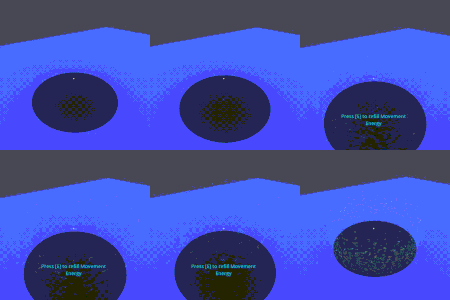
Live Preview

This is amazing! Super high quality shader. Thank you very much for making and sharing this.