
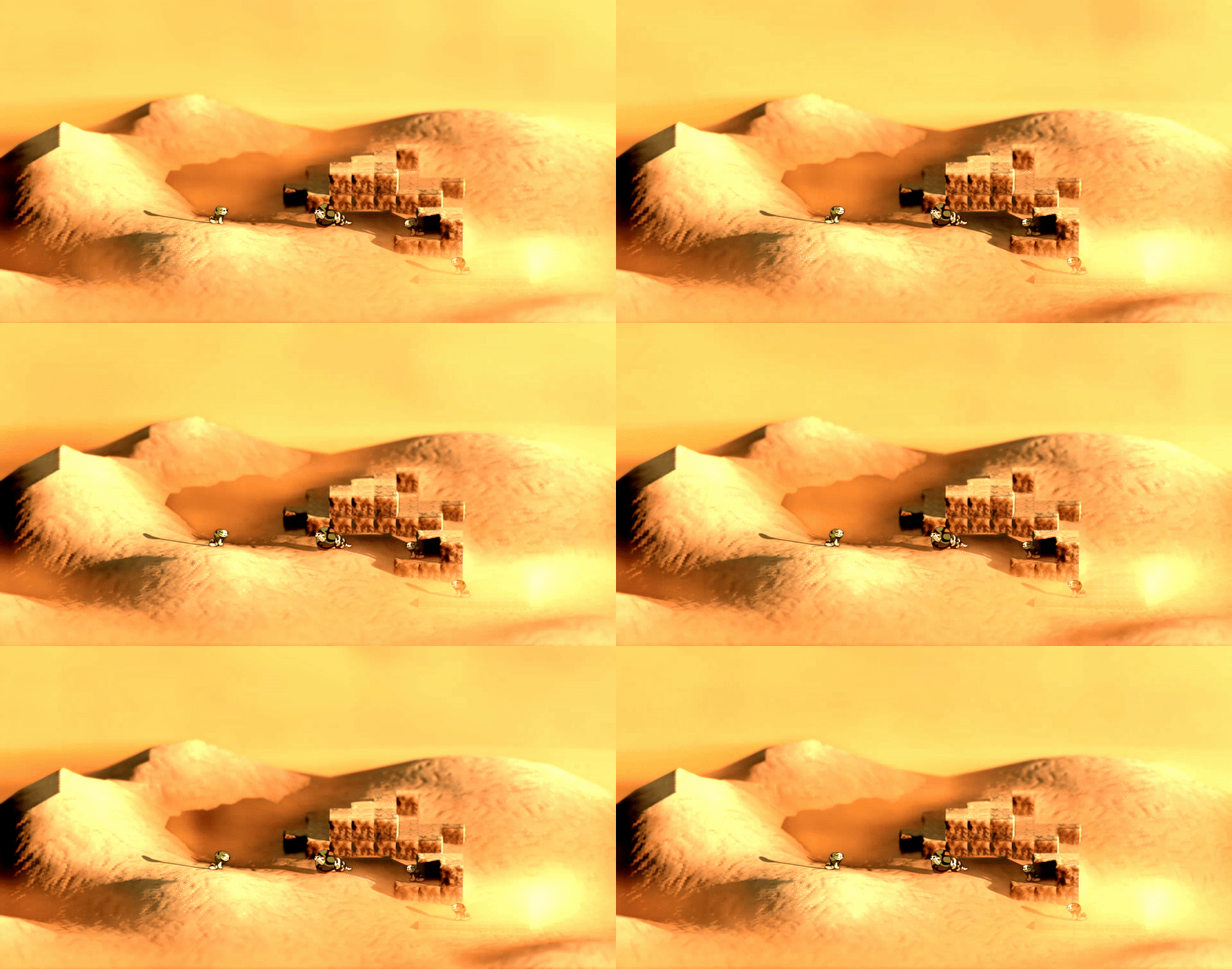
Sandstorm / Fog Shader (Godot 4.X)

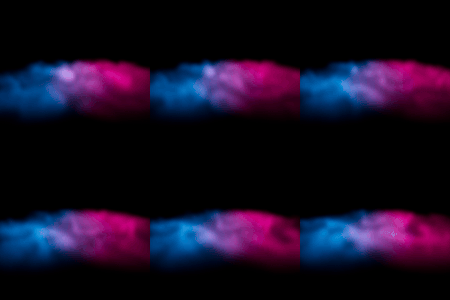
A fog shader made for Godot 4.X to recreate moving fog or a sandstorm, snowstorm etc.
Shader code
shader_type fog;

uniform sampler2D noise_tex:repeat_enable;
uniform float noise_scale : hint_range(0.0, 1.0, 0.0001)  = 1.0;
uniform float flatness : hint_range(0.0, 50.0, 0.1) = 1.0;
uniform float density : hint_range(0.0, 6.0, 0.0001) = 1.0;
uniform sampler2D grad_tex;
uniform vec3 emision: source_color;
uniform float fog_speed : hint_range(-5.0, 5.0, 0.001) = 1.0;


void fog() {
	vec2 move_uv = vec2(0.1, 0.1) * TIME * fog_speed;
	float detail_noise = texture(noise_tex, WORLD_POSITION.xz*noise_scale + move_uv*0.5).r;
	float noise = texture(noise_tex, WORLD_POSITION.xz*noise_scale + move_uv + detail_noise).r;
	DENSITY = mix(1.0, noise, UVW.y*flatness);
	DENSITY *= step(0.0, -SDF)*density;
	vec3 col = texture(grad_tex, vec2(DENSITY, 0.5)).rgb;
	ALBEDO = vec3(col);
	EMISSION = emision;
}
Hi,
I try to reproduce the sandstorm without success, can you give a minimal example ? That would help me a lot.
Probably late but, you need to fiddle around with the values. Here’s something that worked for me:
noise scale: 0.01
flatness: 30
density: 0.1
Then, make sure Volume Size and Volume Depth are high enough (196 for example, as I saw suggested in another shader). You can reach those two settings by going to Project -> Project Settings -> General -> Rendering -> Environment -> Volumetric Fog (you need Advanced Settings on for that I think).