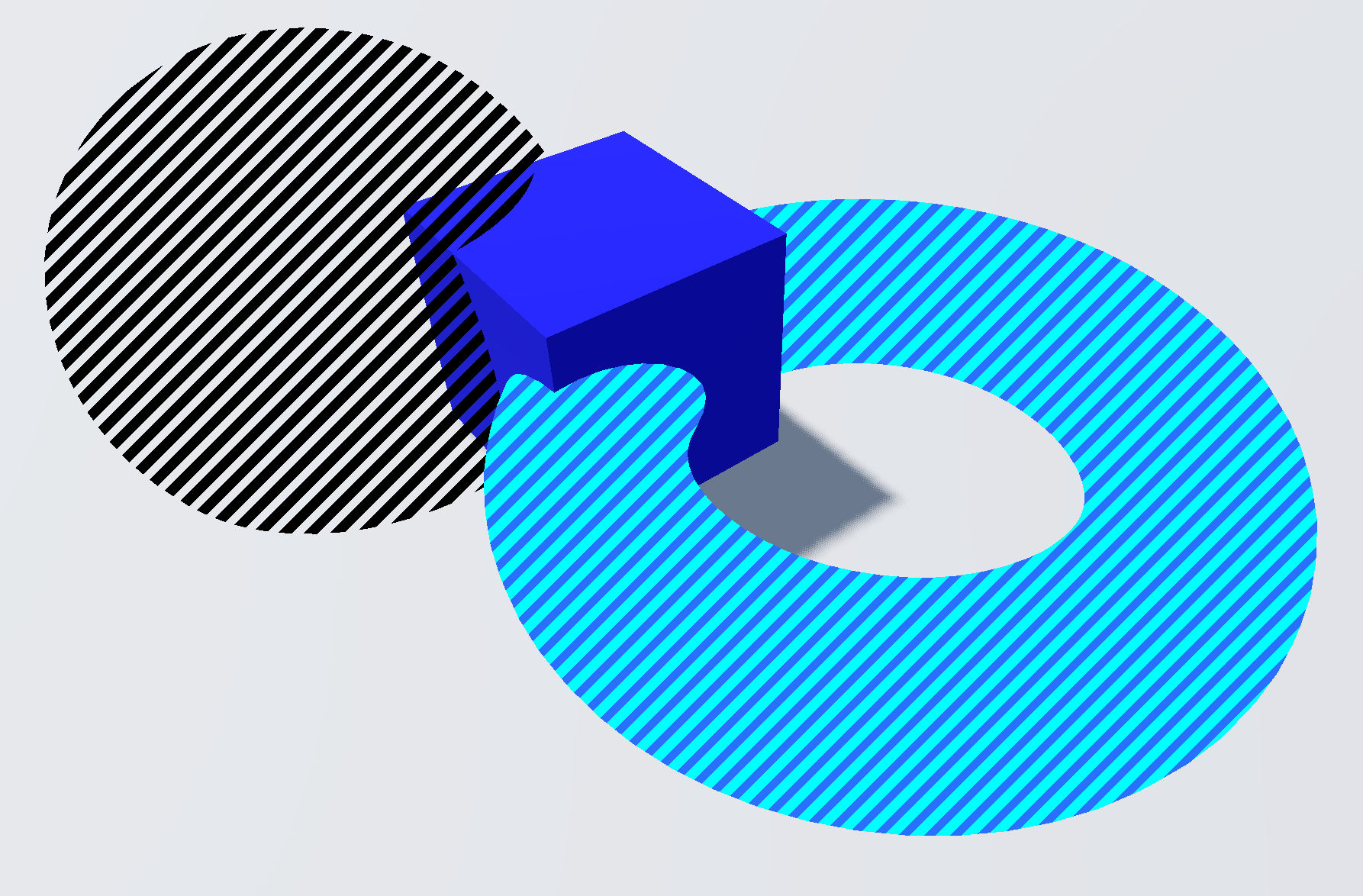
Striping shader

This shader will display stripes of two selected colors that will always take up the same pixels on the screen. You can freely choose what the two colors are and how big the stripes are with the shader parameters.
To impement the shader into your game you just have to add the code to the shadermaterial of your object. Also: the line thickness should not be bigger than the line spacing, or it won’t display anything.
Shader code
shader_type spatial;
render_mode unshaded, cull_disabled;

uniform vec4 first_color : source_color = vec4(0.137, 0.345, 1.0, 1.0);
uniform vec4 second_color : source_color = vec4(0.0, 0.0, 0.0, 0.0);
uniform float line_spacing : hint_range(0.0, 50.0, 1.0) = 34.0; //you could safely change these two values to an higher max by changing the 50.0
uniform float line_thickness : hint_range(0.0, 50.0, 1.0) = 15.0;

void fragment() {
	vec2 coordinate = FRAGCOORD.xy;
	if (mod((coordinate.y + coordinate.x), line_spacing) < (line_spacing - line_thickness)){
		ALPHA = first_color.a;
		ALBEDO = first_color.rgb;
	}
	else {
		ALPHA = second_color.a;
		ALBEDO = second_color.rgb;
	}
}
Live Preview