
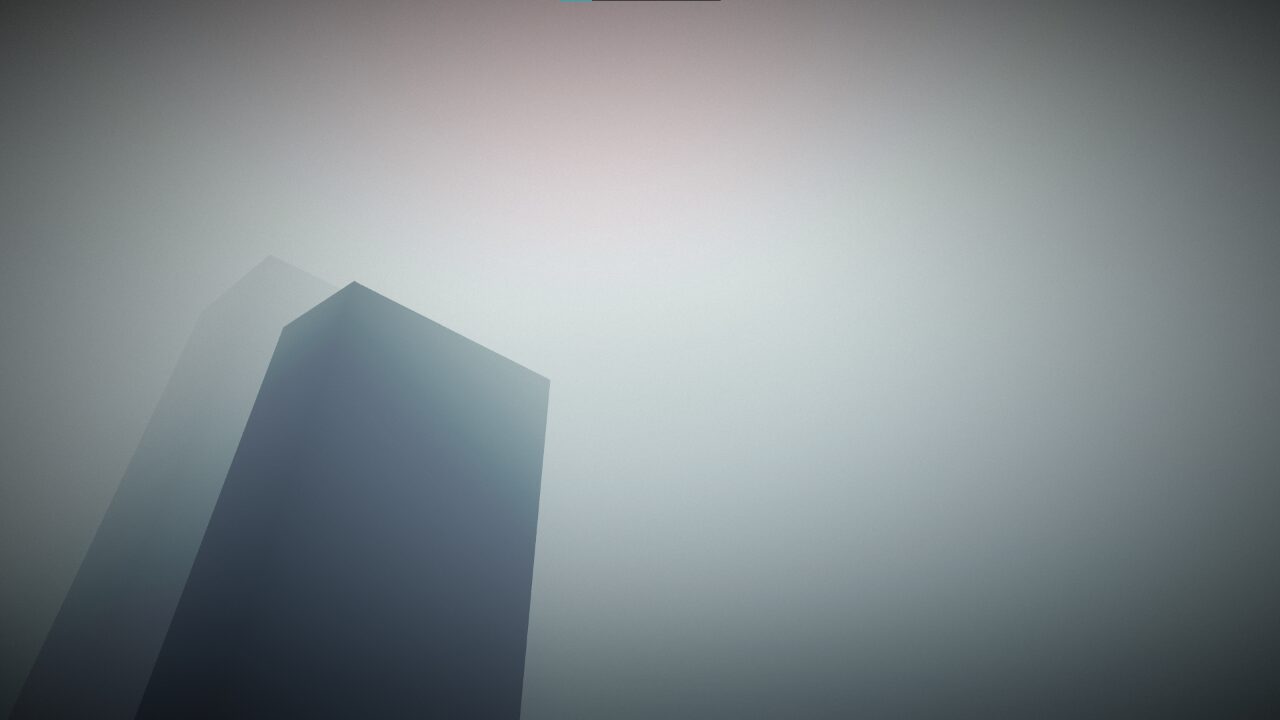
Vignette with reduced banding artifacts

Simple vignette shader with dithering to reduce banding artifacts. Also supports custom colors.
Shader code
shader_type canvas_item;

uniform float inner_radius = 0.1;
uniform float outer_radius = 1;
uniform float vignette_strength = 1.0;
uniform float dither_strength = 0.03;
uniform vec4 vignette_color: source_color;


void fragment() {
	float dist = distance(UV, vec2(0.5));

	float vignette = smoothstep(inner_radius, outer_radius, dist) * vignette_strength;
	float dither = fract(sin(dot(UV, vec2(12.9898, 78.233))) * 43758.5453123) * dither_strength;

	COLOR = vec4(vignette_color.rgb, vignette + dither);
}
How would you go about making this a square vignette instead of a circle?
Thank you for making this we used this for a game jam project and were able to animated it to simulate sleepy eyes on a HUD!
https://pandesoft.itch.io/tired