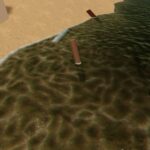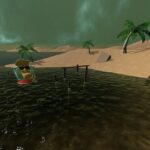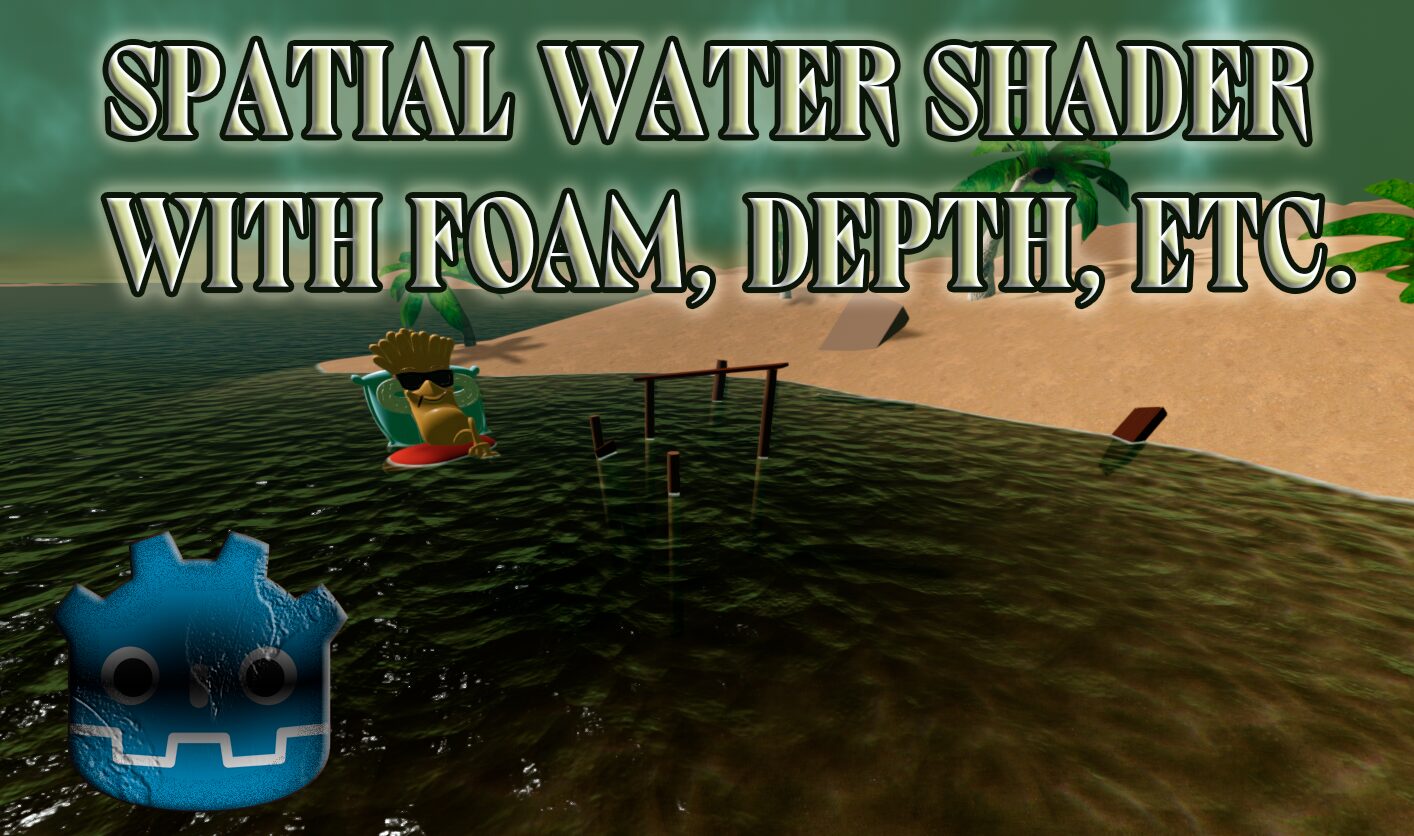
Water with foam and depth

Spatial shader simulating water. Does not contain any vertex distortions. Only a fragment.
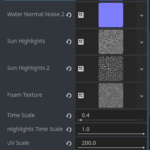
To configure the shader, add noises in the corresponding fields and enter the desired values for the parameters. Works only on vulkan api
Shader code
// Water shader created by Somebody
// Telegram: https://t.me/somebody_dev
// License: MIT

shader_type spatial;

// Color and material properties
uniform vec3 water_color : source_color = vec3(0.0, 0.635, 0.639); // Base color of the water
uniform float color_ratio : hint_range(0.0, 1.0, 0.001) = 0.01; // Ratio for blending water color with screen texture
uniform float alpha_scale : hint_range(0.0, 1.0, 0.01) = 0.8; // Controls overall transparency of the water
uniform float roughness : hint_range(0.0, 1.0, 0.01) = 0.2; // Surface roughness for reflections
uniform float normal : hint_range(0.0, 1.0, 0.01) = 0.4; // Normal map intensity

// Texture inputs
uniform sampler2D water_normal_noise_1; // First normal map for water surface
uniform sampler2D water_normal_noise_2; // Second normal map for water surface
uniform sampler2D sun_highlights; // First texture for sun highlights
uniform sampler2D sun_highlights_2; // Second texture for sun highlights
uniform sampler2D foam_texture; // Texture for foam effect
uniform sampler2D screen_tex : hint_screen_texture, repeat_disable; // Screen texture for background
uniform sampler2D depth_tex : hint_depth_texture; // Depth texture for depth-based effects

// Animation and scaling parameters
uniform float time_scale : hint_range(0.0, 10.0, 0.1) = 1.0; // Speed of water animation
uniform float highlights_time_scale : hint_range(0.0, 1.0, 0.001) = 0.0; // Speed of highlight animation
uniform float uv_scale : hint_range(0.0, 200.0, 0.1) = 1.0; // Scale of UV coordinates for textures
uniform float normal_blend : hint_range(0.0, 1.0, 0.01) = 0.5; // Blend factor between two normal maps
uniform float highlights_blend : hint_range(0.0, 1.0, 0.01) = 0.5; // Blend factor between two highlight textures

// Depth and foam parameters
uniform float depth_distance : hint_range(0.0, 10.0, 0.1) = 0.5; // Distance for depth-based blending
uniform float foam_intensity : hint_range(0.0, 1.0, 0.01) = 0.5; // Intensity of foam effect
uniform float foam_width : hint_range(0.0, 1.0, 0.01) = 0.1; // Width of foam transition
uniform float shore_fade_distance : hint_range(0.0, 5.0, 0.01) = 1.0; // Distance for shore fading effect

// Chromatic aberration offsets
uniform vec2 abberation_r; // Red channel offset for chromatic aberration
uniform vec2 abberation_g; // Green channel offset for chromatic aberration
uniform vec2 abberation_b; // Blue channel offset for chromatic aberration

// Soft light blending function for combining colors
vec3 soft_light(vec3 base, vec3 blend){
    vec3 limit = step(0.5, blend);
    return mix(2.0 * base * blend + base * base * (1.0 - 2.0 * blend),
            sqrt(base) * (2.0 * blend - 1.0) + (2.0 * base) * (1.0 - blend), limit);
}

void fragment() {
    // Scale UV coordinates for texture sampling
    vec2 _uv = UV * uv_scale;
    vec2 _suv = SCREEN_UV;

    // Calculate UV offsets for first normal map with animated movement
    vec2 uv_offset_1 = _uv;
    uv_offset_1.x += (TIME * time_scale * 0.01) + sin(TIME * time_scale + (uv_offset_1.x + uv_offset_1.y) * 25.0) * 0.01;
    uv_offset_1.y += (TIME * time_scale * 0.01) + cos(TIME * time_scale + (uv_offset_1.x + uv_offset_1.y) * 25.0) * 0.01;

    // Calculate UV offsets for second normal map with opposite animated movement
    vec2 uv_offset_2 = _uv;
    uv_offset_2.x += (-TIME * time_scale * 0.01) + sin(-TIME * time_scale + (uv_offset_2.x + uv_offset_2.y) * 25.0) * 0.01;
    uv_offset_2.y += (-TIME * time_scale * 0.01) + cos(-TIME * time_scale + (uv_offset_2.x + uv_offset_2.y) * 25.0) * 0.01;

    // Calculate UV offsets for first highlight texture
    vec2 highlights_offset_1 = _uv;
    highlights_offset_1.x += sin(TIME * highlights_time_scale + (highlights_offset_1.x + highlights_offset_1.y) * 25.0) * 0.01;
    highlights_offset_1.y += cos(TIME * highlights_time_scale + (highlights_offset_1.x + highlights_offset_1.y) * 25.0) * 0.01;

    // Calculate UV offsets for second highlight texture
    vec2 highlights_offset_2 = _uv;
    highlights_offset_2.x += sin(-TIME * highlights_time_scale + (highlights_offset_2.x + highlights_offset_2.y) * 25.0) * 0.01;
    highlights_offset_2.y += cos(-TIME * highlights_time_scale + (highlights_offset_2.x + highlights_offset_2.y) * 25.0) * 0.01;

    // Apply subtle distortion to screen UVs for a wavy effect
    _suv.x += sin(TIME * time_scale + (_suv.x + _suv.y)) * 0.002;
    _suv.y += cos(TIME * time_scale + (_suv.x + _suv.y)) * 0.002;

    // Sample sun highlights with chromatic aberration for first texture
    float r1 = texture(sun_highlights, highlights_offset_1 + abberation_r).r;
    float g1 = texture(sun_highlights, highlights_offset_1 + abberation_g).g;
    float b1 = texture(sun_highlights, highlights_offset_1 + abberation_b).b;

    // Sample sun highlights with chromatic aberration for second texture
    float r2 = texture(sun_highlights_2, highlights_offset_2 + abberation_r).r;
    float g2 = texture(sun_highlights_2, highlights_offset_2 + abberation_g).g;
    float b2 = texture(sun_highlights_2, highlights_offset_2 + abberation_b).b;

    // Blend the two highlight textures
    vec3 highlights = mix(vec3(r1, g1, b1), vec3(r2, g2, b2), highlights_blend);

    // Apply soft light blending to combine screen texture with highlights
    vec3 blended = soft_light(texture(screen_tex, _suv).rgb, highlights);

    // Sample and blend normal maps for water surface
    vec3 normal_1 = texture(water_normal_noise_1, uv_offset_1).rgb;
    vec3 normal_2 = texture(water_normal_noise_2, uv_offset_2).rgb;
    vec3 blended_normal = mix(normal_1, normal_2, normal_blend);

    // Calculate depth for blending water with the scene
    float depth_r = textureLod(depth_tex, SCREEN_UV, 0.0).r;
    vec4 world = INV_PROJECTION_MATRIX * vec4(SCREEN_UV * 2.0 - 1.0, depth_r, 1.0);
    world.xyz /= world.w;
    float scene_depth = world.z;
    float depth_blend = smoothstep(world.z + depth_distance, world.z, VERTEX.z);

    // Blend water color with the scene based on depth
    vec3 water_albedo = mix(blended, water_color, color_ratio) * depth_blend;

    // Calculate foam effect based on depth difference
    float depth_diff = abs(scene_depth - VERTEX.z);
    float foam_mask = 1.0 - smoothstep(0.0, foam_width, depth_diff);

    // Sample and blend foam textures
    vec4 foam1 = texture(foam_texture, uv_offset_1);
    vec4 foam2 = texture(foam_texture, uv_offset_2);
    vec4 foam = mix(foam1, foam2, normal_blend);
    vec3 foam_color = foam.rgb;
    float foam_alpha = foam.a;

    // Apply foam to water albedo
    water_albedo += foam_color * foam_alpha * foam_mask * foam_intensity;

    // Calculate shore fading effect based on depth difference
    float shore_alpha = smoothstep(0.0, shore_fade_distance, depth_diff);

    // Set final shader outputs
    ALBEDO = water_albedo; // Final color of the water
    NORMAL_MAP = blended_normal; // Normal map for lighting
    NORMAL *= normal; // Apply normal intensity
    ROUGHNESS = roughness; // Apply roughness value
    ALPHA = alpha_scale * shore_alpha; // Final transparency with shore fading
}
Live Preview