
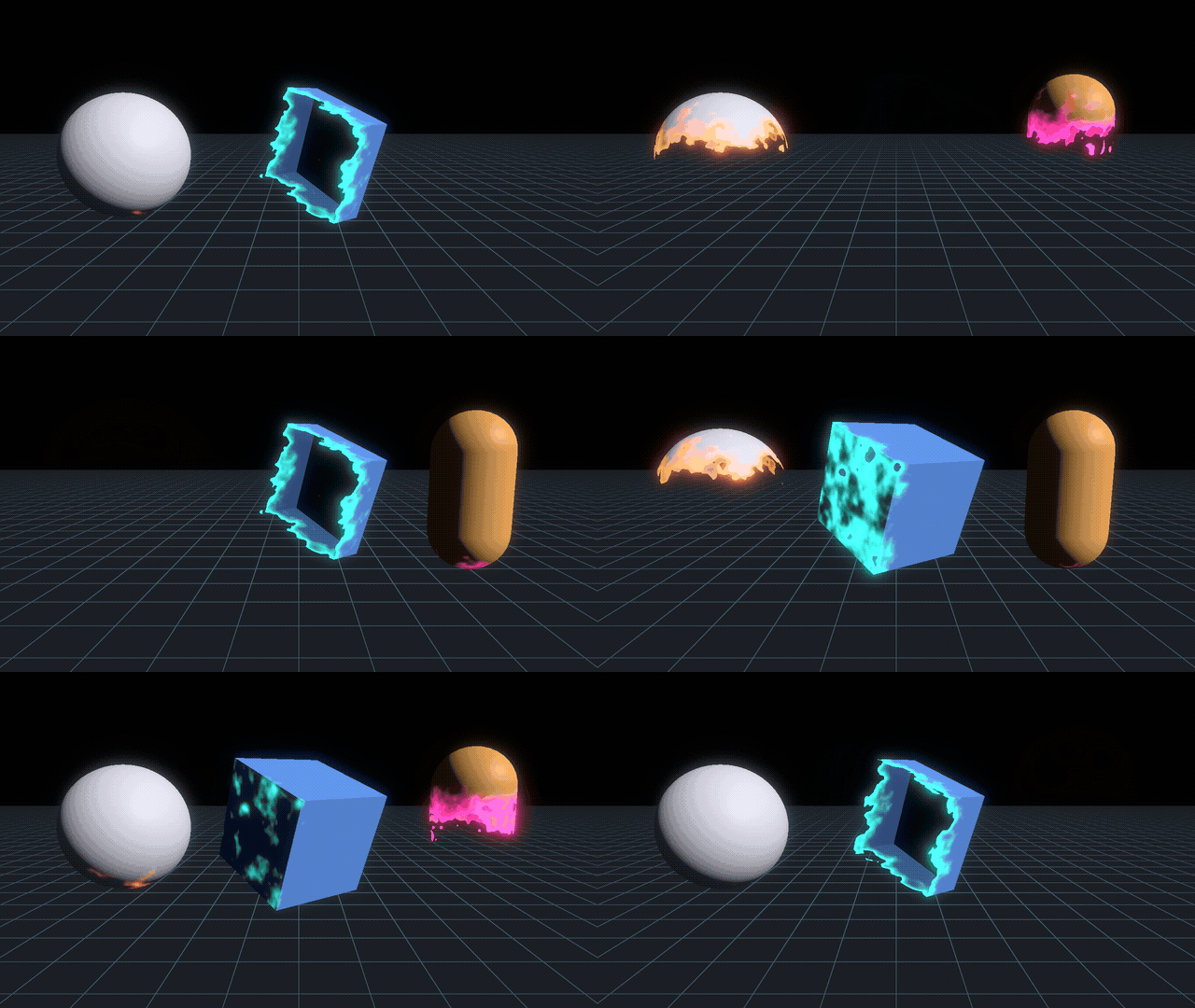
Dissolve Shader with Glowing Edge

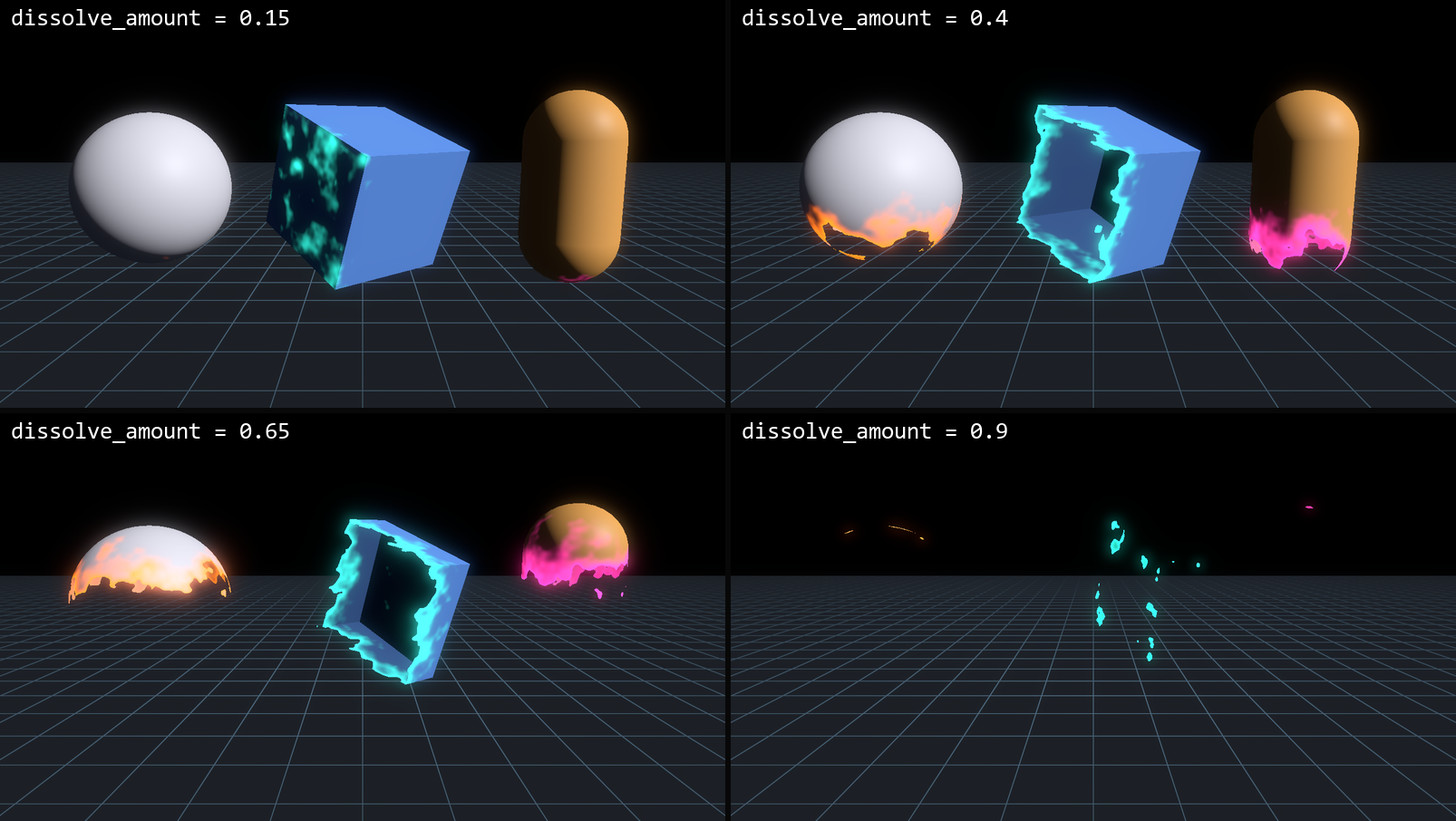
Dissolves any 3D mesh with a glowing edge. Animate dissolve_amount from 0 to 1 and the mesh gets eaten away in one direction, with a ragged, glowing border where it breaks up.
Put it on a MeshInstance3D as Material Override. direction is the way the dissolve travels in the mesh’s local space (0, 1, 0 goes bottom to top). Set front_extent to about half the mesh’s size along that direction so 0 and 1 line up with its ends.
noise_amount and noise_scale shape the ragged edge, edge_width and edge_energy set the glow, and albedo_color, roughness and metallic are the mesh’s own look while it’s still there. The inside faces are drawn dark, so you can tell the mesh is hollow as it breaks apart. Turn Glow on in the WorldEnvironment. I use this for enemies dying and pickups vanishing.
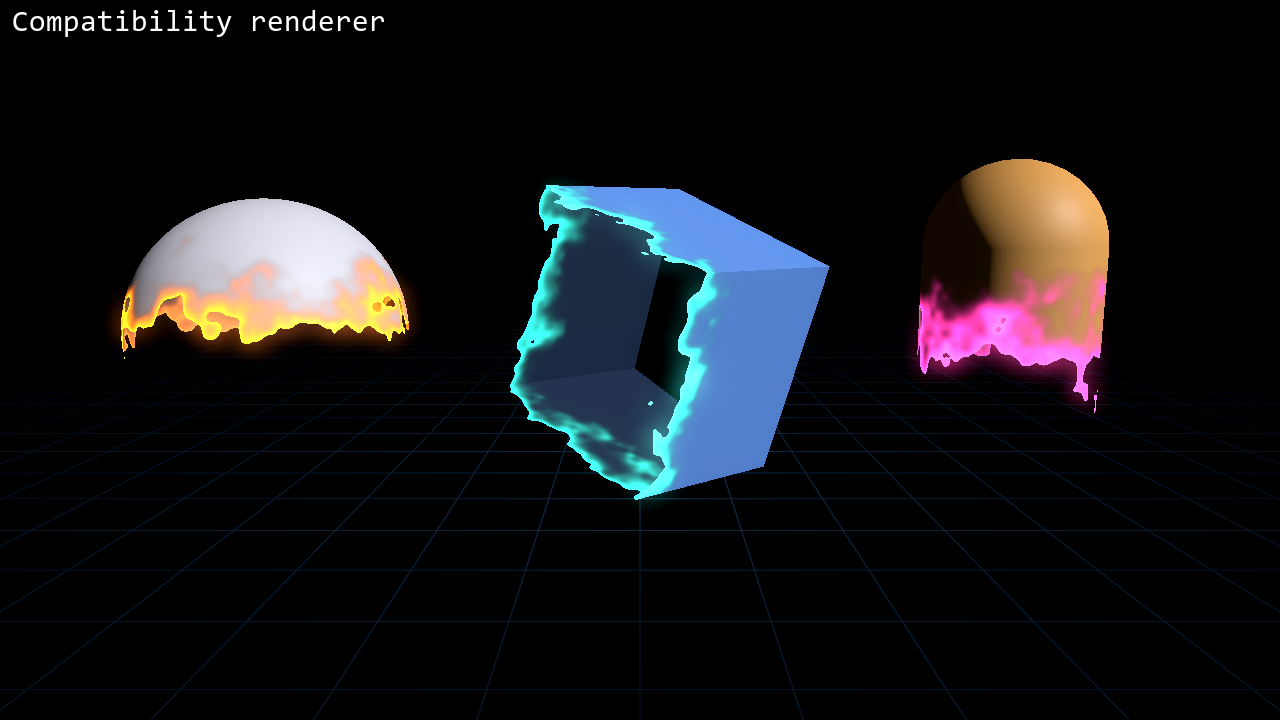
No textures. The noise is computed in the shader, and it looked the same on Forward+, Mobile and Compatibility in 4.4 and 4.7.
The code was written with the help of an AI coding assistant.
This is a cut-down version of the dissolve in my Death, Dissolve & Petrify VFX pack for Godot 4, where a mesh can turn to ash, break into chunks or turn to stone from the point it was hit. The free version is the first link and the full pack is the second.
https://gennai.itch.io/free-dissolve-shader-godot-4?utm_source=godotshaders&utm_medium=referral&utm_campaign=dissolve
https://gennai.itch.io/death-dissolve-petrify-vfx-godot-4?utm_source=godotshaders&utm_medium=referral&utm_campaign=dissolve
Shader code
// Mesh Dissolve with Glowing Edge for Godot 4
// MIT License. Copyright (c) 2026 gennai (https://gennai.itch.io)
//
// Dissolves any 3D mesh away along a direction, with a glowing burning edge.
// Put this on a MeshInstance3D as Geometry > Material Override (or as the material
// of a surface). It replaces the mesh's own material, so set albedo_color to match.
//
// Animate dissolve_amount from 0 to 1. With the default direction the mesh
// disappears from the bottom up. Set front_extent to about half the mesh height
// (measured along direction, from the mesh origin) so the front covers the whole mesh.
// No textures: the noise is computed in the shader and looks the same on every renderer.
shader_type spatial;
render_mode cull_disabled, depth_draw_opaque, specular_schlick_ggx;

group_uniforms dissolve;
// 0 = intact, 1 = fully dissolved. Animate this.
uniform float dissolve_amount : hint_range(0.0, 1.0) = 0.5;
// Direction the front travels in mesh local space. It starts at the opposite side.
uniform vec3 direction = vec3(0.0, 1.0, 0.0);
// Half the size of the mesh along direction, in local units. The mesh origin is the centre.
uniform float front_extent : hint_range(0.05, 20.0) = 1.0;
// 0 = a clean flat front, 1 = the front follows the noise only.
uniform float noise_amount : hint_range(0.0, 1.0) = 0.35;
// Size of the noise. Higher = smaller holes (in 1 / mesh local units).
uniform float noise_scale : hint_range(0.5, 30.0) = 5.0;
// Changes the pattern so two meshes do not match.
uniform float seed : hint_range(0.0, 100.0) = 0.0;

group_uniforms edge;
// Width of the glowing band, as a fraction of the whole dissolve.
uniform float edge_width : hint_range(0.01, 0.5) = 0.15;
// Colour of the glowing edge.
uniform vec4 edge_color : source_color = vec4(1.0, 0.45, 0.08, 1.0);
// Brightness of the edge. Values above 1 bloom when glow is on.
uniform float edge_energy : hint_range(0.0, 12.0) = 2.5;

group_uniforms surface;
// Colour of the mesh before it dissolves.
uniform vec4 albedo_color : source_color = vec4(0.75, 0.75, 0.78, 1.0);
uniform float roughness : hint_range(0.0, 1.0) = 0.55;
uniform float metallic : hint_range(0.0, 1.0) = 0.0;

varying vec3 v_local;

// Hashes without sin(), so every GPU gives the same pattern.
float ds_hash(vec3 p) {
	vec3 p3 = fract(p * 0.1031);
	p3 += dot(p3, p3.zyx + 31.32);
	return fract((p3.x + p3.y) * p3.z);
}

float ds_noise(vec3 p) {
	vec3 i = floor(p);
	vec3 f = fract(p);
	f = f * f * (3.0 - 2.0 * f);
	float a = mix(ds_hash(i), ds_hash(i + vec3(1.0, 0.0, 0.0)), f.x);
	float b = mix(ds_hash(i + vec3(0.0, 1.0, 0.0)), ds_hash(i + vec3(1.0, 1.0, 0.0)), f.x);
	float c = mix(ds_hash(i + vec3(0.0, 0.0, 1.0)), ds_hash(i + vec3(1.0, 0.0, 1.0)), f.x);
	float d = mix(ds_hash(i + vec3(0.0, 1.0, 1.0)), ds_hash(i + vec3(1.0, 1.0, 1.0)), f.x);
	return mix(mix(a, b, f.y), mix(c, d, f.y), f.z);
}

float ds_fbm(vec3 p) {
	float sum = 0.0;
	float amp = 0.5;
	for (int o = 0; o < 3; o++) {
		sum += ds_noise(p) * amp;
		p *= 2.02;
		amp *= 0.5;
	}
	return sum / 0.875;
}

void vertex() {
	v_local = VERTEX;
}

void fragment() {
	// 0 at the start side of the mesh, 1 at the far side.
	float along = clamp(dot(v_local, normalize(direction)) / (front_extent * 2.0) + 0.5, 0.0, 1.0);
	float n = clamp(ds_fbm(v_local * noise_scale + seed * 3.7), 0.0, 1.0);
	float field = mix(along, n, noise_amount);
	// The front starts below the lowest field value and ends above the highest one.
	float front = dissolve_amount * (1.0 + edge_width);
	if (field < front - edge_width) {
		discard;
	}
	float heat = clamp((front - field) / edge_width, 0.0, 1.0);
	heat = heat * heat;
	if (!FRONT_FACING) {
		ALBEDO = albedo_color.rgb * 0.3;
		EMISSION = edge_color.rgb * edge_energy * heat * 0.6;
	} else {
		ALBEDO = mix(albedo_color.rgb, edge_color.rgb * 0.3, heat);
		EMISSION = edge_color.rgb * edge_energy * heat;
	}
	ROUGHNESS = roughness;
	METALLIC = metallic;
}
Live Preview

Comments 0
No comments yet.