

Aurora Borealis

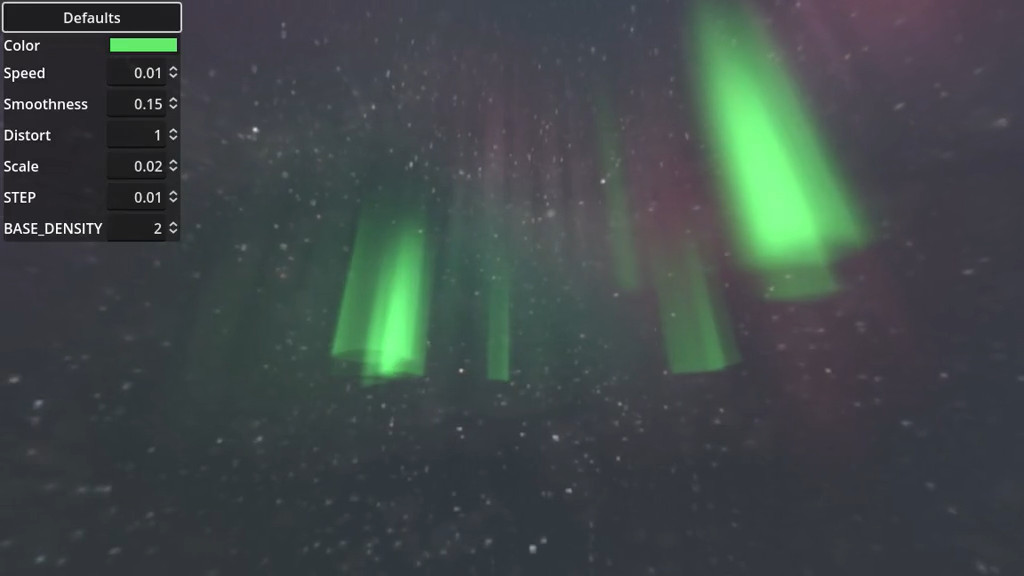
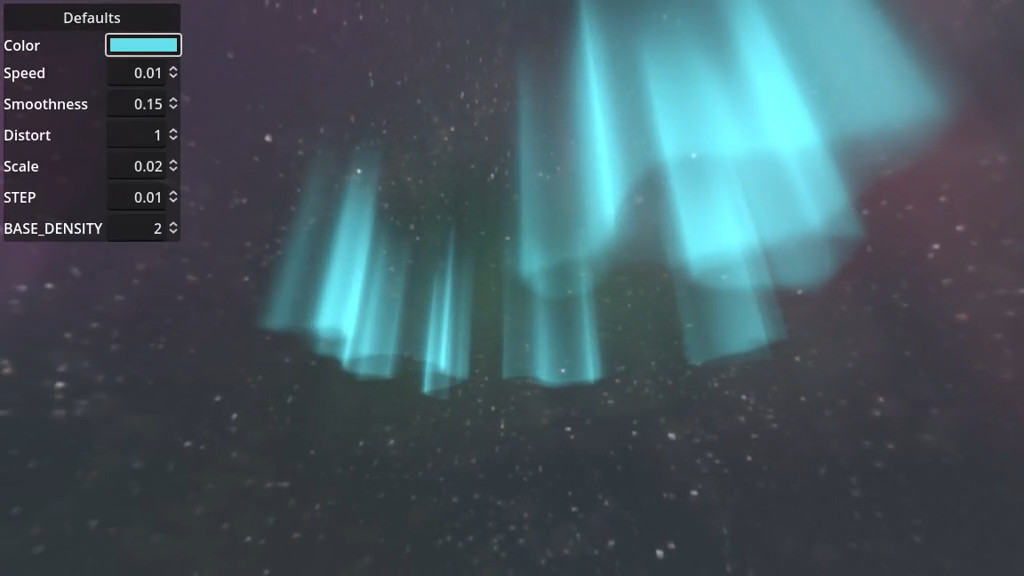
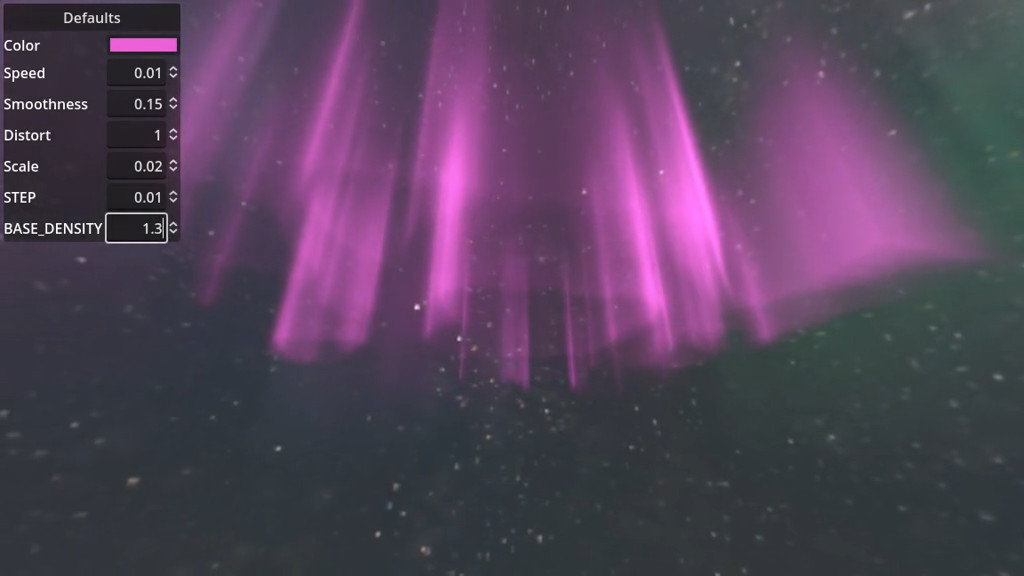
A shader that combines raymarching and noise texture to create the Aurora Borealis effect.
Shader code
shader_type spatial;

uniform float speed = 0.01;
uniform vec4 color : source_color;
uniform float emission_strength = 5.0;
uniform sampler2D noise;
uniform float offset = 0.0;
uniform float smoothness = 0.15;
uniform float distort = 1.0;
uniform float scale = 0.02;

group_uniforms Raymarching;
uniform float STEP = 0.01;
uniform float BASE_DENSITY = 2.0;

varying vec3 camera_position;
varying vec3 vertex_position;


float amplify(float value) {
	float magic_number = 0.166504;
	float output = 0.0;
	value = clamp(value, 0.0, 1.0);
	value = pow(value, 2);
	output += pow(magic_number, 4) * value;
	value = pow(value, 2);
	output += magic_number * value;
	value = pow(value, 2);
	output += value;
	return output;
}

float interpolate_noise(vec2 uv1, vec2 uv2) {
	return smoothstep(
		-smoothness, smoothness, texture(noise, uv1).r - texture(noise, uv2).r
	);
}

float random_wave(vec2 uv) {
	vec2 uv_distort = texture(noise, uv).rr * distort * 0.5;
	vec2 uv1 = uv * scale + vec2(TIME * speed, TIME * speed - offset) + uv_distort;
	vec2 uv2 = uv * scale + vec2(TIME * speed + 0.5, TIME * speed + offset) + uv_distort;
	float interpolated_noise = interpolate_noise(uv1, uv2);
	float intensity = 0.2 + clamp((0.5 - abs(interpolated_noise - 0.5)) * 1.5, 0.0, 1.0);
	float wave = amplify(intensity);
	return wave;
}

float ray_march(vec3 ray_origin, vec3 ray_direction, float start, float time) {
	float density = 0.0;
	float dist = start + STEP;

	while (true) {
		vec3 point = ray_origin + ray_direction * (dist);
		// Check if the point is outside of the mesh (-1 to 1 in all directions)
		if (clamp(point, vec3(-1, -1, -1), vec3(1, 1, 1)) != point) {
			break;
		}
		vec2 uv = vec2((point.x + 1.0) * 0.5, (point.z + 1.0) * 0.5);
		float wave_value = random_wave(uv);
		float height_factor = (1.0 - point.y) * 0.5;
		float point_density = BASE_DENSITY * STEP * height_factor * wave_value;
		density += point_density;
		dist += STEP;
	}

	return density;
}

void vertex() {
	vertex_position = VERTEX;
	// Use object space
	camera_position = (inverse(MODELVIEW_MATRIX) * vec4(0, 0, 0, 1)).xyz;
}

void fragment() {
	vec3 ray_origin = camera_position;
	vec3 ray_direction =  normalize(vertex_position - ray_origin);
	float density = ray_march(
		ray_origin, ray_direction, length(camera_position - vertex_position), TIME
	);

	ALBEDO = color.rgb * density;
	EMISSION = color.rgb * density * emission_strength;
	ALPHA = density;
}
Live Preview

Comments 9
Line 54 (pasted below) results in an Error "Expected expression, found:" in godot 3.5; no idea how to fix
if (clamp(point, vec3(-1, -1, -1), vec3(1, 1, 1)) != point) {do -1.0 and 1.0
godot 3.5+ now requires float specifications
Ah- Aurora Borealis!? At this time of year, at this time of day, in this part of the country, localized entirely within your computer!?
may I see it?
Came for this, not disappointed
Looks great! But when I change mesh size, shader stopped working
oh, nevermind. I found where set size
If you want the colours to change, you can add 'uniform sampler2d colourgrad;' and assign a gradient with the colours you desire, and then replace lines 82 to 84 with
Thanks, that's actually on my TODO list :)
https://github.com/miskatonicstudio/godot-experiments/issues/9