
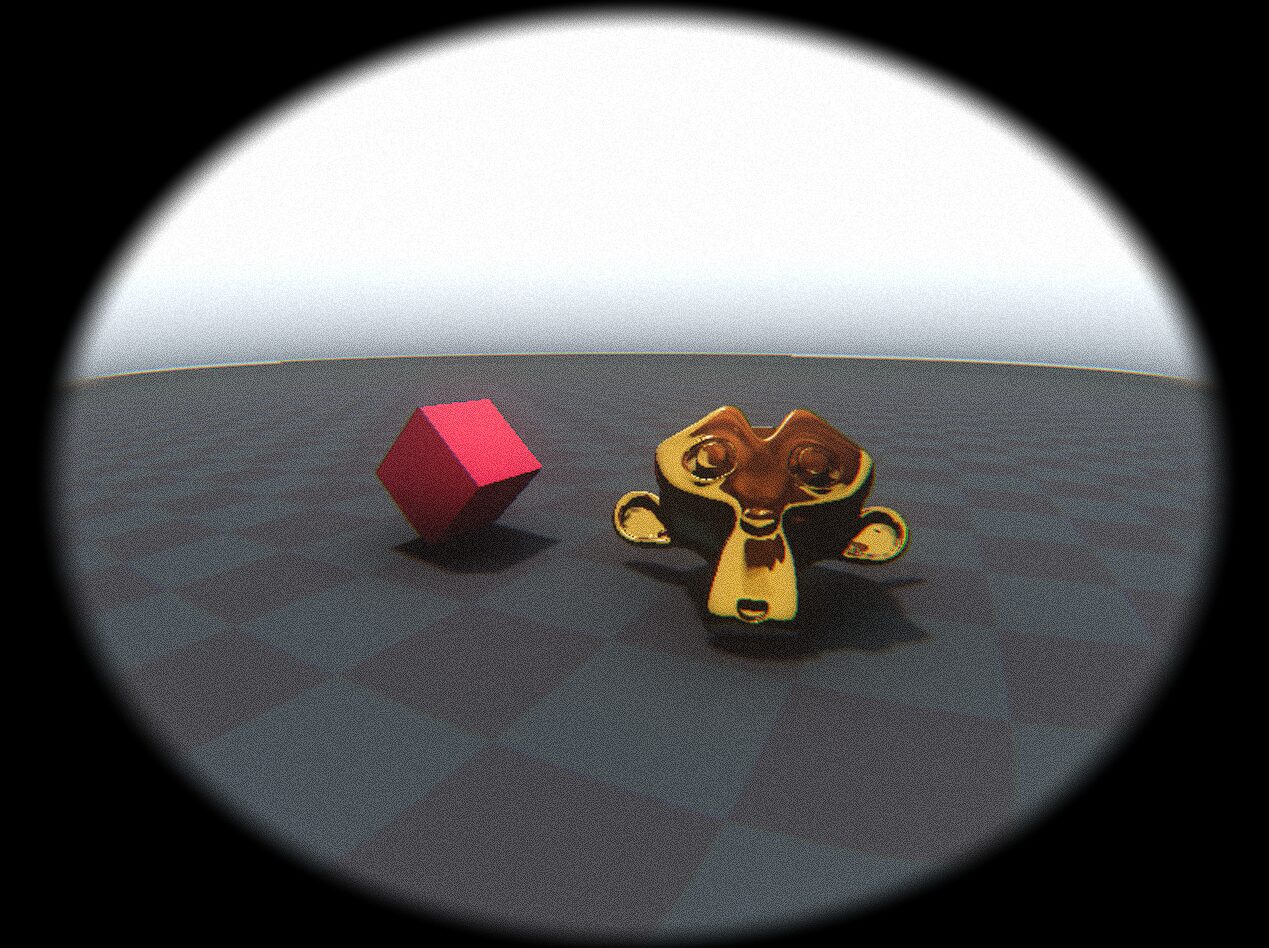
Bodycam footage
For all your porcine needs
This is more of a shader stack than a single shader
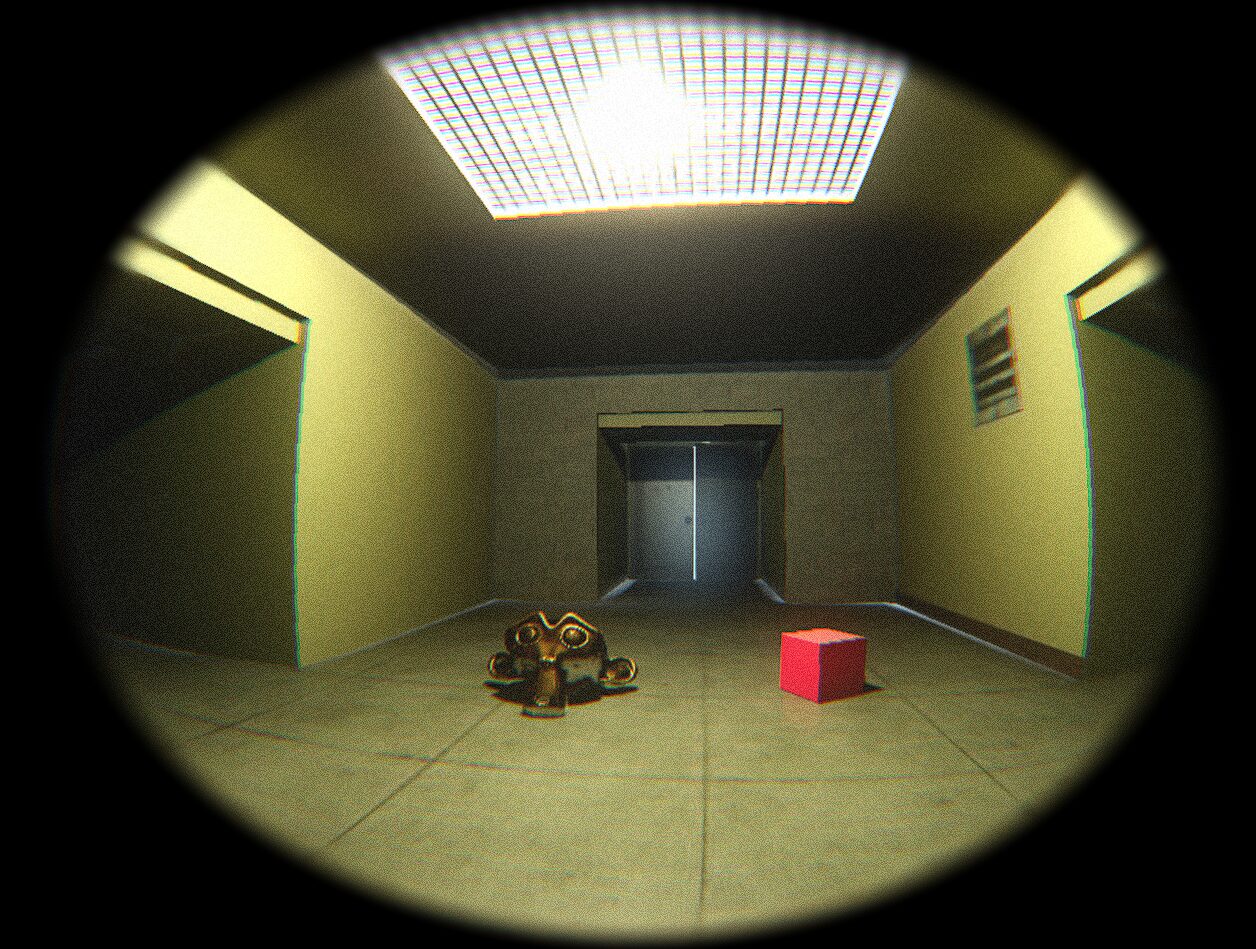
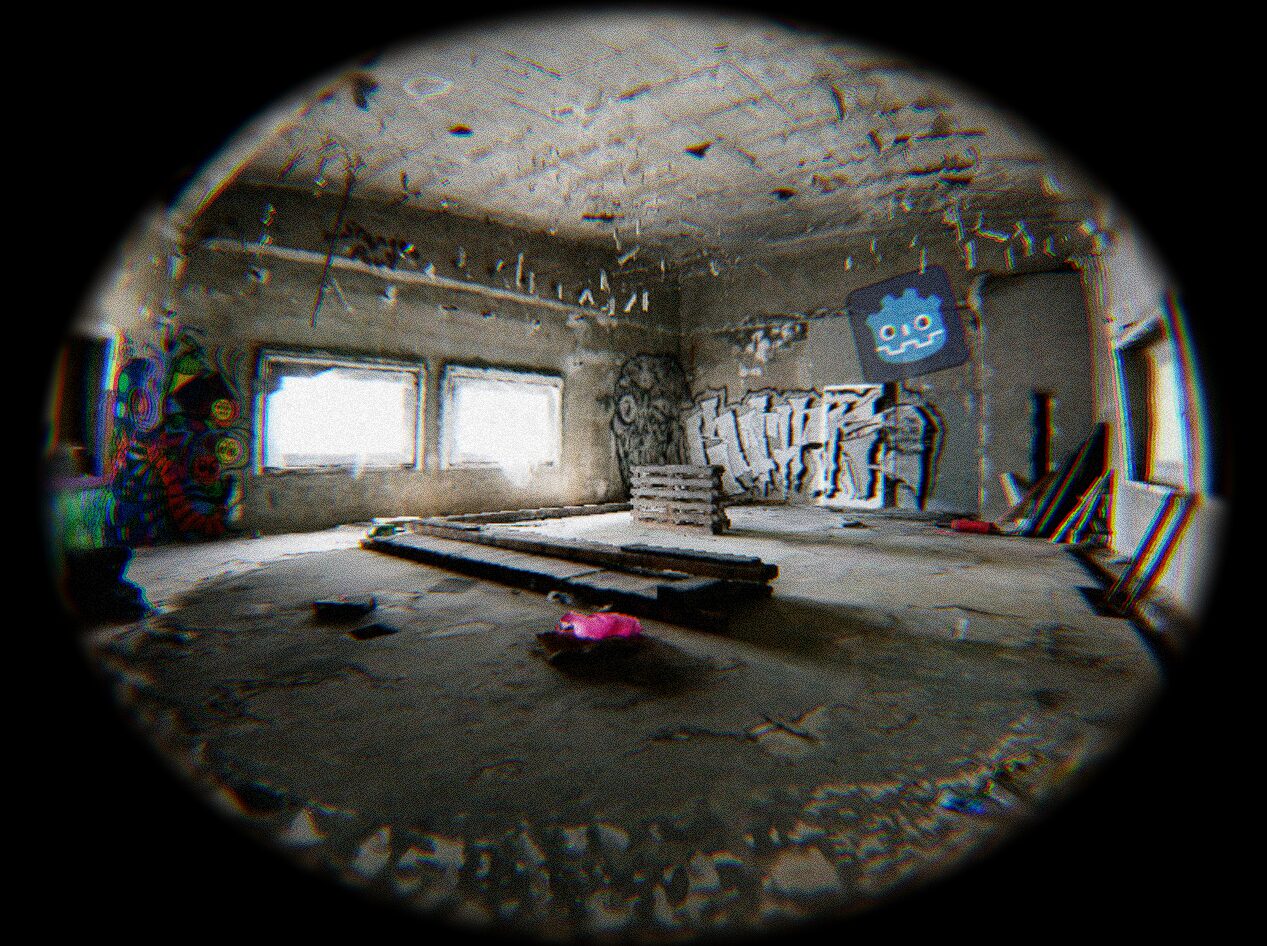
Fisheye Effect + Chromatic Aberration + Grain + Radial Crop Feathering
Instructions:
1- Create a CanvasLayer node
2- Add a ColorRect to the CanvasLayer node
3- Click on the ColorRect -> Material -> New ShaderMaterial -> Shader -> Create New Shader -> Paste the code below
CREDITS
- Grain by zuwiwano https://godotshaders.com/shader/grain-old-movie/
- Radial Distortion by jamesfrize https://godotshaders.com/shader/2d-radial-distortion-fisheye-barrel/
Shader code
shader_type canvas_item;

uniform float aspect = 1.0;
uniform float distortion = 1.0;
uniform float radius = 1.07;
uniform float alpha : hint_range(0.0, 1.0, 0.1) = 1.0;
uniform float crop = 0.943;
uniform vec4 crop_color : source_color = vec4(0,0,0,1);
uniform sampler2D SCREEN_TEXTURE : hint_screen_texture, filter_linear_mipmap;
uniform float crop_feathering = 0.1;

const float base_distortion = 0.99;
uniform float channel_offset : hint_range(-0.1, 0.1, 0.001) = 0.005;
uniform float noise_strength = 5.0;

vec2 distort(vec2 p)
{
    float d = length(p);
    float z = sqrt(distortion + d * d * -distortion);
    float r = atan(d, z) / 3.1415926535;
    float phi = atan(p.y, p.x);
    return vec2(r * cos(phi) * (1.0 / aspect) + 0.5, r * sin(phi) + 0.5);
}

void fragment()
{
    vec2 xy = (SCREEN_UV * 2.0 - 1.0);
    xy = vec2(xy.x * aspect, xy.y);
    float d = length(xy);
    vec4 tex;
    if (d < radius)
    {
        vec2 distorted_uv_r = distort(xy * (base_distortion + 0.0 * channel_offset));
        vec2 distorted_uv_g = distort(xy * (base_distortion + 1.0 * channel_offset));
        vec2 distorted_uv_b = distort(xy * (base_distortion + 2.0 * channel_offset));

        tex.r = texture(SCREEN_TEXTURE, distorted_uv_r).r;
        tex.g = texture(SCREEN_TEXTURE, distorted_uv_g).g;
        tex.b = texture(SCREEN_TEXTURE, distorted_uv_b).b;
    	float x = (UV.x + 4.0 ) * (UV.y + 4.0 ) * (TIME * 10.0);
		tex = tex+vec4(mod((mod(x, 13.0) ) * (mod(x, 123.0) ), 0.01)-0.005) * noise_strength;
        COLOR = tex;
        COLOR.a = alpha;
    }

    if (d > crop)
    {
        float softness = smoothstep(crop, crop + crop_feathering, d);
        COLOR = mix(tex, crop_color, softness);
        COLOR.a = alpha;
    }
}
Live Preview

Comments 16
Why is it purple at thee borders ?
The countries depend on the texture you applied the shader to.
Might be the chromatic aberration, you can tweak or disable it in the shader parameters
modify the crop value in the shader settings
i think he means like this: https://i.postimg.cc/fbqzrQmX/Screenshot-from-2024-03-22-09-05-40.png
I haven't been able to recreate this, could you post a screenshot of the parameters? btw are you using the Forward renderer?
just imported a first person template, created a separate scene for your shader and changed the colorect node to a fullrect and set the mouse filter mode to ignore. to remove the purple border you have to change the crop setting. https://i.postimg.cc/tgy3vhhT/Screenshot-2024-03-24-151516.png
if you could drop the settings you used for the screenshots, that would be cool!
https://i.postimg.cc/DyhNnT4S/image.png
this is what it looks like for me with the default parameters on a fresh project. 🤔
I will adjust the default parameters so it doesn't show the color border but I have no idea why it would appear as magenta to you and others... normally it means that there's a missing texture but this shader uses no textures...
Only a black square appears on my screen. How can I fix that?
try to lower the aspect in shader parameters
How Do I Make the Black Oval Very Small, (What variable do I tweak) Oh, and by the way, When I Change a variable, the changes do not sync and I get the same thing in game but different in the editor
Figured it out!
How did you do this I was having the same problem as the oval is very big and not realistic to a real Bodycam.
nvm i figured it out
This is such a cool shader, I will definitely use it in my projects (you will be credited ofc).
Since I won't be implementing this right away, I do have to ask if someone would be polite enough and point out which blocks of code should be taken out if I wanted to exclude the black borders along side the curvature that comes with them.
Thanks in advance!