
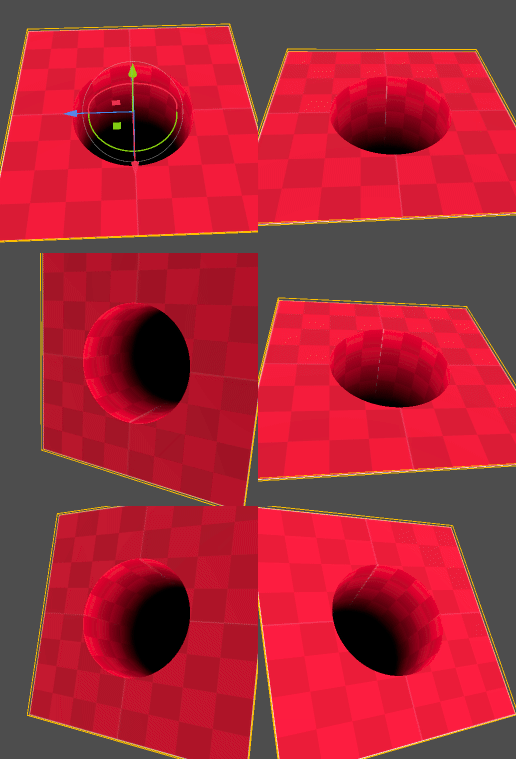
Fake Hole

I saw an illusion made with shader and I wanted to recreate it in Godot. After some digging, I found that the trick was to use intersectors from Íñigo Quílez.
I commented some variables but it can be useful to use it if you are trying to understand this shader. Not sure about the normals when we don’t use render_mode unshaded.
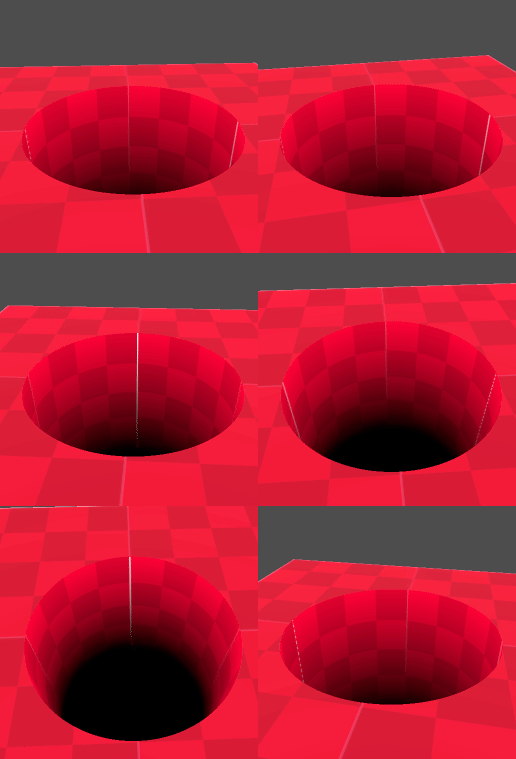
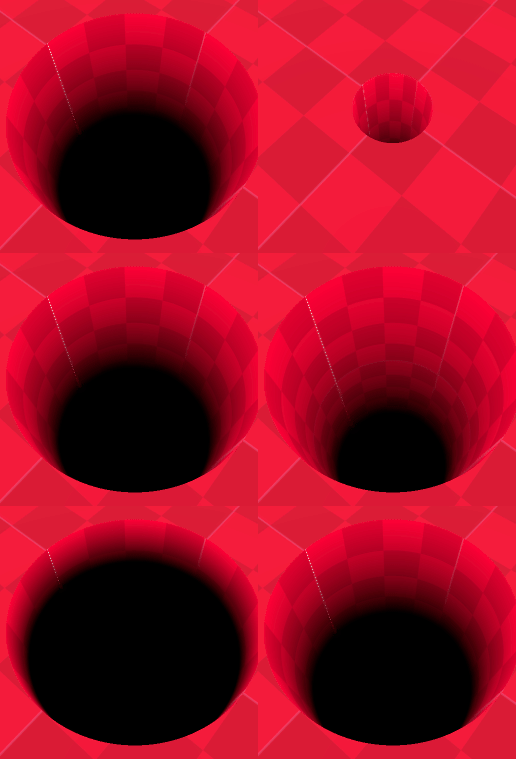
In preview mode, set the _TexScale to vec2(1) and use a checker texture.
Shader code
shader_type spatial;
render_mode unshaded;

// Based on https://iquilezles.org/articles/intersectors/

uniform float _Radius : hint_range(0.1, .5, 0.01) = 0.5;
uniform float _Deepness = 3.;
uniform float _Darkness = 2.;
uniform vec2 _TexScale = vec2(1);
uniform vec2 _Offset = vec2(0);


//uniform vec3 _CylinderColor : source_color = vec3(1, 0, 0);
//uniform vec3 _GroundColor : source_color = vec3(0.2, 0.2, 1);
//uniform vec3 _BottomColor : source_color = vec3(0);
uniform sampler2D _MainTex : source_color;

float ramp(float x, float a, float b){
	return (x-a) / (b-a);
}

// disk center c, normal n, radius r
float diskIntersect(vec3 ro, vec3 rd, vec3 c, vec3 n, float r){
	vec3 o = ro - c;
	float t = -dot(n,o)/dot(rd,n);
	vec3 q = o + rd*t;
	return (dot(q,q)<r*r) ? t : -1.0;
}

// infinite cylinder with base point "cb", normalized axis "ca" and radius "cr"
vec2 cylIntersect(vec3 ro, vec3 rd, vec3 cb, vec3 ca, float cr){
	vec3 oc = ro - cb;
	float card = dot(ca,rd);
	float caoc = dot(ca,oc);
	float a = 1.0 - card*card;
	float b = dot(oc, rd) - caoc*card;
	float c = dot(oc, oc) - caoc*caoc - cr*cr;
	float h = b*b - a*c;
	if(h < 0.) return vec2(-1.0); //no intersection
	h = sqrt(h);
	return vec2(-b-h,-b+h)/a;
}

void fragment(){
	// Ray direction (which way we are looking)
	// We are doing the calculation in world space
	vec3 rd = mat3(INV_VIEW_MATRIX) * -VIEW;
	vec3 ro = CAMERA_POSITION_WORLD - NODE_POSITION_WORLD;

	// Get the rotation part of the model matrix
	mat3 rott = mat3(MODEL_MATRIX);
	rott = transpose(rott);
	ro = rott * ro;
	rd = rott * rd;

	float disk = diskIntersect(ro, rd, vec3(0), vec3(0, 1, 0), _Radius);
	// If the pixel is inside the disk
	if (disk > 0.){
		vec2 cylinder = cylIntersect(ro, rd, vec3(0), vec3(0, 1, 0), _Radius);
		vec3 p = ro + cylinder.y * rd;
		vec3 cylinder_normal = normalize(vec3(p.x, 0, p.z));
		cylinder_normal = mat3(VIEW_MATRIX) * transpose(rott) * -cylinder_normal;

		// If we choose 0., sometimes you can see
		// white pixel on top of the cylinder edge
		const float eps = .0001;
		if (cylinder.y > eps && p.y < eps){
			if (p.y > -_Deepness){ // walls
				vec3 q = p.xzy;
				vec2 uv = _TexScale * vec2(atan(q.y,q.x),q.z);
				float dark = pow(ramp(p.y, -_Deepness, 0.), _Darkness);
				ALBEDO = texture(_MainTex, uv + _Offset).rgb * dark;
				//ALBEDO = _CylinderColor * dark;
				NORMAL = cylinder_normal;
			} else{ // bottom
				ALBEDO = vec3(0); //_BottomColor;
				NORMAL = mat3(VIEW_MATRIX) * vec3(0, -1, 0);
			}
		} else{
			// Sometimes, you can see this point (one pixel),
			// you should change it to black
			// I keep it because it's funny
			ALBEDO  = vec3(1.);
			NORMAL = mat3(VIEW_MATRIX) * vec3(0, -1, 0);
		}
	}else{ // floor
		//ALBEDO = _GroundColor;
		discard;
	}
}
Live Preview

Comments 0
No comments yet.