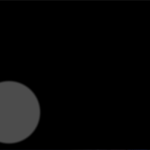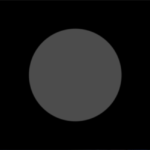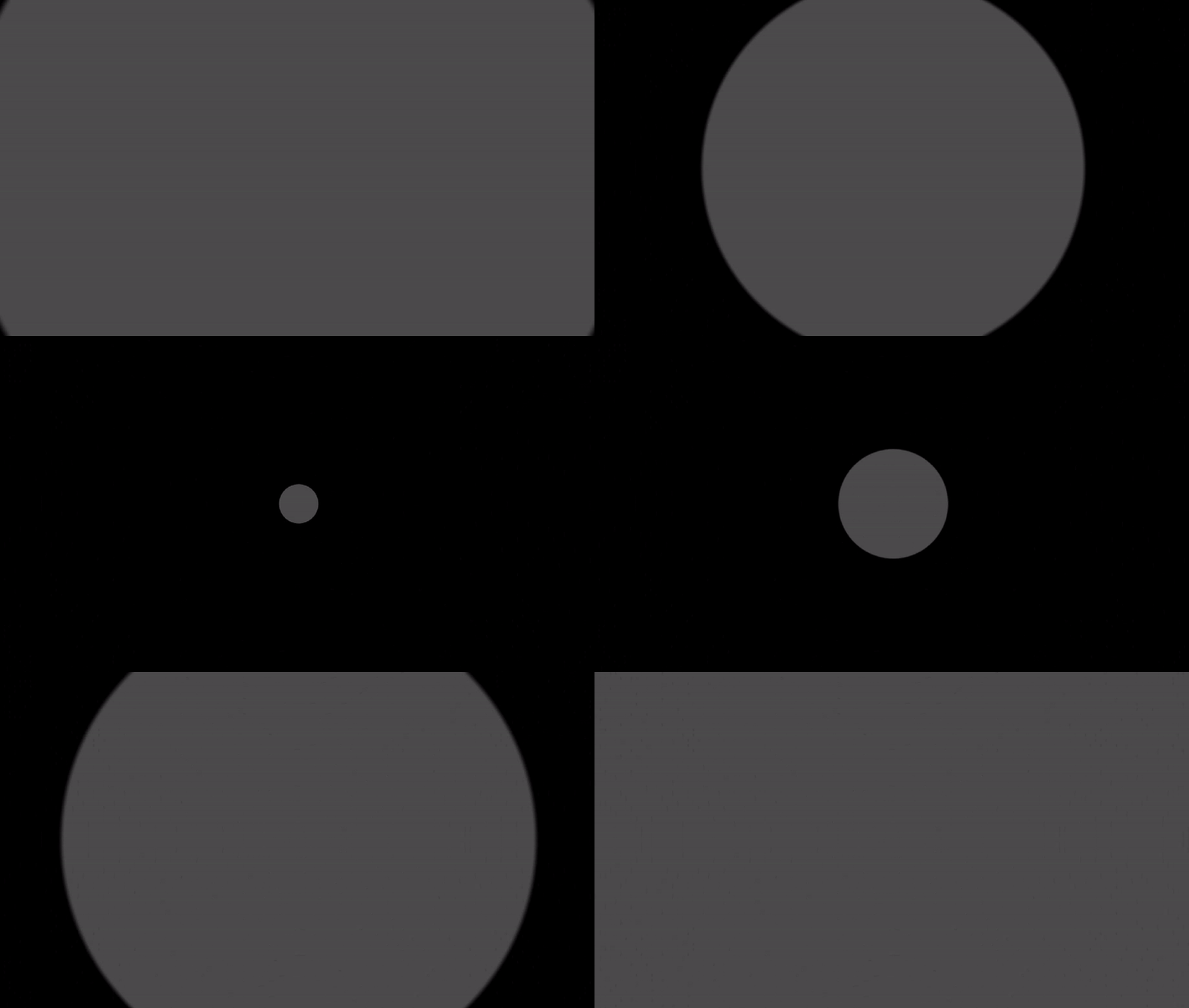
Simple circle transition

A circle transition just like in Animal Crossing. To be applied to a ColorRect. You can set the position of the circle on the screen.
The transition starts when _Progress equals 0 and ends exactly when _Progress equals 1, no matter where the circle is on the screen. This is helpful if you want to set an exact transition duration.
Shader code
shader_type canvas_item;


/** Circle position in [0, 1]² */
uniform vec2 _CirclePosition = vec2(0.5);
/** Progress of the transition */
uniform float _Progress : hint_range(0.0, 1.0, 0.01) = 0.5;
/** Edge smoothness of the circle (not visible at the end) */
uniform float _Smoothness : hint_range(0.0, 0.1, 0.01) = 0.03;
/** Background color of the transition */
uniform vec3 _Background : source_color;

// If you want to use UV and not SCREEN_UV, you need to :
// Replace SCREEN_UV by UV
// Specify the _Ratio and set r = _Ratio
//const float _Ratio = 1.77777;

void fragment()
{
	// Replace with _Ratio if you want to use UV
	float r = SCREEN_PIXEL_SIZE.y / SCREEN_PIXEL_SIZE.x;
	vec2 position = _CirclePosition * vec2(r, 1.0);
	vec2 new_uv = SCREEN_UV * vec2(r, 1.0);

	// Most for away corner
	float far_x = float(_CirclePosition.x < 0.5) * r;
	float far_y = float(_CirclePosition.y < 0.5);
	// Maximum distance between circle and corners
	float r_max = distance(position, vec2(far_x,far_y));

	// Remap
	float new_progress = r_max * (1.0 - _Progress);
	float f = mix(new_progress, new_progress + _Smoothness, new_progress);
	float mask = smoothstep(new_progress, f, distance(new_uv, position));

	COLOR = vec4(_Background, mask);
}
Live Preview