
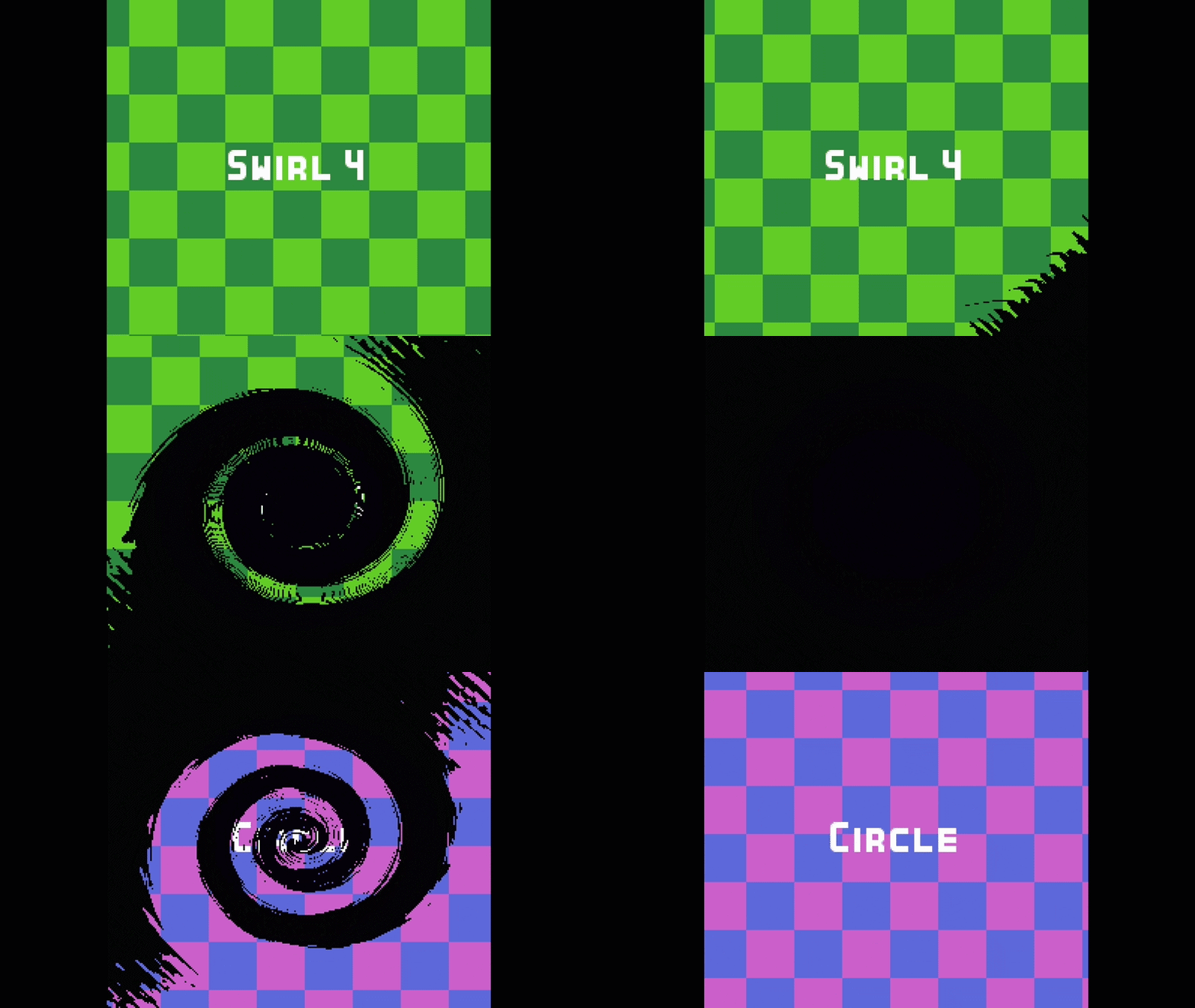
Luminance Mask Transition

A general purpose transition shader which uses greyscale masks to obscure/reveal the canvas behind a color rect over a scene.
Parameters:
- luminance_cutoff – The cutoff point to apply the mask based on its sampled luminance. Sweep this value to transition.
- invert – Inverts the behavior of luminance_cutoff.
- mask_texture – A greyscale texture defining the mask. Transitions will ocurr from light to dark or dark to light depending on invert and luminance_cutoff.
- display_texture – The texture to display over masked areas. Try a solid color like black or a loading image.
Shader code
shader_type canvas_item;

uniform float luminance_cutoff: hint_range(0.0, 1.0) = 0.0;
uniform bool invert = false;
uniform sampler2D mask_texture;
uniform sampler2D display_texture;

void fragment() {
	vec4 sample_color = texture(mask_texture, UV);
	float luminance = dot(sample_color.rgb, vec3(0.2126, 0.7152, 0.0722));
	bool filter = luminance > luminance_cutoff;
	if (invert) {
		filter = !filter;
	}

	if (filter) {
		COLOR = texture(display_texture, UV);
	} else {
		COLOR = vec4(1.0, 1.0, 1.0, 0.0) * texture(display_texture, UV);
	}
}
Live Preview
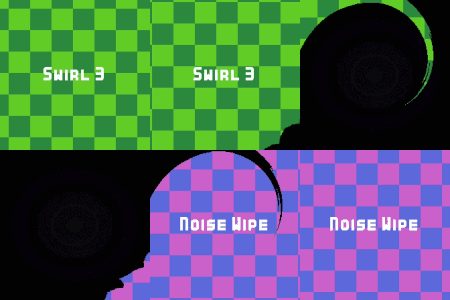
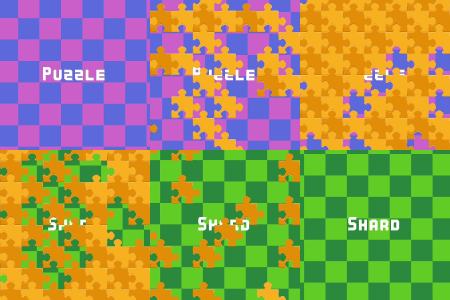


Can you please give us the differents mask textures for the swirl the puzzle and the lines please ?
I can’t figure out what it’s supposed to look like.
Thanks.
Here are some from the examples: https://imgur.com/a/oQxX6vF
Most of these were made in Aseprite using gradients I cut and re-arranged. The swirl was a horizontal gradient with GIMP’s whirl and pinch distortion effect applied several times and then bit-crushed in Aseprite.