
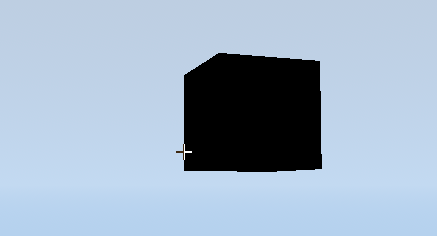
Minecraft Crosshair Invert
Shader code
shader_type canvas_item;

// Declare the screen texture manually
uniform sampler2D SCREEN_TEXTURE : hint_screen_texture, filter_linear_mipmap;

void fragment() {
	vec4 tex_color = texture(TEXTURE, UV);

	if (tex_color.a > 0.0) {
		// Read the screen color underneath using screen UVs
		vec4 screen_color = textureLod(SCREEN_TEXTURE, SCREEN_UV, 0.0);
		COLOR = vec4(1.0 - screen_color.rgb, tex_color.a);
	} else {
		COLOR = vec4(0.0, 0.0, 0.0, 0.0);
	}
}

I was looking on how to do this for so long
Thanks
This really helped me figure out the effect. You’re credited in the additional credits for my game Island Off Outer Darkness. Thank you, so much!