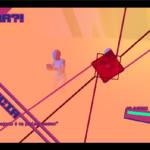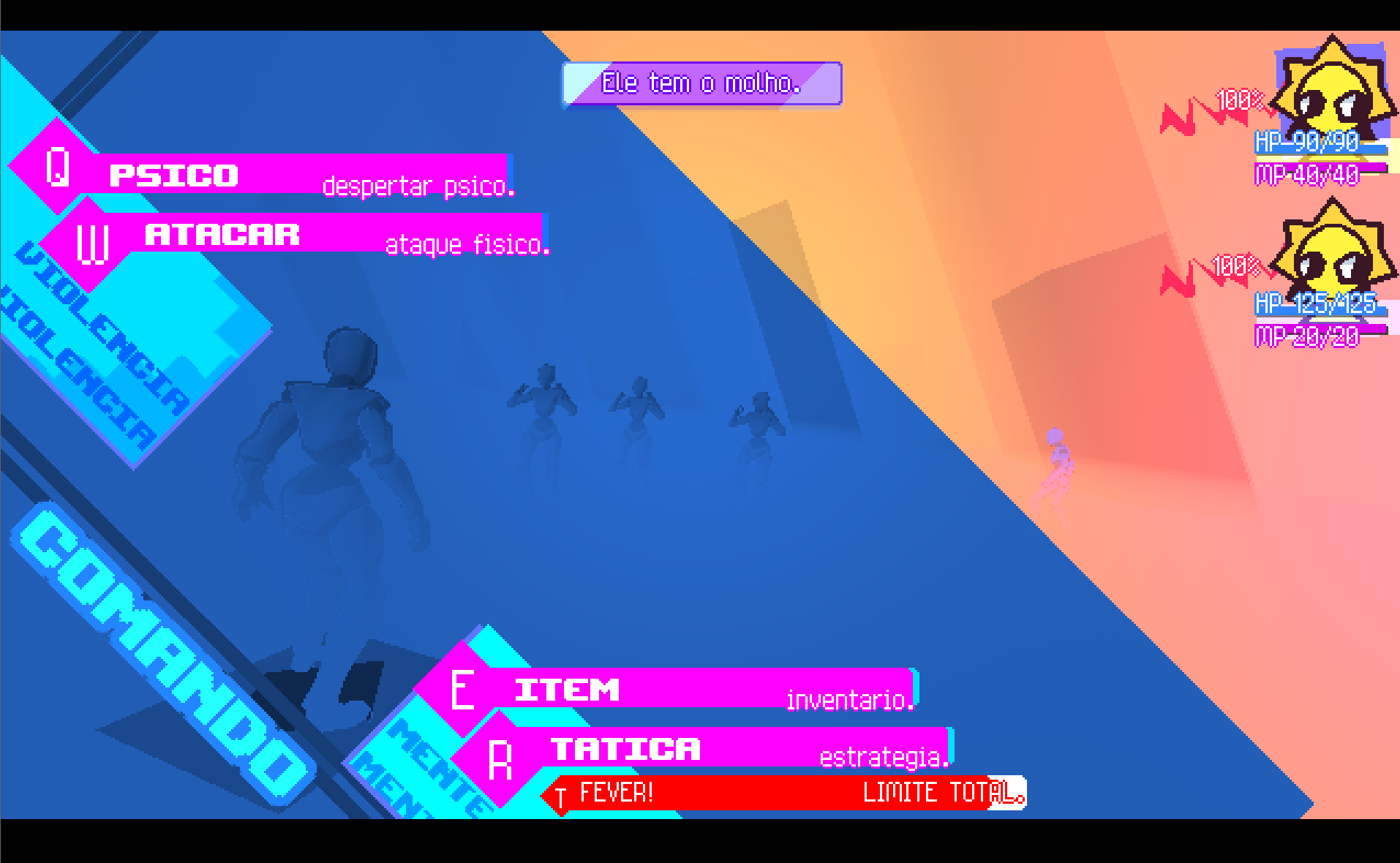
post-processing monochrome shader

This is a post-processing monochrome shader for Godot 4.
It takes the entire rendered screen and:
-
Converts it to grayscale.
-
Applies a custom color tint (like red, blue, green, etc.).
-
Lets you control:
-
How strong the effect is (
intensity) -
How contrasted the grayscale looks (
contrast)
-
BLEEP
Shader code
shader_type canvas_item;

// The rendered screen texture (used for post-processing)
uniform sampler2D screen_texture : hint_screen_texture, repeat_disable, filter_linear;

// The tint color for the monochrome effect
uniform vec4 mono_color : source_color = vec4(1.0, 0.0, 0.0, 1.0);

// Strength of the monochrome effect (0 = original, 1 = fully monochrome)
uniform float intensity : hint_range(0.0, 1.0) = 1.0;

// Contrast control for the grayscale value
uniform float contrast : hint_range(0.5, 2.0) = 1.0;

void fragment() {
    // Sample the current screen color
    vec4 screen_color = texture(screen_texture, SCREEN_UV);

    // Convert the screen color to grayscale using luminance formula
    float gray = dot(screen_color.rgb, vec3(0.299, 0.587, 0.114));

    // Apply contrast adjustment to the grayscale value
    gray = (gray - 0.5) * contrast + 0.5;

    // Apply the selected monochrome tint color
    vec3 mono = gray * mono_color.rgb;

    // Blend between original color and monochrome version
    vec3 final_color = mix(screen_color.rgb, mono, intensity);

    // Output final color while preserving original alpha
    COLOR = vec4(final_color, screen_color.a);
}
Live Preview