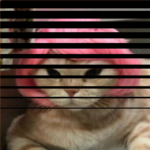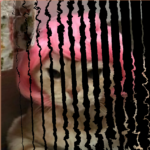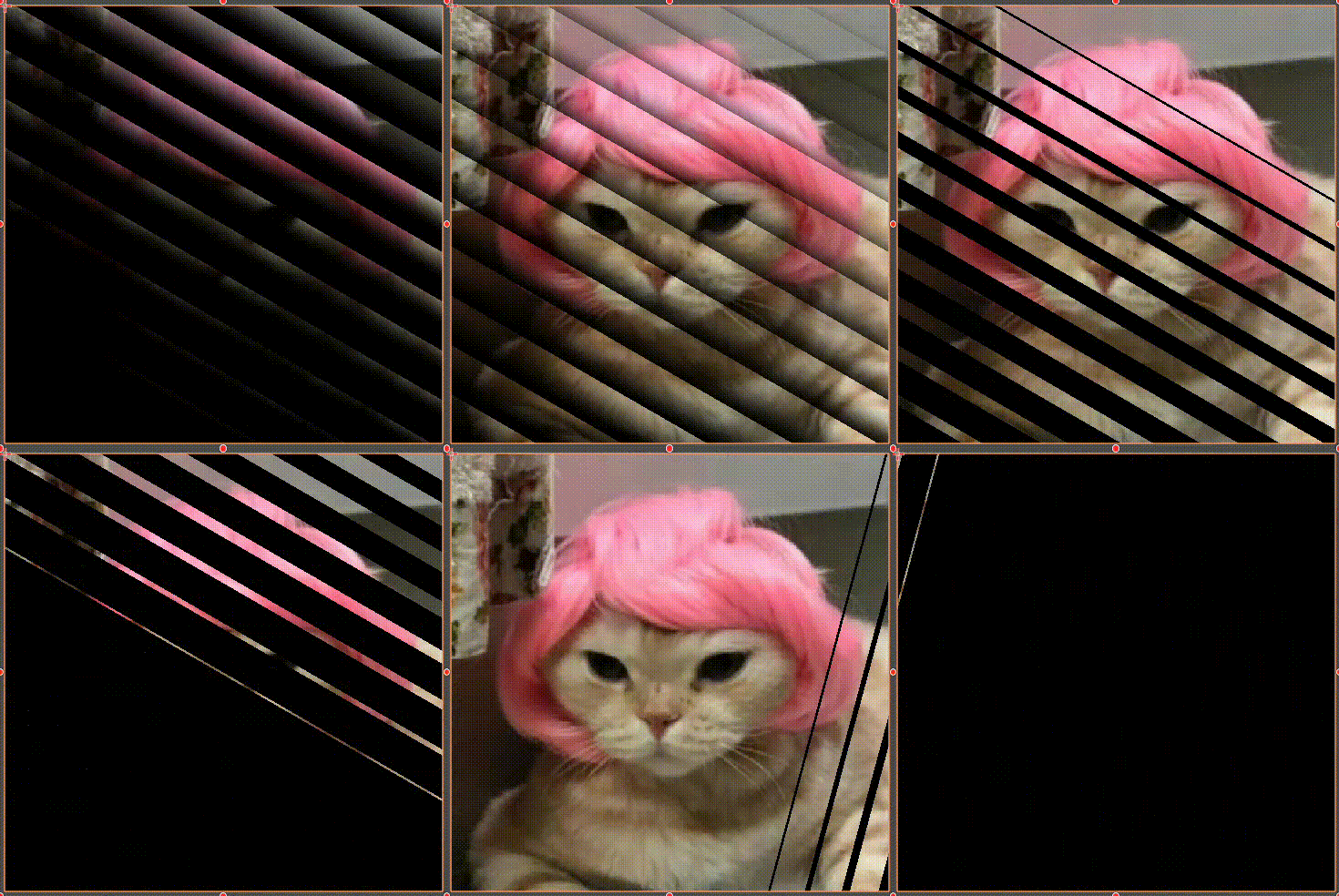
Strip Transition

Simple strip transition, you can control the blur, the number and the angle of the strips.
Shader code
shader_type canvas_item;

uniform float _Progress : hint_range(0, 1, 0.01) = 0.5;
uniform float _Strips : hint_range(0, 100, 1) = 20.;
uniform float _Blur : hint_range(0.0, 1.0, 0.01) = 1.;
uniform float _Angle : hint_range(-180, 180, 15) = 0.;


float strip_mask(vec2 uv, float n, float progress){
	float f = fract(n * uv.x);
	float i = floor(n * uv.x) / n;
	float e = _Blur / 2.;
	float p = smoothstep(f-e, f+e, mix(-e, 1. + (n - 1.) / n + e, _Progress) - i);
	return p;
}

void fragment(){
	float a = _Angle * PI / 180.;
	float c = cos(a);
	float s = sin(a);
	mat2 rot = mat2(vec2(c,s), vec2(-s, c));
	// Coefficient to help keep the uv in [0, 1] even when rotated
	float p = 1./(abs(c) + abs(s));
	vec2 uv = rot * (UV - 0.5) * p + 0.5;
	// Substract or multiply
	COLOR.rgb *= strip_mask(uv, _Strips, _Progress);
}
Live Preview