
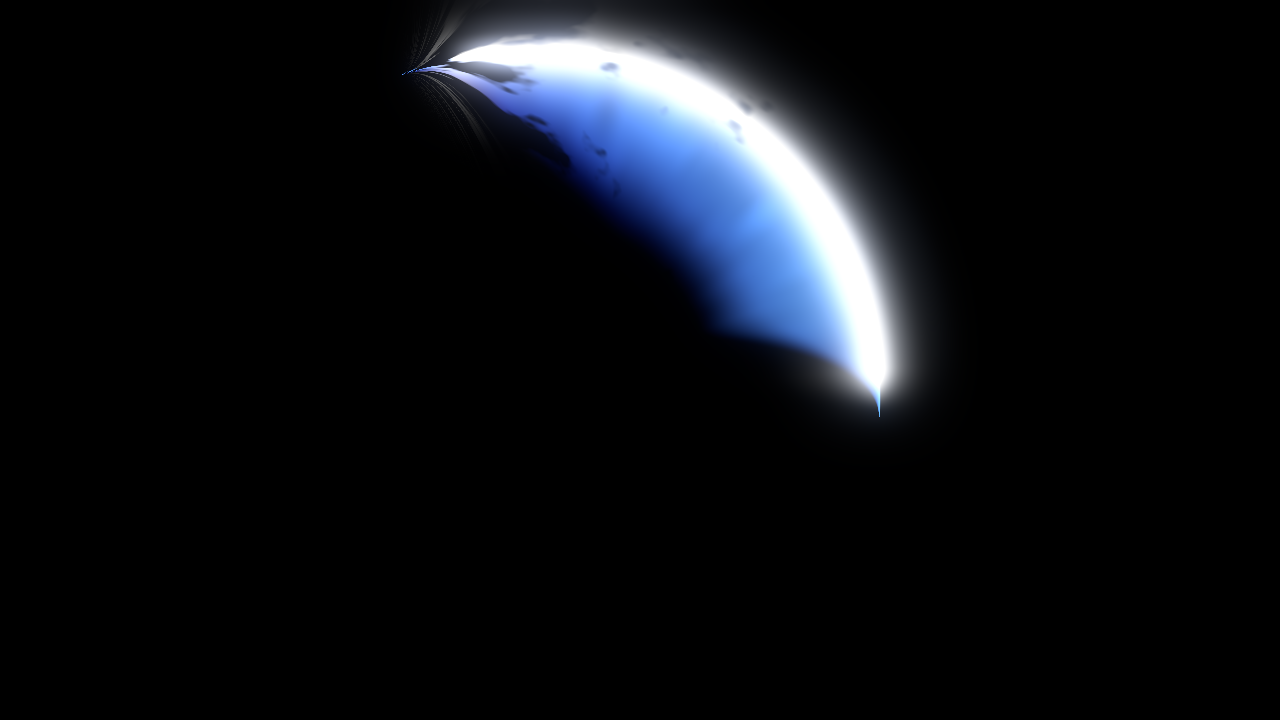
Sword Slash Arc

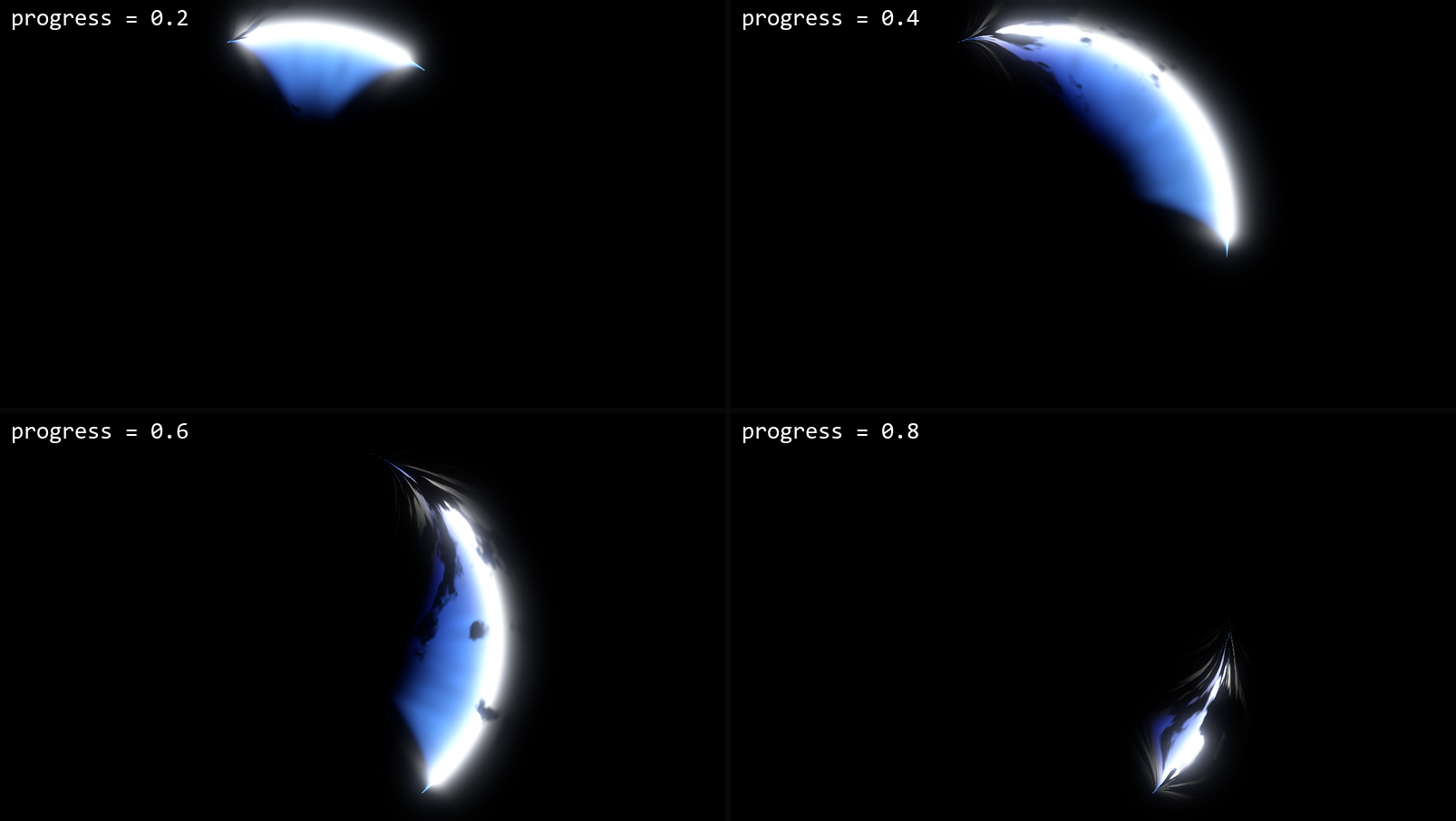
A crescent sword slash drawn on one flat quad. Animate progress from 0 to 1: the tip runs along the arc with a bright white edge, the body follows behind it, and the tail breaks apart into pieces as it fades.
Put it on a MeshInstance3D with a square QuadMesh (3 x 3 works well) as Material Override. The arc is drawn in the quad’s UV space, so the mesh stays flat. Rotate or scale the node to place the slash, or turn on flip to swing the other way.
arc_degrees sets how far round the circle the slash goes and arc_center_deg rotates it. thickness is the width of the crescent, and trail_length is how much of the arc is lit at once. dissolve controls how much the tail tears apart. An early version looked more like a boat hull than a slash. The pointed tip and the white outer line fixed that.
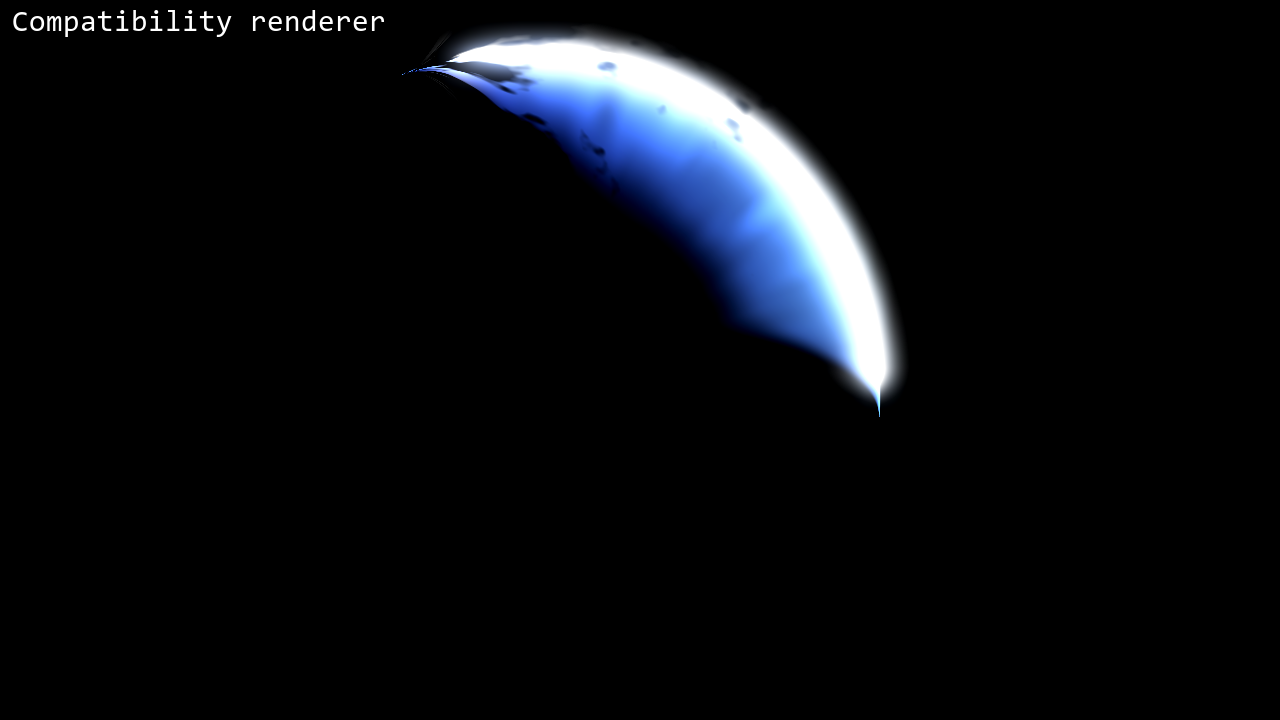
It’s unshaded and additive, so it glows on a dark background and doesn’t need a light. No textures are used, and the hashes avoid sin(), so it looks the same in Forward+, Mobile and Compatibility. I tested it on Godot 4.4 and 4.7.
The code was written with the help of an AI coding assistant.
This is a cut-down version of the slashes in my Melee Combat VFX pack for Godot 4, which also has weapon trails, thrusts, parries, shields and 2D versions. The free version of that pack is the first link and the full pack is the second.
https://gennai.itch.io/edgeflux-lite?utm_source=godotshaders&utm_medium=referral&utm_campaign=slash
Shader code
// Sword Slash Arc for Godot 4
// MIT License. Copyright (c) 2026 gennai (https://gennai.itch.io)
//
// A glowing crescent slash that swings along an arc and fades out. Put this on a
// MeshInstance3D with a square QuadMesh (for example size 3 x 3) as
// Geometry > Material Override. The arc is drawn in the quad's UV space, so the
// quad itself stays flat. The circle is centred on the quad; scale or rotate the
// node to place the slash.
//
// Animate progress from 0 to 1: the blade tip runs along the arc, a ragged tail
// follows it, and the tail breaks away last. At 0 and 1 nothing is visible.
// arc_degrees sets how far round the circle the slash reaches, arc_center_deg
// rotates it (90 = over the top of the quad).
// No textures: the noise is computed in the shader with sin-free hashes, so it
// looks the same on every renderer.
shader_type spatial;
render_mode unshaded, blend_add, depth_draw_never, cull_disabled, shadows_disabled, fog_disabled;

group_uniforms motion;
// 0 = slash not started, 1 = slash gone. Animate this.
uniform float progress : hint_range(0.0, 1.0) = 0.5;
// Length of the lit trail, as a fraction of the whole arc.
uniform float trail_length : hint_range(0.05, 1.5) = 0.85;
// Swing the other way round the circle.
uniform bool flip = false;

group_uniforms shape;
// How far round the circle the slash reaches, in degrees.
uniform float arc_degrees : hint_range(60.0, 300.0) = 140.0;
// Direction of the middle of the arc, in degrees. 0 = right, 90 = top, 180 = left.
uniform float arc_center_deg : hint_range(-180.0, 180.0) = 90.0;
// Radius of the outer edge, as a fraction of half the quad.
uniform float radius : hint_range(0.2, 1.0) = 0.85;
// Widest point of the crescent, as a fraction of the radius.
uniform float thickness : hint_range(0.05, 1.0) = 0.5;
// Width of the bright white line on the outer edge.
uniform float edge_width : hint_range(0.003, 0.2) = 0.03;

group_uniforms noise;
// How much noise tears the tail into pieces.
uniform float dissolve : hint_range(0.0, 1.0) = 0.7;
// Fine streaks running along the slash.
uniform float streaks : hint_range(0.0, 1.0) = 0.4;
// Higher = finer, rougher noise.
uniform float noise_scale : hint_range(0.2, 4.0) = 1.0;
// How fast the noise drifts along the slash.
uniform float flow_speed : hint_range(0.0, 6.0) = 1.5;
// Changes the pattern so two slashes do not match.
uniform float seed : hint_range(0.0, 100.0) = 0.0;

group_uniforms colors;
// Bright line on the outer edge.
uniform vec4 core_color : source_color = vec4(1.0, 1.0, 1.0, 1.0);
// Body of the slash near the edge.
uniform vec4 glow_color : source_color = vec4(0.4, 0.7, 1.0, 1.0);
// Colour of the inner side and the tail.
uniform vec4 tail_color : source_color = vec4(0.1, 0.2, 0.8, 1.0);
uniform float core_energy : hint_range(0.0, 8.0) = 2.0;
uniform float glow_energy : hint_range(0.0, 8.0) = 1.4;
// Overall brightness.
uniform float intensity : hint_range(0.0, 4.0) = 1.0;

// Hashes without sin(), so every GPU gives the same pattern.
float sl_hash(vec2 p) {
	vec3 p3 = fract(vec3(p.x, p.y, p.x) * 0.1031);
	p3 += dot(p3, p3.yzx + 33.33);
	return fract((p3.x + p3.y) * p3.z);
}

float sl_noise(vec2 p) {
	vec2 i = floor(p);
	vec2 f = fract(p);
	f = f * f * (3.0 - 2.0 * f);
	float a = sl_hash(i);
	float b = sl_hash(i + vec2(1.0, 0.0));
	float c = sl_hash(i + vec2(0.0, 1.0));
	float d = sl_hash(i + vec2(1.0, 1.0));
	return mix(mix(a, b, f.x), mix(c, d, f.x), f.y);
}

float sl_fbm(vec2 p) {
	float v = 0.0;
	float a = 0.5;
	for (int i = 0; i < 4; i++) {
		v += sl_noise(p) * a;
		p = p * 2.03 + vec2(17.1, 9.3);
		a *= 0.5;
	}
	return v;
}

void fragment() {
	// Polar coordinates around the quad centre, y up.
	vec2 p = vec2(UV.x - 0.5, 0.5 - UV.y) * 2.0;
	float r = length(p);
	float ang = atan(p.y, p.x);
	float span = radians(arc_degrees);
	// t runs 0..1 along the arc, from the left end round to the right end.
	float d = mod(radians(arc_center_deg) + span * 0.5 - ang, TAU);
	float t = d / span;
	float on_arc = step(t, 1.0);
	t = clamp(t, 0.0, 1.0);
	if (flip) {
		t = 1.0 - t;
	}
	// s: 0 at the end of the tail, 1 at the blade tip. The tip runs past the end of the
	// arc so the tail sweeps out after it.
	float head = progress * (1.0 + trail_length);
	float s = (t - (head - trail_length)) / trail_length;
	float vis = on_arc * step(0.0, s) * step(s, 1.0);
	float sc = clamp(s, 0.0, 1.0);
	// Crescent: grows out of the tail, is widest just behind the tip, comes to a point
	// at the tip, and fades at both ends of the arc.
	float arc_ends = smoothstep(0.0, 0.12, t) * smoothstep(1.0, 0.88, t);
	float shape = smoothstep(0.0, 0.55, sc) * smoothstep(1.0, 0.82, sc) * arc_ends;
	float width = max(radius * thickness * shape, 0.0001);
	float depth = radius - r; // distance in from the outer edge
	float k = depth / width;  // 0 on the outer edge, 1 on the inner edge
	// Noise: streaks along the slash, and a drifting pattern that tears the tail apart.
	float n = sl_noise(vec2(t * 40.0 * noise_scale + seed * 7.0, k * 3.0 + seed));
	float tear = sl_fbm(vec2(t * 14.0 * noise_scale - TIME * flow_speed + seed * 3.0, k * 4.0 + seed));
	float keep = smoothstep(-0.05, 0.08, tear - (1.0 - sc) * dissolve);
	float aa = fwidth(r) * 1.5;
	float inside = smoothstep(-aa, 0.0, depth) * smoothstep(1.0, 0.55, k);
	float mask = vis * inside * keep;
	// Bright line on the outer edge, with a little glow just outside it.
	float edge_in = exp(-max(depth, 0.0) / edge_width);
	float edge_out = exp(-max(-depth, 0.0) / (edge_width * 0.6));
	float edge = vis * edge_in * edge_out * smoothstep(0.0, 0.25, shape) * keep;
	float kk = clamp(k, 0.0, 1.0);
	float streak_n = mix(1.0, 0.45 + 1.1 * n, streaks);
	vec3 body = mix(glow_color.rgb, tail_color.rgb, clamp(kk * 0.8 + (1.0 - sc) * 0.6, 0.0, 1.0)) * glow_energy;
	float body_a = mask * pow(1.0 - kk, 1.2) * streak_n;
	ALBEDO = (body * body_a + core_color.rgb * core_energy * edge) * intensity;
}
Live Preview

Comments 0
No comments yet.