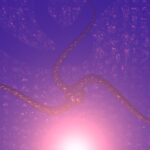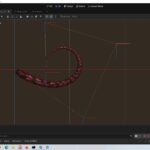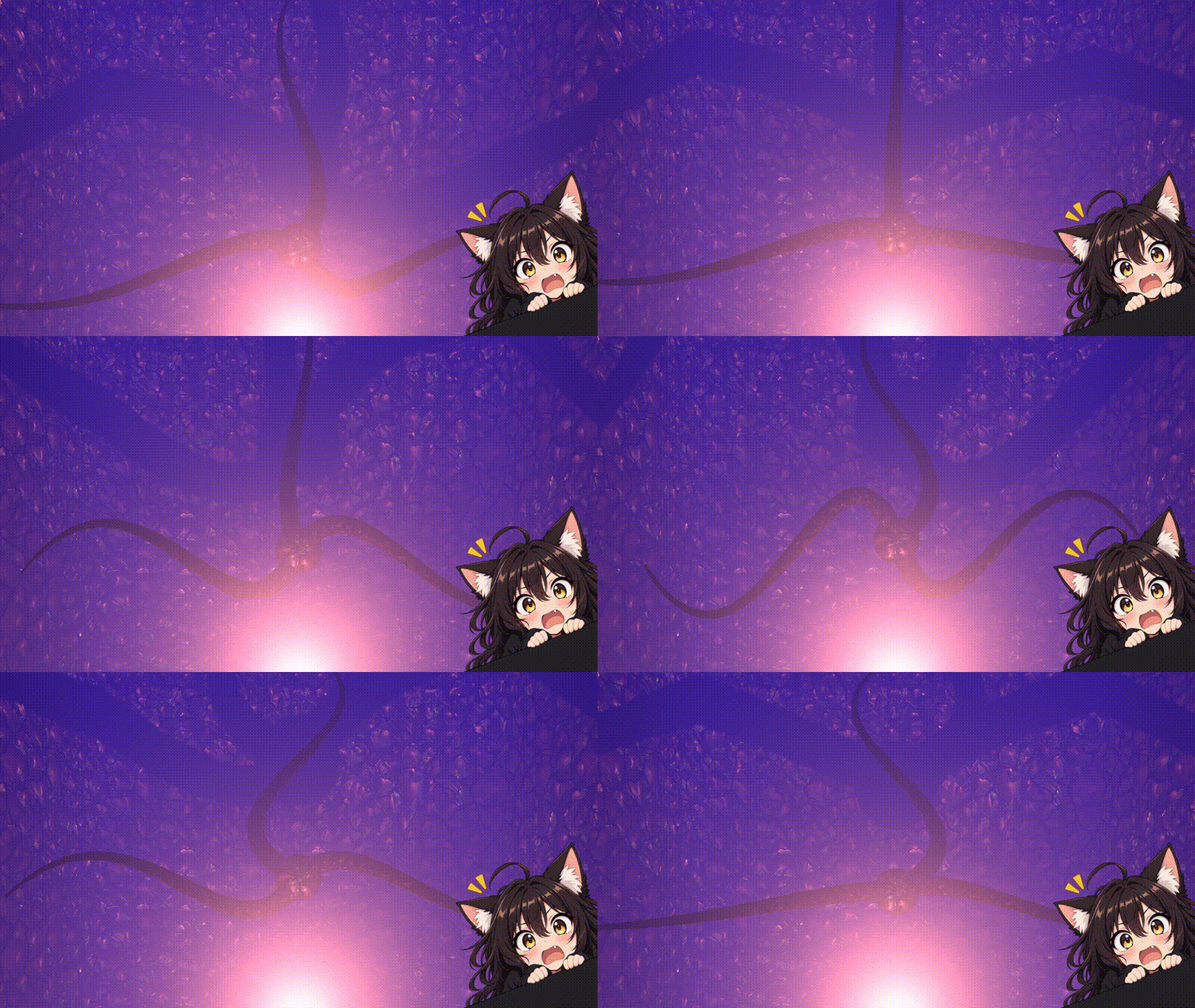
Tentacular Shader (a.k.a Bezier Deform)
Shader to deform a mesh using a 5-point Bézier curve (useful for tentacles and similar stuff).
If you want to understand how this shader works, you can find more details in the video on my youtube channel (its AI dubbed).
In my github example, you’ll also find an useful addon for working with this shader.
The shader only has some issues with “extreme” curves along the Y axis. You shouldn’t have any problems along the XZ axes. If you encounter issues along the Y axis, try changing the default UP vector.
Hope you’ll like 🐙
Shader code
// Deforms a mesh using a bezier curve with 5 control points.

// The mesh should have been created along the positive X axis.
// The mesh_length uniform should be the original length
// of the mesh along the X axis, otherwise strange things will happen!

// Some code is based on the default ORM shader code.

shader_type spatial;

render_mode blend_mix,depth_draw_opaque,cull_back,diffuse_burley,specular_schlick_ggx;

group_uniforms textures;
uniform sampler2D texture_albedo : source_color,filter_linear_mipmap,repeat_enable;
uniform sampler2D texture_orm : hint_roughness_g,filter_linear_mipmap,repeat_enable;
uniform sampler2D texture_normal : hint_roughness_normal,filter_linear_mipmap,repeat_enable;

group_uniforms main_settings;
uniform vec4 albedo : source_color = vec4(1.0, 1.0, 1.0, 1.0);
uniform float normal_scale : hint_range(-16,16) = 1.0;
uniform float ao_light_affect = 1.0;
uniform vec3 uv1_scale = vec3(1.0, 1.0, 1.0);
uniform vec3 uv1_offset;

group_uniforms bezier;
uniform float mesh_length = 1.0; // original length of the mesh in the X axis
uniform vec3 default_up = vec3(0.0, 1.0, 0.0); // default up vector
uniform vec3 bez0 = vec3(0.00, 0.0, 0.0); // bezier knots
uniform vec3 bez1 = vec3(0.25, 0.0, 0.0);
uniform vec3 bez2 = vec3(0.50, 0.0, 0.0);
uniform vec3 bez3 = vec3(0.75, 0.0, 0.0);
uniform vec3 bez4 = vec3(1.00, 0.0, 0.0);
uniform float scale = 1.0;

vec3 interpolate_bezier5(float t) {

	vec3 a0 = mix(bez0, bez1, t);
	vec3 a1 = mix(bez1, bez2, t);
	vec3 a2 = mix(bez2, bez3, t);
	vec3 a3 = mix(bez3, bez4, t);

	vec3 b0 = mix(a0, a1, t);
	vec3 b1 = mix(a1, a2, t);
	vec3 b2 = mix(a2, a3, t);

	vec3 c0 = mix(b0, b1, t);
	vec3 c1 = mix(b1, b2, t);

	return mix(c0, c1, t);

}

void vertex() {

	// convert VERTEX.x to a value between 0 and 1
	float mesh_scale = 1.0 / mesh_length;
	float t = VERTEX.x * mesh_scale;

	// get position of this vertex inside the bezier curve
	vec3 pos0 = interpolate_bezier5(t);
	vec3 pos1 = interpolate_bezier5(t+0.01);

	// get forward vector
	vec3 forward = normalize(pos1 - pos0);

	// get side vector using default up vector
	vec3 side = normalize(cross(forward, normalize(default_up)));

	// get real up vector
	vec3 up = cross(side, forward);

	// create TBN (tangent, binormal, normal) matrix
	// (will be used later to transform the original NORMAL, BINORMAL and TANGENT values for this vertex)
	mat3 TBN = mat3(forward, up, side);

	// now, we can calculate the position of the vertex along the curve
	vec3 final_pos = pos0 + (up * VERTEX.y * mesh_scale * scale) + (side * VERTEX.z * mesh_scale * scale);

	// update values
	VERTEX = final_pos;
	NORMAL = normalize(TBN * NORMAL);
	BINORMAL = normalize(TBN * BINORMAL);
	TANGENT = normalize(TBN * TANGENT);

	// this code is from the original ORM shader
	UV=UV*uv1_scale.xy+uv1_offset.xy;
}

void fragment() {
	// all this code is from the original ORM shader
	vec2 base_uv = UV;
	vec4 albedo_tex = texture(texture_albedo,base_uv);
	ALBEDO = albedo.rgb * albedo_tex.rgb;
	vec4 orm_tex = texture(texture_orm,base_uv);
	ROUGHNESS = orm_tex.g;
	METALLIC = orm_tex.b;
	NORMAL_MAP = texture(texture_normal,base_uv).rgb;
	NORMAL_MAP_DEPTH = normal_scale;
	AO = orm_tex.r;
	AO_LIGHT_AFFECT = ao_light_affect;
}
Live Preview