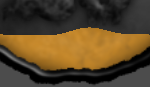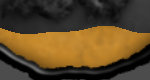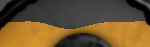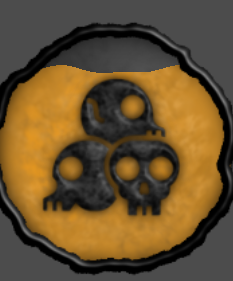
Waving Progress Bar

Make a TextureRect for the Progress Fill Texture and give it a ShaderMaterial and put the ShaderFile into it.
(You have to use a TexturRect, not a TextureProgressBar), you can adjust the progress value in the shader parameter.
Shader code
shader_type canvas_item;

uniform float speed = 3.0;
uniform float frequency = 12.0;
uniform float amplitude = 0.03;
uniform float progress = 50.0;
uniform float max_value = 512.0;

void fragment() {
    float wave_a = sin(UV.x * frequency + TIME * speed);

    float wave_b = sin(UV.x * frequency * 2.1 + TIME * speed * -1.5);

    float combined_wave = (wave_a + (wave_b * 0.4)) * amplitude;

    float normalized_progress = progress / max_value;
    float fill_threshold = 1.0 - normalized_progress;

    if (UV.y < fill_threshold + combined_wave) {
        discard;
    }

    vec2 lookup_uv = UV;
    lookup_uv.y += combined_wave;

    COLOR = texture(TEXTURE, lookup_uv);
}
Live Preview