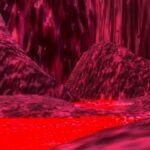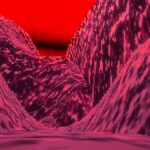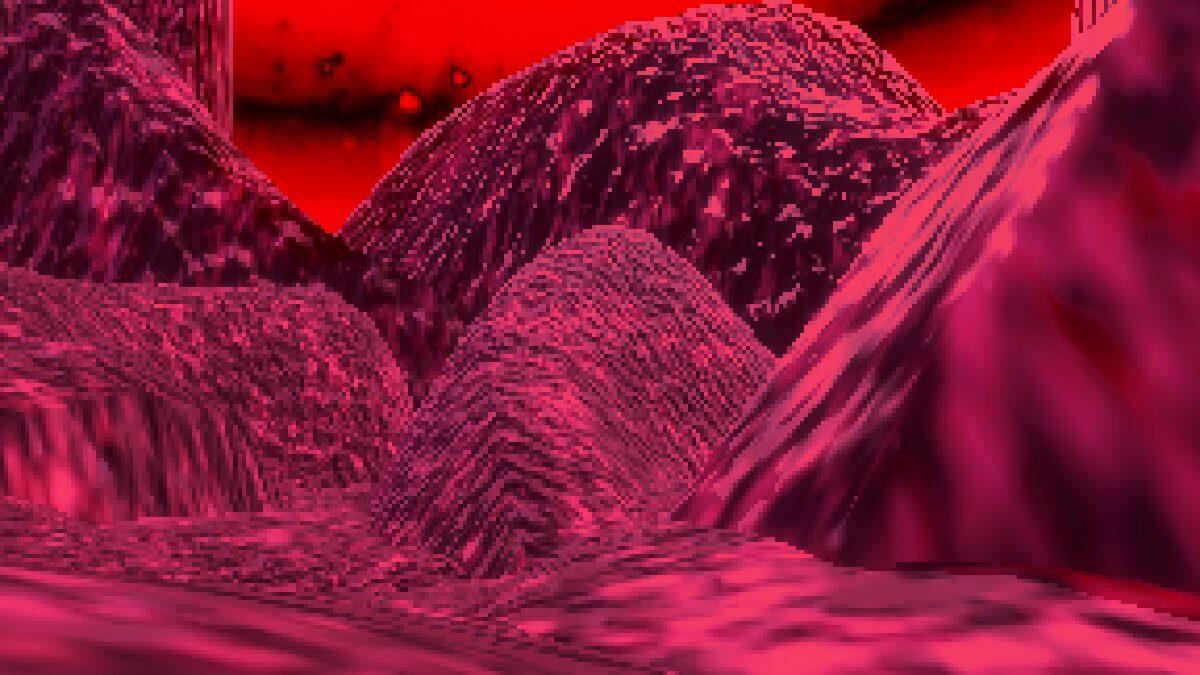
3D Pixel Art

Was inspired to make this when I saw the trailer for Project Shadowglass. Not sure how he got the models to look less fluid, might be just a framerate trick but idk. Anyway, this does pixelation and dithering to achieve a “3D pixel art” look!
It’s a spatial shader, so you need to put a quadmesh in front of the camera and put it on said quadmesh. You can adjust the pixelation and color crushing to your liking
PATCH 1: Fixed odd numbers result in space between pixels
Shader code
shader_type spatial;

uniform sampler2D screentex: hint_screen_texture;

uniform int pixelation_level = 1;

uniform float crush = 1.75;
void vertex() {
	// Called for every vertex the material is visible on.
}

void fragment() {
	int pixel = pixelation_level * 2;

	vec2 pixel_uv = vec2(
		float(int(FRAGCOORD.x) % pixel),
		float(int(FRAGCOORD.y) % pixel)
		);

	pixel_uv.x = FRAGCOORD.x + floor(float(pixel) / 2. - pixel_uv.x);
	pixel_uv.y = FRAGCOORD.y + floor(float(pixel) / 2. - pixel_uv.y);


	vec4 screen = texture(screentex, pixel_uv / VIEWPORT_SIZE);
	float greyscale = max(screen.r, max(screen.g, screen.b));

	float low_color = floor(greyscale * crush) / crush;
	float high_color = ceil(greyscale * crush) / crush;

	float low_dif = abs(low_color - greyscale);
	float high_dif = abs(high_color - greyscale);

	float color_check = low_dif < high_dif ? low_dif : high_dif;

	float dither = color_check - greyscale;


	ALBEDO = screen.rgb + dither;
}

void light() {
//	// Called for every pixel for every light affecting the material.
DIFFUSE_LIGHT = vec3(1., 1., 1.);
}
Live Preview