
Retro Dither (Without Pixelation)
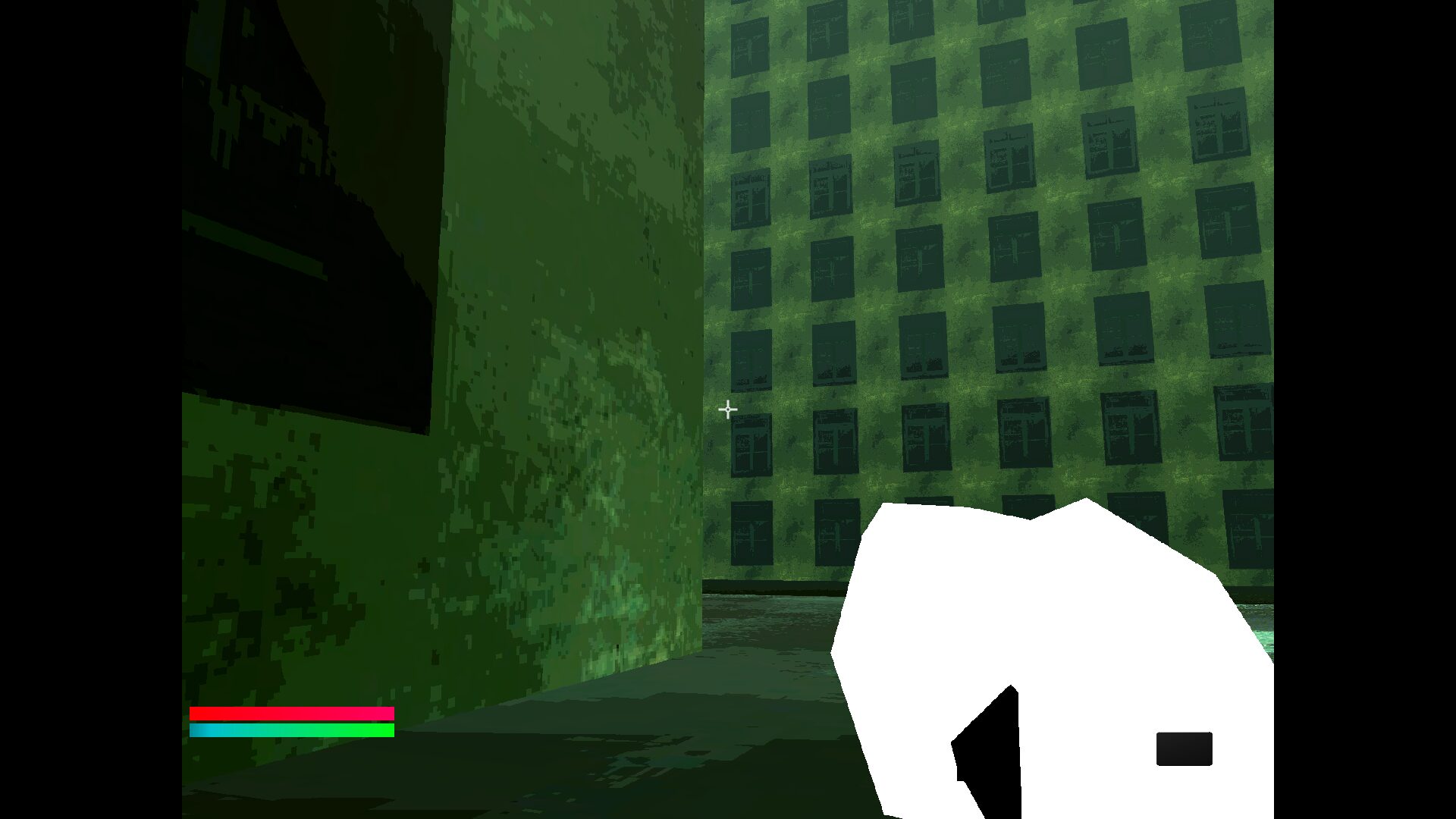
The same retro shader I made for use in 3D pixel art and modernized “Indie PSX” but with just the dithering (screenshot 1)
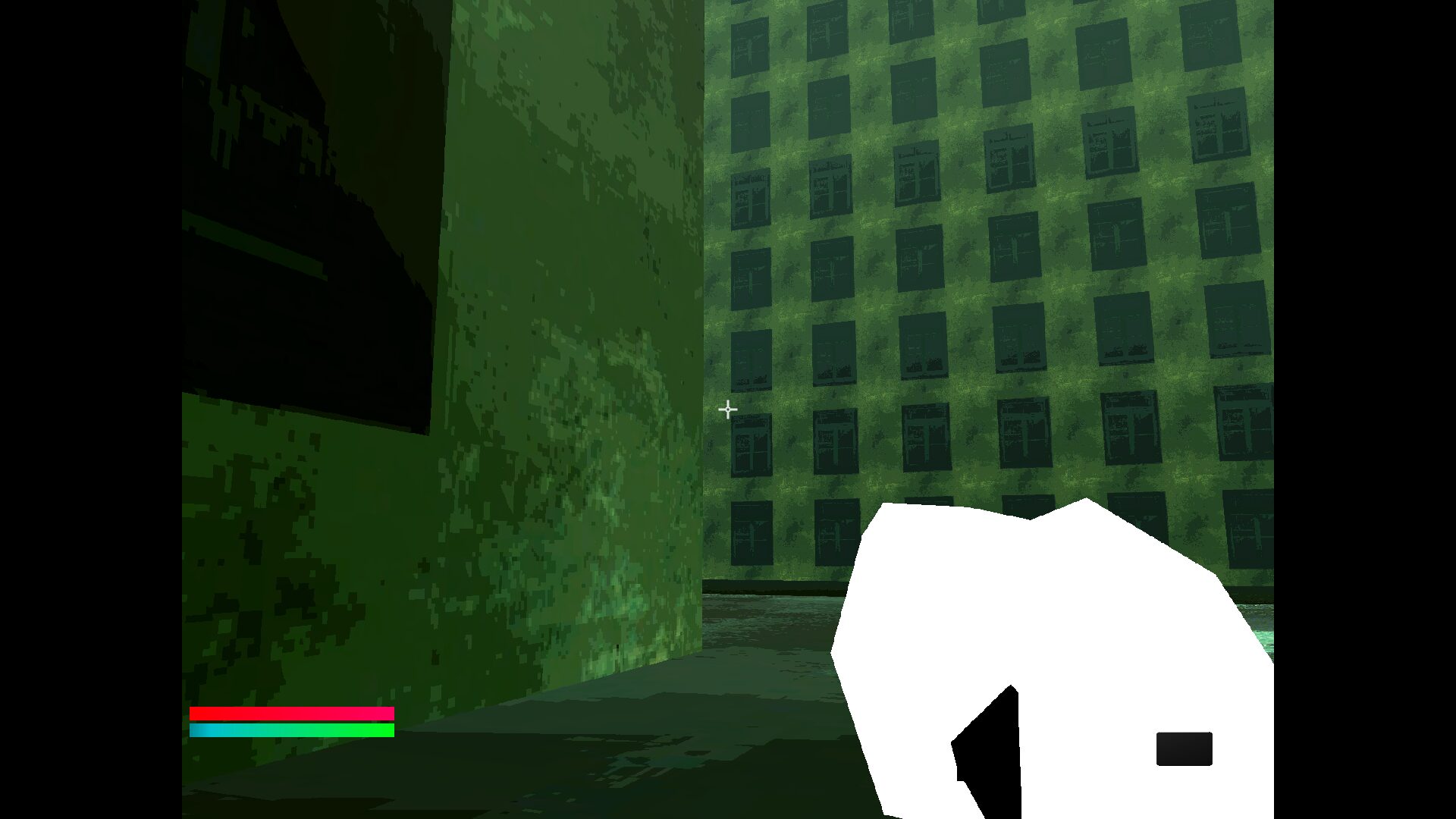
the reason I made this is bc in Godot 4.7.1 (as of writing this, the newest stable version of Godot), you can use the Scaling 3D option with the “nearest” filter (screenshot 2) to get the same level of crispness as faux-pixelation with shaders, and this way you get the performance benefits of actual downscaling without effecting canvas elements (and thus you won’t have to change the whole screen resolution, making the UI less readable and then having to deal with the nightmare that is the “interger” scaling option lol)
EDIT: One thing to note – turn off “glow” under you’re World Enviroment. It’s on by default but it doesn’t mix well with this shader!
How do I get the downscaling effect in Godot 4.7.1?
It’s actually very easy!
- Go to Project Settings, and look under the “General” tab
- Under “Display” > “Window” change the screen resolution to twice the resolution you want (this resolution should be pretty low, for the pixelation effect). You can do this by typing in the actual number you want and then adding “*2”. So for the Screenshot 2, I type in “800*2” for width and “600*2” for height, so I get a base resolution of 1600×1200. We’re gonna be halving this later
- Type “scaling” into the search bar (This’ll making finding the option a lot easier)
- Under “Rendering” there’s an option called “Scaling 3D”. Click it
- Change “mode” to “Nearest (Fastest)” (If you are exporting to Mac or iOS, you should ofc change the “mode” options for those as well bc they are seperate, as you can see)
- Change the “Scale” option to “0.5”
- It should work now!
NOTE: It only says 4.6 bc Godot Shaders has not yet updated their Godot versions. It was actually tested on 4.7.1. The dithering shader itself should still work on Godot 4.6, but the instructions above won’t
Shader code
shader_type spatial;

uniform sampler2D screen_tex: hint_screen_texture;
uniform float color_crush: hint_range(0.0, 100.0, 1.0) = 1.;
uniform vec2 gamma;

void vertex() {
	POSITION = vec4(VERTEX.xy, 1.0, 1.0);
}

void fragment() {
	vec2 uv = vec2(UV.x, UV.y * -1.);
	vec4 screen = texture(screen_tex, uv);
	//Dithering
	screen.rgb = pow(screen.rgb, vec3(gamma.x));
	float greyscale = max(screen.r, max(screen.g, screen.b));
	float lower = floor(greyscale * color_crush) / color_crush;
	float higher = ceil(greyscale * color_crush) / color_crush;
	float lower_dif = abs(lower - greyscale);
	float higher_dif = abs(higher - greyscale);
	float color_level = lower_dif < higher_dif ? lower : higher;
	float final_crush = color_level / greyscale;
	screen.rgb *= final_crush;
	screen.rgb = pow(screen.rgb, vec3(gamma.y));
	//application
	vec4 color = screen;
	ALBEDO = color.rgb;
}

void light() {
	DIFFUSE_LIGHT = vec3(1.);
//	// Called for every pixel for every light affecting the CanvasItem.
//	// Uncomment to replace the default light processing function with this one.
}
Live Preview
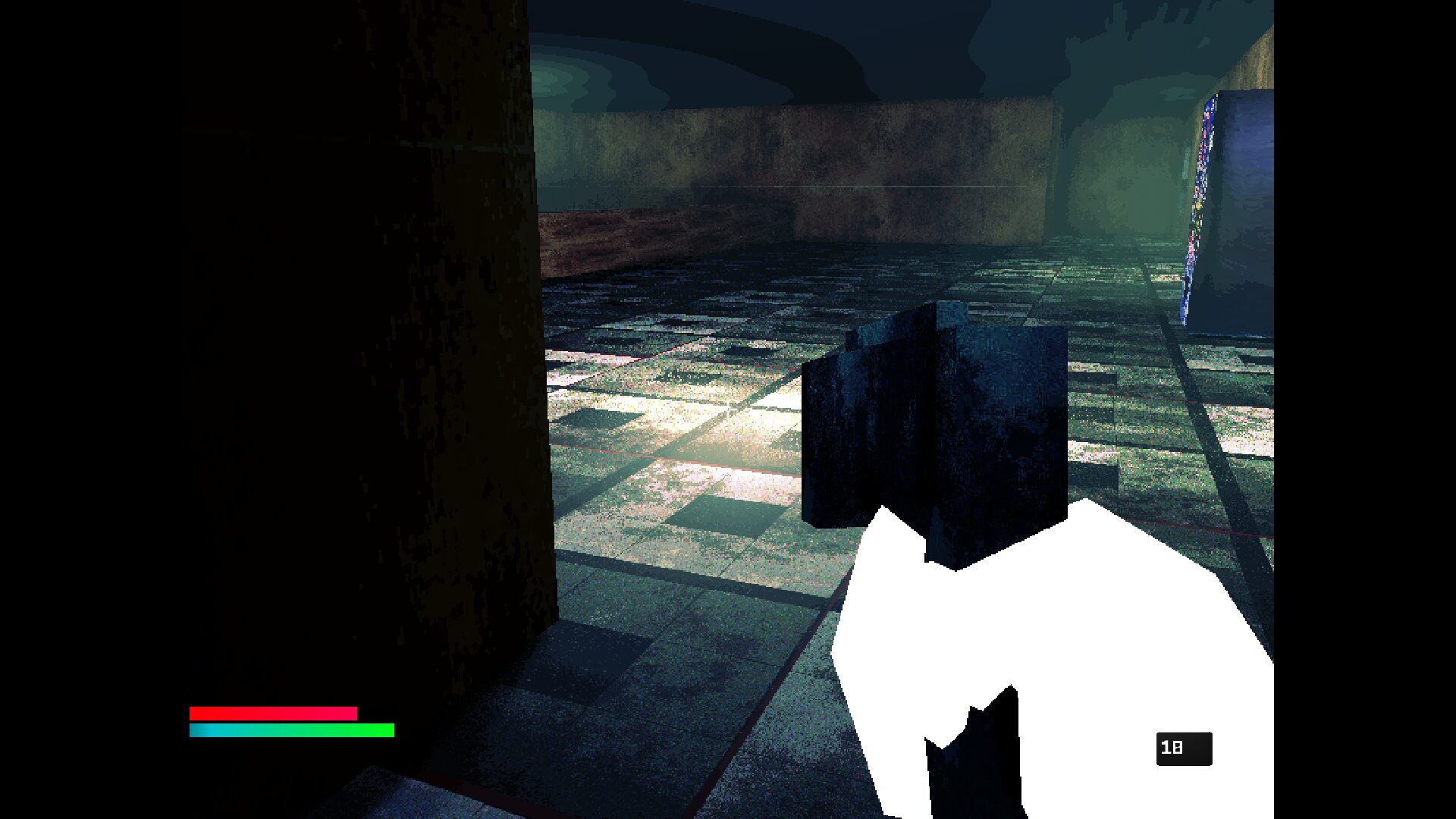

Really cool shader!, I noticed that the downscaling effect doesn’t affect the skybox texture, do you know how to fix this?
[…] Retro Dither (Without Pixelation) Easy Dithering Mask […]