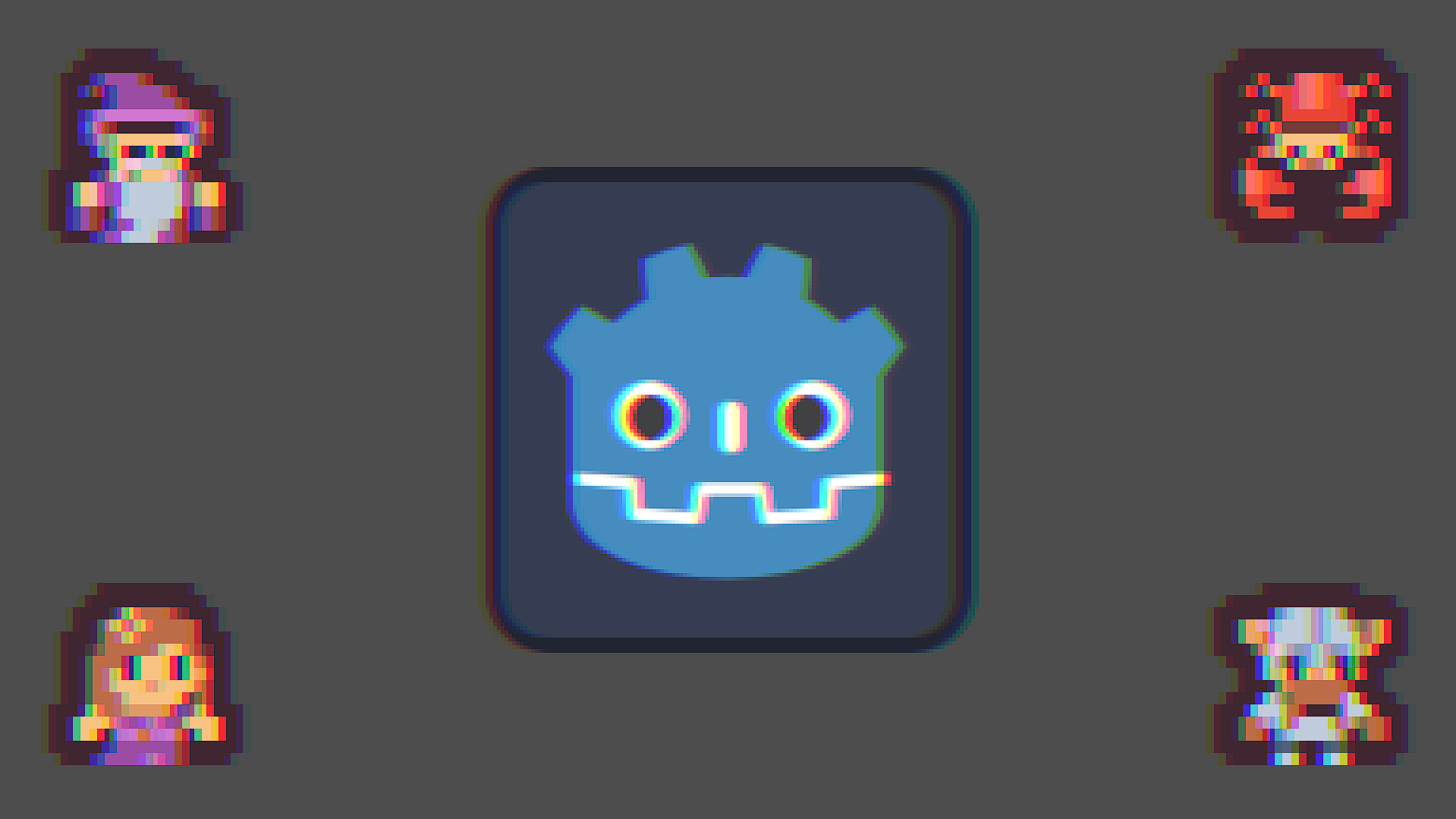
Adjustable Chromatic Aberration

This shader simulates chromatic aberration by offsetting the red, green, and blue channels in adjustable directions. Adjust the intensity and individual displacement directions for each color channel.
Shader code
shader_type canvas_item;

uniform float aberration_intensity: hint_range(0.0, 10.0, 0.1) = 1.0;
uniform vec2 r_displacement = vec2(1.0, 0.0);
uniform vec2 g_displacement = vec2(0.0, 0.0);
uniform vec2 b_displacement = vec2(-1.0, 0.0);

uniform sampler2D screen_texture : hint_screen_texture, filter_nearest;

void fragment() {
	float r = texture(screen_texture, fma(-r_displacement * aberration_intensity, SCREEN_PIXEL_SIZE, SCREEN_UV), 0.0).r;
	float g = texture(screen_texture, fma(-g_displacement * aberration_intensity, SCREEN_PIXEL_SIZE, SCREEN_UV), 0.0).g;
	float b = texture(screen_texture, fma(-b_displacement * aberration_intensity, SCREEN_PIXEL_SIZE, SCREEN_UV), 0.0).b;
	float a = texture(screen_texture, SCREEN_UV).a;

	COLOR = vec4(r, g, b, a);
}
Live Preview