
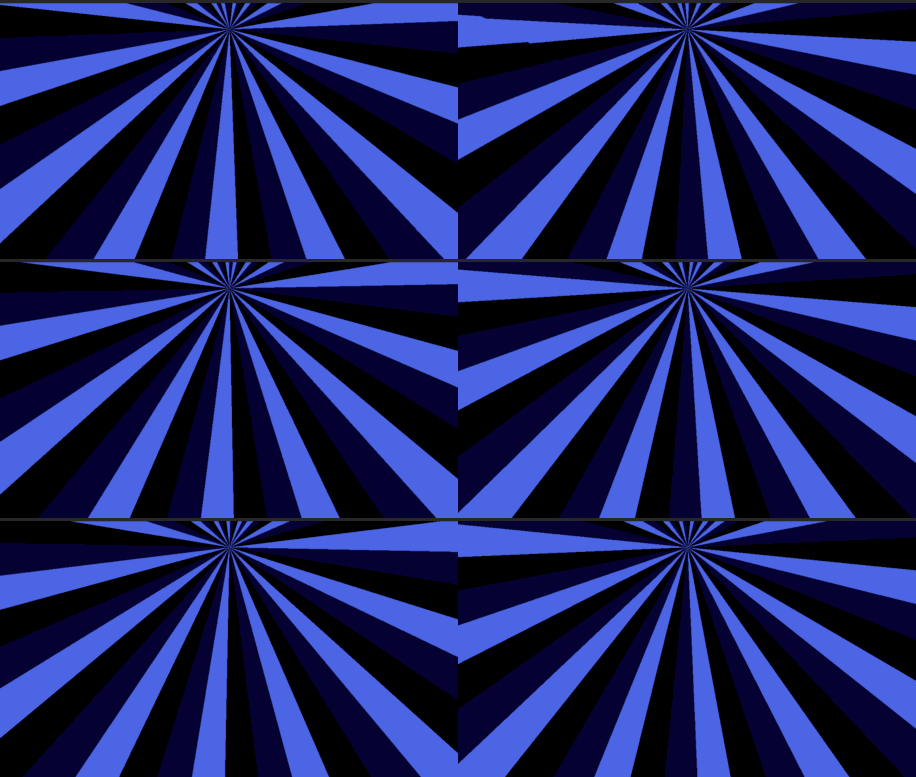
Chromatic Spin

Chromatic Spin is a canvas_item shader for Godot 4.5 that creates a radial stripe effect rotating around a customizable center point. The stripes alternate between multiple user-defined colors, making it ideal for psychedelic, hypnotic, or stylish animated visuals.
Key features include:
-
Adjustable stripe count (
stripes) -
Rotation speed and direction (
speed,direction) -
Configurable center point with aspect ratio correction (
center) -
Up to 8 customizable colors (
stripe_colors) with active color count control (color_count)
This shader is optimized for 2D use cases like UI elements, Sprite2D, TextureRect, and animated backgrounds. All parameters can be dynamically modified from GDScript.
Shader code
shader_type canvas_item;

uniform vec2 center = vec2(0.5);
uniform int stripes = 24;
uniform float speed : hint_range(0.0, 5.0, 0.1) = 0.2;
uniform int direction : hint_range(-1, 1, 2) = 1;
uniform vec4 stripe_colors[8];
uniform int color_count : hint_range(1, 8) = 2;

void fragment() {
    vec2 uv_deriv = fwidthFine(UV);
    float aspect_ratio = uv_deriv.y / uv_deriv.x;
    vec2 corrected_uv = UV * vec2(aspect_ratio, 1.0);
    vec2 corrected_center = center * vec2(aspect_ratio, 1.0);

    vec2 dir = corrected_center - corrected_uv;
    float angle = atan(dir.y, dir.x) - (TIME * speed * float(direction));

    int stripe_index = int(floor(angle / (TAU / float(stripes)))) % stripes;
    int color_index = stripe_index % color_count;
    color_index = clamp(color_index, 0, color_count - 1);

    // Apply the color
    COLOR.rgb = stripe_colors[color_index].rgb;
}
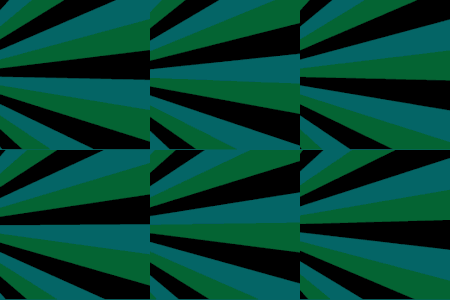
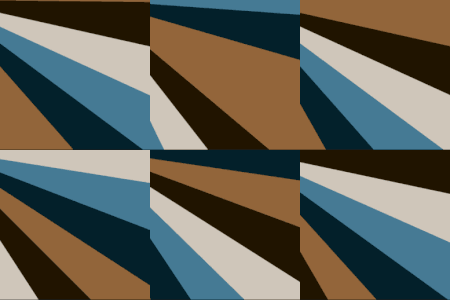
Live Preview

Howdy!
Quick callout – you’ll want to change the COLOR output at the end from COLOR.rgb to COLOR.rgba if you want to use the alpha channel. You ask for it in the parameters, but don’t use it in the output.
fwidthFine works for most cases to use derivatives (yay calculus!), but the function doesn’t appear to be supported when working projects in Compatibility mode. I reduced the precision for my use case.
Thanks for the shader!
shader_type canvas_item;
uniform vec2 center = vec2(0.5);
uniform int stripes = 24;
uniform float speed : hint_range(-1.0, 1.0) = 0.1; // Found defaults too fast.
uniform int direction : hint_range(-1, 1, 2) = 1;
uniform vec4 stripe_colors[2];
uniform int color_count : hint_range(1, 8) = 2;
void fragment() {
// This has higher precision. Won’t work in compat mode
//vec2 uv_deriv = fwidthFine(UV);
vec2 uv_deriv = fwidth(UV);
float aspect_ratio = uv_deriv.y / uv_deriv.x;
vec2 corrected_uv = UV * vec2(aspect_ratio, 1.0);
vec2 corrected_center = center * vec2(aspect_ratio, 1.0);
vec2 dir = corrected_center – corrected_uv;
float angle = atan(dir.y, dir.x) – (TIME * speed * float(direction));
int stripe_index = int(floor(angle / (TAU / float(stripes)))) % stripes;
int color_index = stripe_index % color_count;
color_index = clamp(color_index, 0, color_count – 1);
// Apply the color
COLOR.rgba = stripe_colors[color_index].rgba;
}
goat