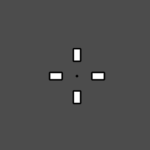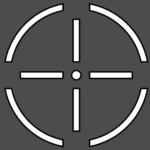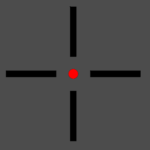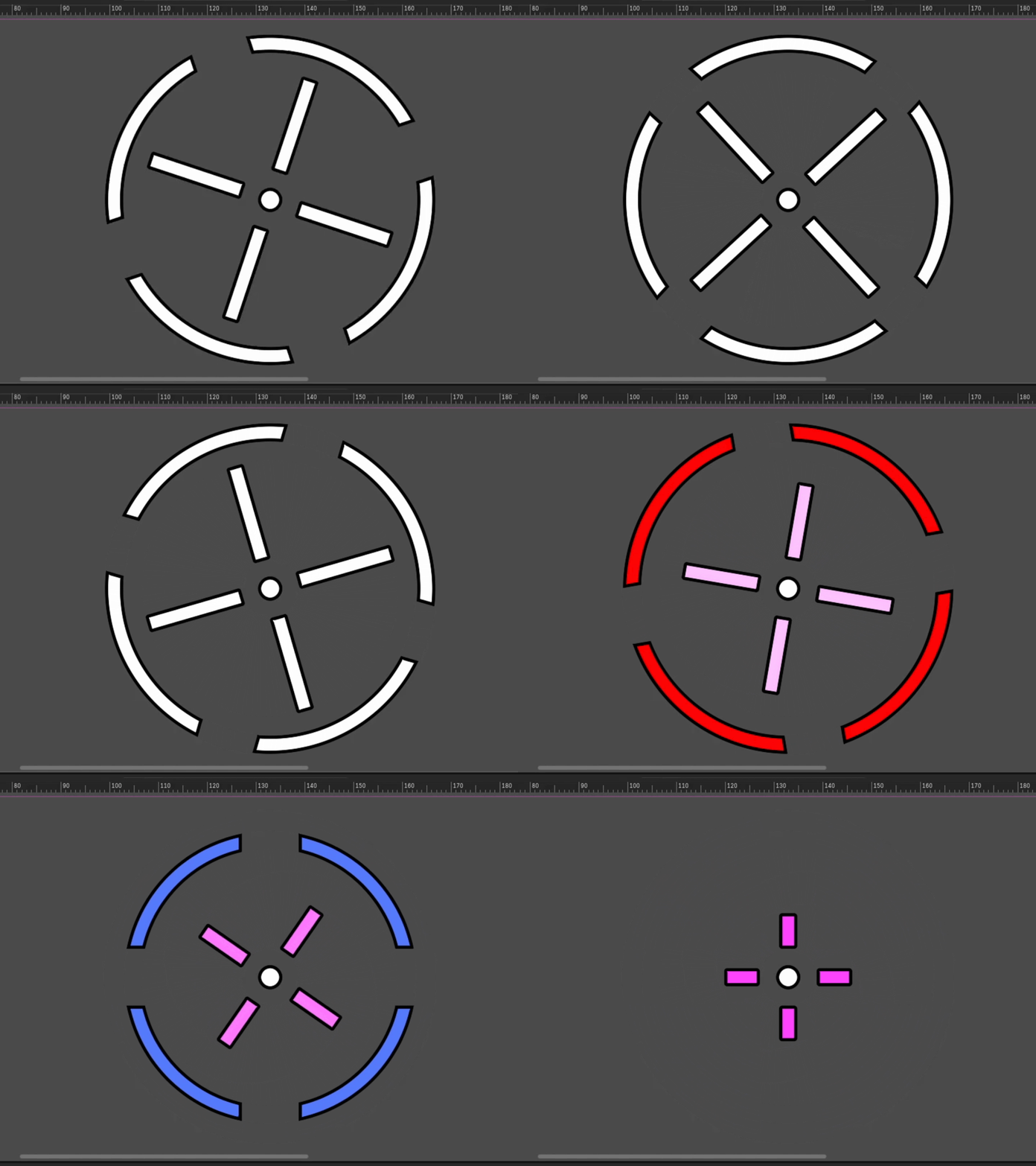
Crosshair Custom Aim 2D Animated

A fully customizable crosshair shader, allowing you to create anything from classic FPS crosshairs (like CS-style crosshairs) to circular and stylized reticles.
The shader is divided into three main components:
-
Center Dot – optional middle dot with adjustable size and color
-
Cross Crosshair – traditional cross-style aim with full customization
-
Circular Crosshair – circular / semi-circular reticle inspired by modern FPS games
Each component includes:
-
Outline support
-
Independent main color and outline color
-
Adjustable size and thickness
-
Rotation animation (spinning crosshair effect)
-
Custom static rotation angle
How to use
-
Attach the shader to a node with a texture (such as Sprite2D or TextureRect)
-
Assign any placeholder texture
-
Customize the crosshair using the shader parameters
Perfect for FPS, TPS, or any game that needs a dynamic and customizable aiming reticle.
Shader code
shader_type canvas_item;

group_uniforms Circle;
uniform float circle_radius : hint_range(0.0, 0.5) = 0.25;
uniform float circle_thickness : hint_range(0.0, 0.2) = 0.01;
uniform float circle_gap_size : hint_range(0.0, 0.5) = 0.05;

uniform vec4 circle_color_main : source_color = vec4(1.0, 1.0, 1.0, 1.0);
uniform vec4 circle_color_outline : source_color = vec4(0.0, 0.0, 0.0, 1.0);
uniform float circle_outline_width : hint_range(0.0, 0.1) = 0.005;
uniform bool circle_outline_flat = true;

uniform float circle_rotation_speed : hint_range(-10.0, 10.0) = 0.0;
uniform float circle_base_angle : hint_range(0.0, 6.28) = 0.0;


group_uniforms Dot;
uniform float dot_radius : hint_range(0.0, 0.5) = 0.015;
uniform vec4 dot_color : source_color = vec4(1.0, 1.0, 1.0, 1.0);

uniform float dot_outline_width : hint_range(0.0, 1) = 0.05;
uniform vec4 dot_outline_color : source_color = vec4(0.0, 0.0, 0.0, 1.0);
uniform bool dot_outline_flat = true;


group_uniforms Cross;
uniform float cross_bar_width : hint_range(0.0, 0.5) = 0.15;
uniform float cross_thickness : hint_range(0.0, 0.1) = 0.02;
uniform float cross_gap_size : hint_range(0.0, 0.5) = 0.05;

uniform vec4 cross_color_main : source_color = vec4(1.0, 1.0, 1.0, 1.0);
uniform vec4 cross_color_outline : source_color = vec4(0.0, 0.0, 0.0, 1.0);
uniform float cross_outline_width : hint_range(0.0, 0.05) = 0.005;
uniform bool cross_outline_flat = true;

uniform float cross_rotation_speed : hint_range(-10.0, 10.0) = 0.0;
uniform float cross_base_angle : hint_range(0.0, 6.28) = 0.0;


const vec2 CENTRO = vec2(0.5, 0.5);

// Função SDF para Retângulo (Mantém quinas vivas)
float sdBox(vec2 p, vec2 b) {
    vec2 d = abs(p) - b;
    return length(max(d, 0.0)) + min(max(d.x, d.y), 0.0);
}

vec2 rotate(vec2 uv, float angle_rad) {
    float c = cos(angle_rad);
    float s = sin(angle_rad);
    return vec2(uv.x * c - uv.y * s, uv.x * s + uv.y * c);
}

vec4 render_shape2(float dist, vec4 main_color, vec4 outline_color, float outline_width) {
    float aa = fwidth(dist);

    // Máscara da forma principal
    float fill_mask = 1.0 - smoothstep(-aa, 0.0, dist);

    // Máscara da borda (outline)
    // Se a largura for 0, a máscara será 0
    float border_mask = 1.0 - smoothstep(-aa, outline_width, dist);

    // Aplica primeiro a borda, depois o preenchimento por cima
    vec4 res = mix(vec4(0.0), outline_color, border_mask);
    return mix(res, main_color, fill_mask);
}

vec4 render_shape(float dist, vec4 main_color, vec4 outline_color, float outline_width, bool border_smooth) {
    float aa = fwidth(dist);

    // 1. Máscara do Preenchimento (Main)
    float fill_mask = 1.0 - smoothstep(-aa, 0.0, dist);


    float dist_outline = dist - outline_width;

    float border_mask;
	if (border_smooth){
		border_mask = 1.0 - smoothstep(-aa, 0, dist_outline);
	} else{
		border_mask = 1.0 - smoothstep(-aa, outline_width, dist);
	}


    // Primeiro desenhamos o outline (que é maior),
    // depois sobrepomos o preenchimento por cima dele.
    vec4 res = mix(vec4(0.0), outline_color, border_mask);
    return mix(res, main_color, fill_mask);
}

vec4 make_cross(vec2 uv) {
    uv -= CENTRO;
    vec2 uv_rot = rotate(uv, cross_base_angle + (TIME * cross_rotation_speed));
    vec2 p = abs(uv_rot);

    // Distância das barras
    float bar_v = sdBox(p - vec2(0.0, cross_gap_size + cross_bar_width * 0.5), vec2(cross_thickness * 0.5, cross_bar_width * 0.5));
    float bar_h = sdBox(p - vec2(cross_gap_size + cross_bar_width * 0.5, 0.0), vec2(cross_bar_width * 0.5, cross_thickness * 0.5));
    float dist = min(bar_v, bar_h);

    return render_shape(dist, cross_color_main, cross_color_outline, cross_outline_width, cross_outline_flat);
}

vec4 make_dot(vec2 uv) {
    float dist = length(uv - CENTRO) - dot_radius;
    return render_shape(dist, dot_color, dot_outline_color, dot_outline_width / 10., dot_outline_flat);
}

vec4 circle(vec2 uv) {
    vec2 p = uv - CENTRO;
    vec2 p_rot = rotate(p, circle_base_angle + (TIME * circle_rotation_speed));

    float dist_ring = abs(length(p) - circle_radius) - circle_thickness;

    if (circle_gap_size > 0.001) {
        float dist_cut = min(abs(p_rot.x), abs(p_rot.y)) - circle_gap_size;
        dist_ring = max(dist_ring, -dist_cut);
    }

    return render_shape(dist_ring, circle_color_main, circle_color_outline, circle_outline_width, circle_outline_flat);
}

void fragment() {
    // Usando clamp ou mix para evitar que cores somadas estourem o brilho (bloom indesejado)
    vec4 c = circle(UV);
    vec4 d = make_dot(UV);
    vec4 cr = make_cross(UV);

    // Dica: em vez de somar (+), use mix ou combine para melhor controle de transparência
    COLOR = max(max(c, d), cr);
}
Live Preview