
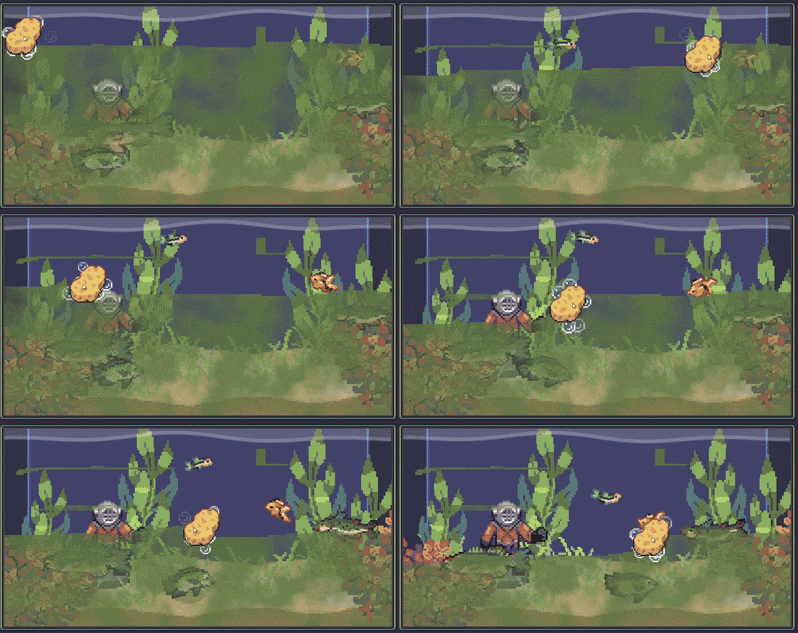
Dirt Cleaning Shader

This is an extremely simple shader I created for my idle fishing game Lured In. It’s designed for applying a mask onto a noise texture, and emulating a dirt cleaning effect. All that is required is to set the noise and mask textures, and you’re good to go. You can add it to a ColorRect to overlay dirt or grime ontop of things.
Keep in mind that the mask multiplies the noise texture, so any part that is BLACK will make the noise texture go invisible.
Below is a basic script showing off how you can achieve the cleaning effect by creating a mask and applying it to the shader in a script attached to the ColorRect with the material:
extends ColorRect

var mask : Image
var eraser_image : Image

func _ready() -> void:
	mask = Image.create(size.x, size.y, false, Image.FORMAT_RGBA8)
	mask.fill(Color(1.0, 1.0, 1.0, 0.0))
	eraser_image = preload("res://eraser_sprite.png").get_image()

func _process(delta: float) -> void:
	var mask_position = get_global_mouse_position()
	mask.blend_rect(eraser_image, Rect2i(Vector2i.ZERO, eraser_image.get_size()), mask_position - (eraser_image.get_size()/2.0))
	material.set_shader_parameter("mask", ImageTexture.create_from_image(mask))
Shader code
shader_type canvas_item;

uniform sampler2D noise : filter_nearest;
uniform sampler2D mask : filter_nearest;

void fragment() {
	COLOR = texture(noise, UV);
	COLOR.a *= texture(mask, UV).r;
}
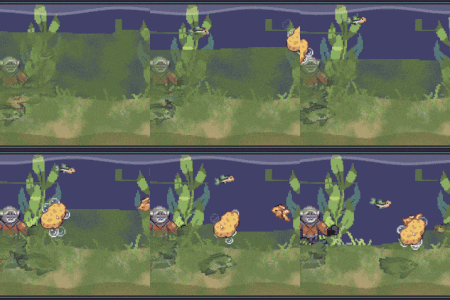
Live Preview

I follow u on instagram, really nice work!