
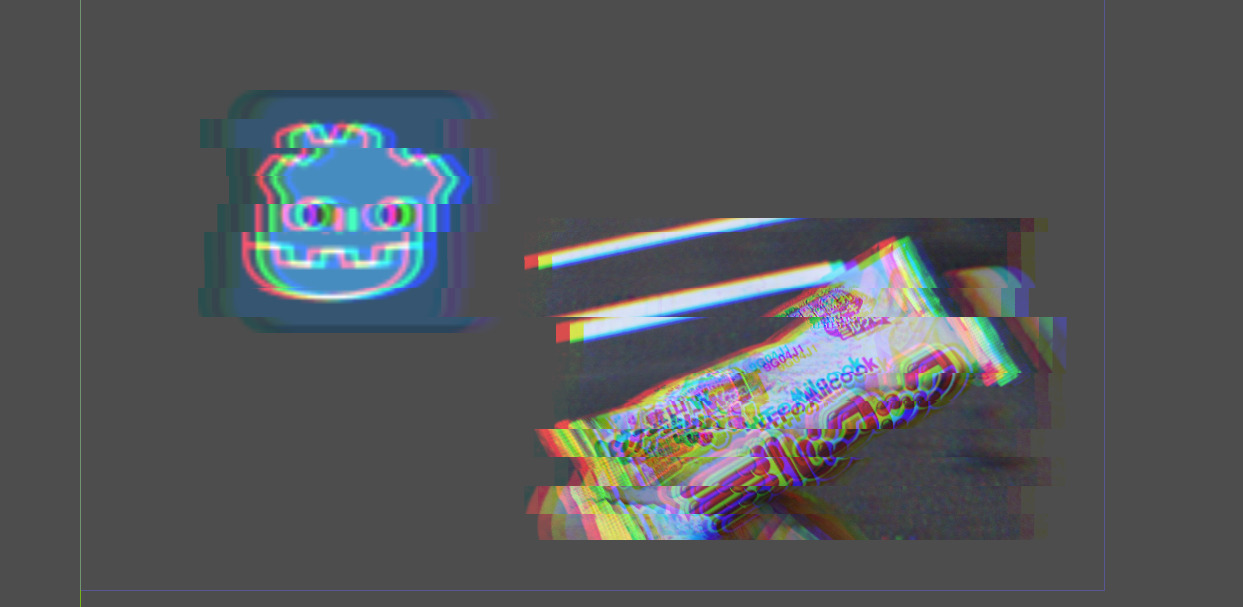
Glitch Effect Shader for Godot Engine 4

This is a glitch effect shader for Godot Engine 4.
Godot 3 version: https://godotshaders.com/shader/glitch-effect-shader/
Shader code
/*
	Glitch Effect Shader by Yui Kinomoto @arlez80

	MIT License
*/

shader_type canvas_item;

// 振動の強さ
uniform float shake_power = 0.03;
// 振動率
uniform float shake_rate : hint_range( 0.0, 1.0 ) = 0.2;
// 振動速度
uniform float shake_speed = 5.0;
// 振動ブロックサイズ
uniform float shake_block_size = 30.5;
// 色の分離率
uniform float shake_color_rate : hint_range( 0.0, 1.0 ) = 0.01;
// スクリーン
uniform sampler2D screen_texture : hint_screen_texture;

float random( float seed )
{
	return fract( 543.2543 * sin( dot( vec2( seed, seed ), vec2( 3525.46, -54.3415 ) ) ) );
}

void fragment( )
{
	float enable_shift = float(
		random( trunc( TIME * shake_speed ) )
	<	shake_rate
	);

	vec2 fixed_uv = SCREEN_UV;
	fixed_uv.x += (
		random(
			( trunc( SCREEN_UV.y * shake_block_size ) / shake_block_size )
		+	TIME
		) - 0.5
	) * shake_power * enable_shift;

	vec4 pixel_color = textureLod( screen_texture, fixed_uv, 0.0 );
	pixel_color.r = mix(
		pixel_color.r
	,	textureLod( screen_texture, fixed_uv + vec2( shake_color_rate, 0.0 ), 0.0 ).r
	,	enable_shift
	);
	pixel_color.b = mix(
		pixel_color.b
	,	textureLod( screen_texture, fixed_uv + vec2( -shake_color_rate, 0.0 ), 0.0 ).b
	,	enable_shift
	);
	COLOR = pixel_color;
}

cool
sprite becomes invisible some of the times in game
I had the exact same problem, haven’t managed to figure out why it happens in some scenes and not others but when it does I managed to solve it by putting a BackBufferCopy node right above the shader and setting its Copy Mode to Viewport!
I found that making a sprite2d and applying the shader to that will apply the shader to any control nodes underneath the area.