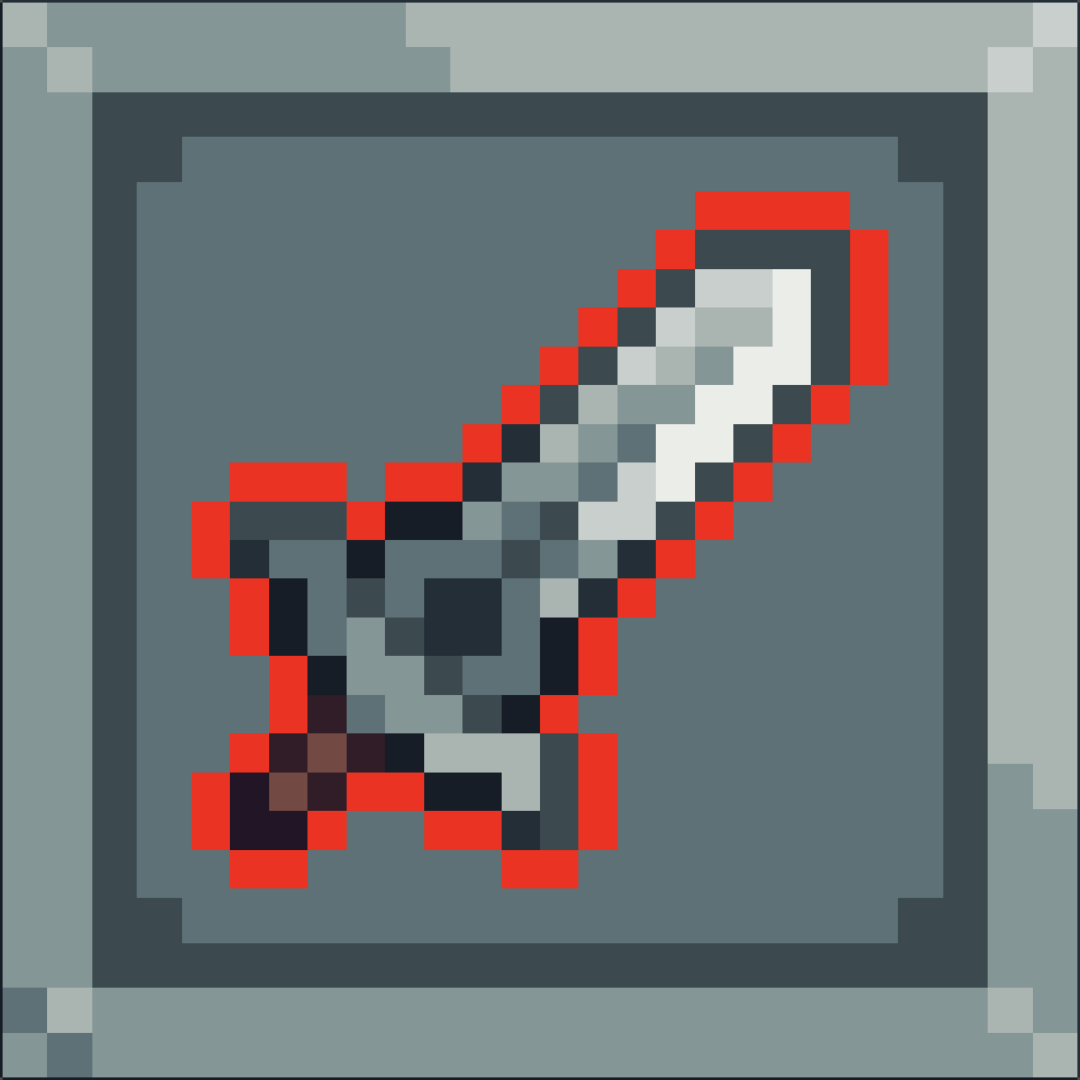
Outline for Atlas Texture Region

The fragment shader will produce an outline of the specified color around the drawn texture. If a transparent pixel is adjacent to a non-transparent pixel, then the shader will change the pixel’s color to the outline color.
If using an Atlas texture and the sub-region borders another sprite, the outline shader should ignore the neighbor and not change the color of transparent pixels on the edge of the sub-region. This is accomplished by passing in the sub-region rectangle as a vec4 (x, y, w, h) and skipping the neighbor check if the offset UV coordinates would go out of the region bounds.
Shader code
shader_type canvas_item;

uniform float outline_width = 1.0;
uniform vec4 outline_color : source_color;
uniform vec4 texture_region = vec4(0.0);

void fragment() {
	vec4 color = texture(TEXTURE, UV);
	vec2 outline_offset = vec2(outline_width) * TEXTURE_PIXEL_SIZE;
	vec4 uv_region = vec4(texture_region.xy * TEXTURE_PIXEL_SIZE, texture_region.zw * TEXTURE_PIXEL_SIZE);

	// If texture region size was not specified, then use entire texture
	uv_region.zw = mix(vec2(1.0), uv_region.zw, ceil(uv_region.zw));

	float uv_offset;
	float a;
	float max_a = 0.0;

	uv_offset = UV.y - outline_offset.y;
	a = step(uv_region.y, uv_offset) * texture(TEXTURE, vec2(UV.x, uv_offset)).a;
	max_a = max(a, max_a);

	uv_offset = UV.y + outline_offset.y;
	a = step(uv_offset, uv_region.y + uv_region.w) * texture(TEXTURE, vec2(UV.x, uv_offset)).a;
	max_a = max(a, max_a);

	uv_offset = UV.x - outline_offset.x;
	a = step(uv_region.x, uv_offset) * texture(TEXTURE, vec2(uv_offset, UV.y)).a;
	max_a = max(a, max_a);

	uv_offset = UV.x + outline_offset.x;
	a = step(uv_offset, uv_region.x + uv_region.z) * texture(TEXTURE, vec2(uv_offset, UV.y)).a;
	max_a = max(a, max_a);

	COLOR = mix(color, outline_color, max_a - color.a);
}
Live Preview