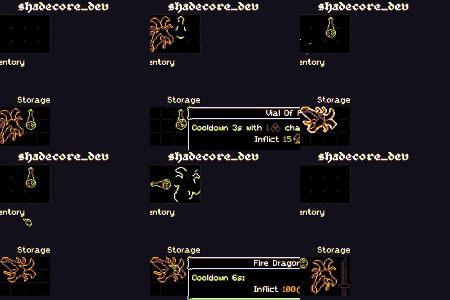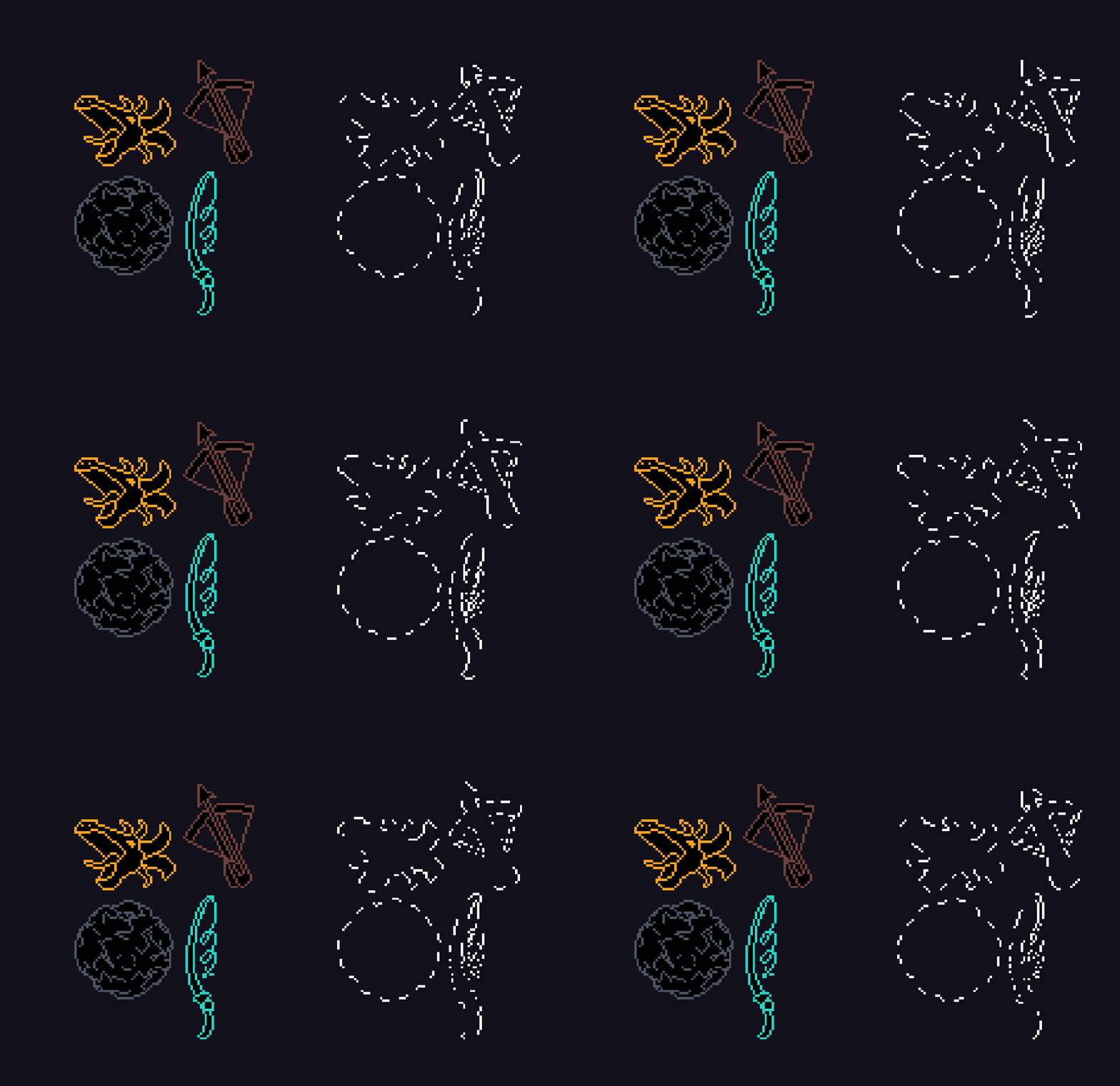
Pixel dotted silhouette

Technique:
- Texture is sampled multiple times to check neighbouring pixels and form an outline.
- Stripes coming from center are checked for overlap with that outline.
- The resulting overlap is drawn to user as chosen color.
It’s not perfect. The effect doesn’t follow the real outline, only mimics it. Long sprites with non-uniform UVs, areas close to center and complex outline sprites produce artifacts.
It does the job for me so I decided to share it.
Shader code
// CC0, shadecore_dev

shader_type canvas_item;

/* Speed of the rotation. */
uniform float rotation_speed : hint_range(-4.0, 4.0) = 0.3;

/* Stripe count, can be interpreted as dot count for dotted outline. */
uniform float stripes : hint_range(1.0, 32.0, 1.0) = 16.0;

/* The proportion of the stripe covered by the outline color. */
uniform float stripe_width : hint_range(0.0, 1.0) = 0.5;

/* Color for the outline. */
uniform vec4 outline_color : source_color = vec4(1.0);

void fragment() {
	vec2 pixel_size = TEXTURE_PIXEL_SIZE;
	bool within = texture(TEXTURE, UV + pixel_size * vec2(1.0, 0.0)).a > 0.0;
	within = within || texture(TEXTURE, UV + pixel_size * vec2(0.0, -1.0)).a > 0.0;
	within = within || texture(TEXTURE, UV + pixel_size * vec2(0.0, 1.0)).a > 0.0;
	within = within || texture(TEXTURE, UV + pixel_size * vec2(-1.0, 0.0)).a > 0.0;

	bool outline = within && (texture(TEXTURE, UV).a == 0.0);

	float rotation = TIME * rotation_speed;

	float fill = (
				mod(
					(
						atan(
							floor((UV.x - 0.5) / pixel_size.x) * cos(rotation) + floor((UV.y - 0.5) / pixel_size.y) * sin(rotation),
							floor((UV.y - 0.5) / pixel_size.y) * cos(rotation) - floor((UV.x - 0.5) / pixel_size.x) * sin(rotation)
						) - PI
					) / -TAU
				,
				1.0/stripes
			) < stripe_width/stripes ? 1.0 : 0.0
		);

	COLOR = outline ? outline_color * fill : vec4(0.0);
}
Live Preview