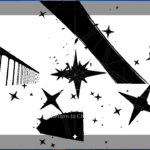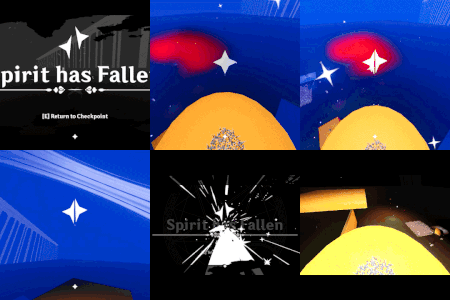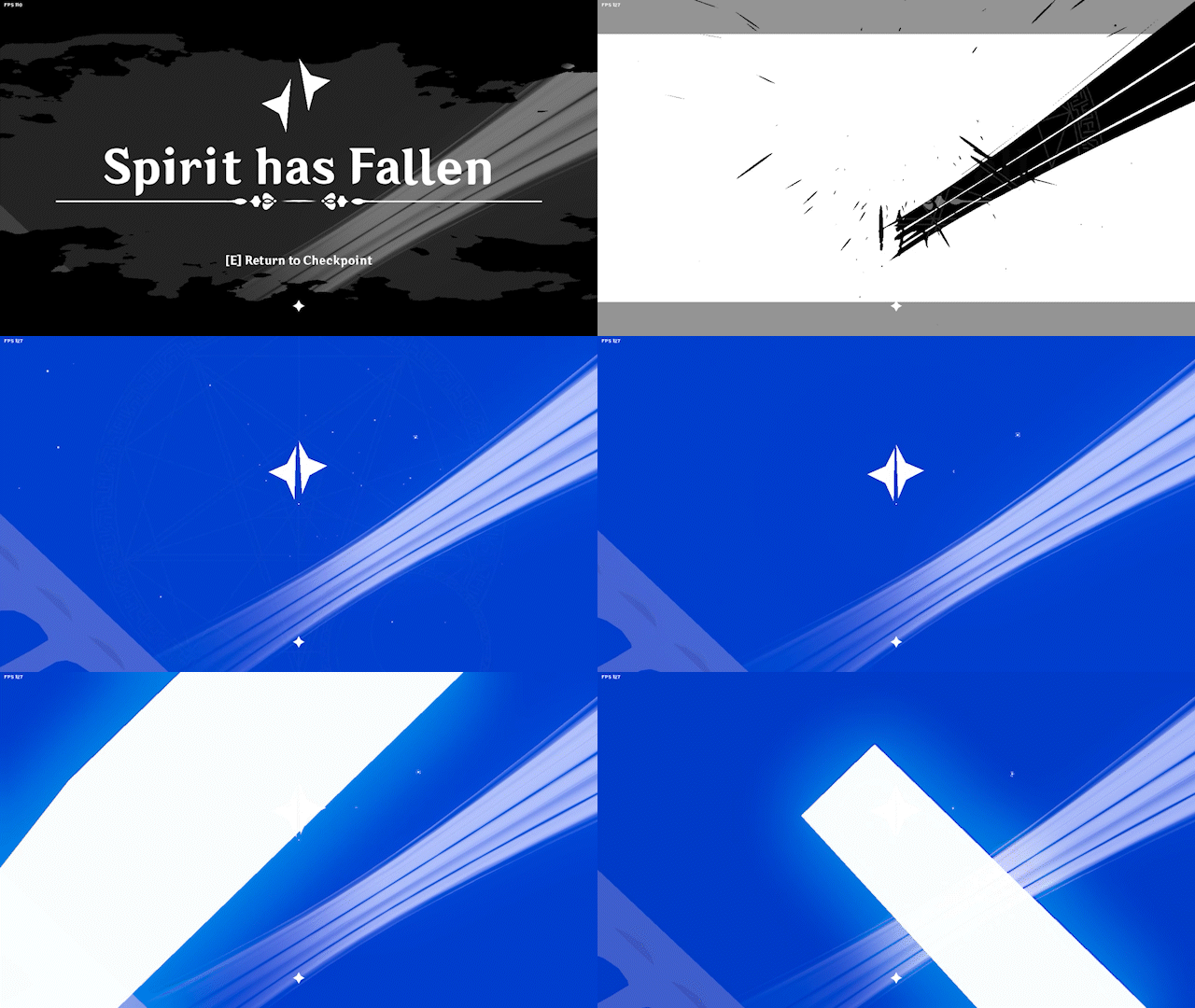
Threshold – Silhouette effect (Impact frame)

Made with Godot 4.3
I using it for my game project Fallen Sky, as a part of impact frame
The GIF is 25% speed of the original, so check the actual frame from the screenshot library below the code, it is a compilation 😀
Shader code
shader_type canvas_item;

uniform float threshold : hint_range(0.0, 1.0) = 0.5;
uniform float smoothness : hint_range(0.0, 0.5) = 0.05;
uniform vec4 bg_color : source_color = vec4(0.0, 0.0, 0.0, 1.0);
uniform vec4 fg_color : source_color = vec4(1.0, 1.0, 1.0, 1.0);
uniform bool invert = false;
uniform float intensity : hint_range(0.0, 1.0) = 1.0;

uniform sampler2D SCREEN_TEXTURE : hint_screen_texture, filter_linear_mipmap;

void fragment() {
    // Sample the screen texture at the current position
    vec4 screen_color = texture(SCREEN_TEXTURE, SCREEN_UV);

    // Calculate luminance (brightness) of the color
    float luminance = dot(screen_color.rgb, vec3(0.299, 0.587, 0.114));

    // Apply threshold with smoothing for anti-aliasing
    float value = smoothstep(threshold - smoothness, threshold + smoothness, luminance);

    // Mix between background and foreground colors based on the value
    // If invert is true, swap the bg and fg colors
    vec4 final_color;
    if (invert) {
        final_color = mix(fg_color, bg_color, value);
    } else {
        final_color = mix(bg_color, fg_color, value);
    }

    // Blend with the original screen color based on intensity
    final_color = mix(screen_color, final_color, intensity);

    COLOR = final_color;
}
Live Preview