
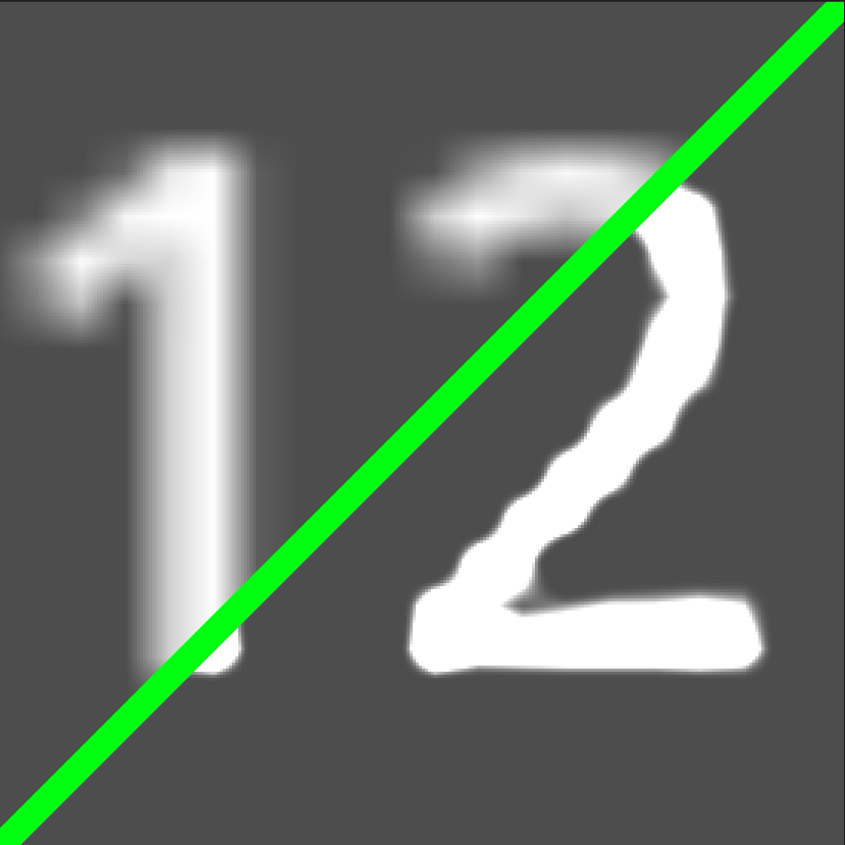
Text HD

If you need small but high-quality text, then this shader is for you. It increases the quality of the font, not perfectly, but it is better than nothing.
Shader code
shader_type canvas_item;

uniform float contrast : hint_range(1.0, 3.0) = 1.5;
uniform float sharpen : hint_range(0.0, 1.0) = 0.5;

void fragment() {
    vec4 texture_color = texture(TEXTURE, UV);

    vec4 final_color = COLOR;

    vec4 sum_alpha = vec4(0.0);
    vec2 size = 1.0 / TEXTURE_PIXEL_SIZE;

    sum_alpha += texture(TEXTURE, UV + vec2(0.0, 1.0) / size).a * -sharpen;
    sum_alpha += texture(TEXTURE, UV + vec2(0.0, -1.0) / size).a * -sharpen;
    sum_alpha += texture(TEXTURE, UV + vec2(1.0, 0.0) / size).a * -sharpen;
    sum_alpha += texture(TEXTURE, UV + vec2(-1.0, 0.0) / size).a * -sharpen;

    sum_alpha += texture_color.a * (1.0 + 4.0 * sharpen);

    float final_alpha = pow(sum_alpha.a, contrast);

    COLOR = vec4(final_color.rgb, final_alpha);
}
Live Preview
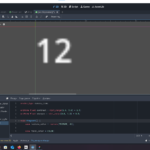
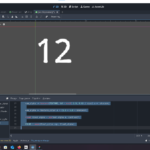

While I’m unsure if it has utility for small text you can enable MSDF rendering in the font import process to increase quality
https://docs.godotengine.org/en/stable/tutorials/ui/gui_using_fonts.html#msdf-font-rendering