
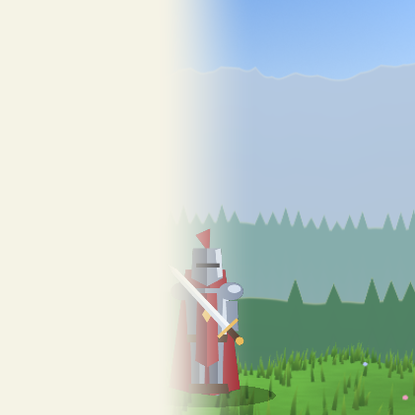
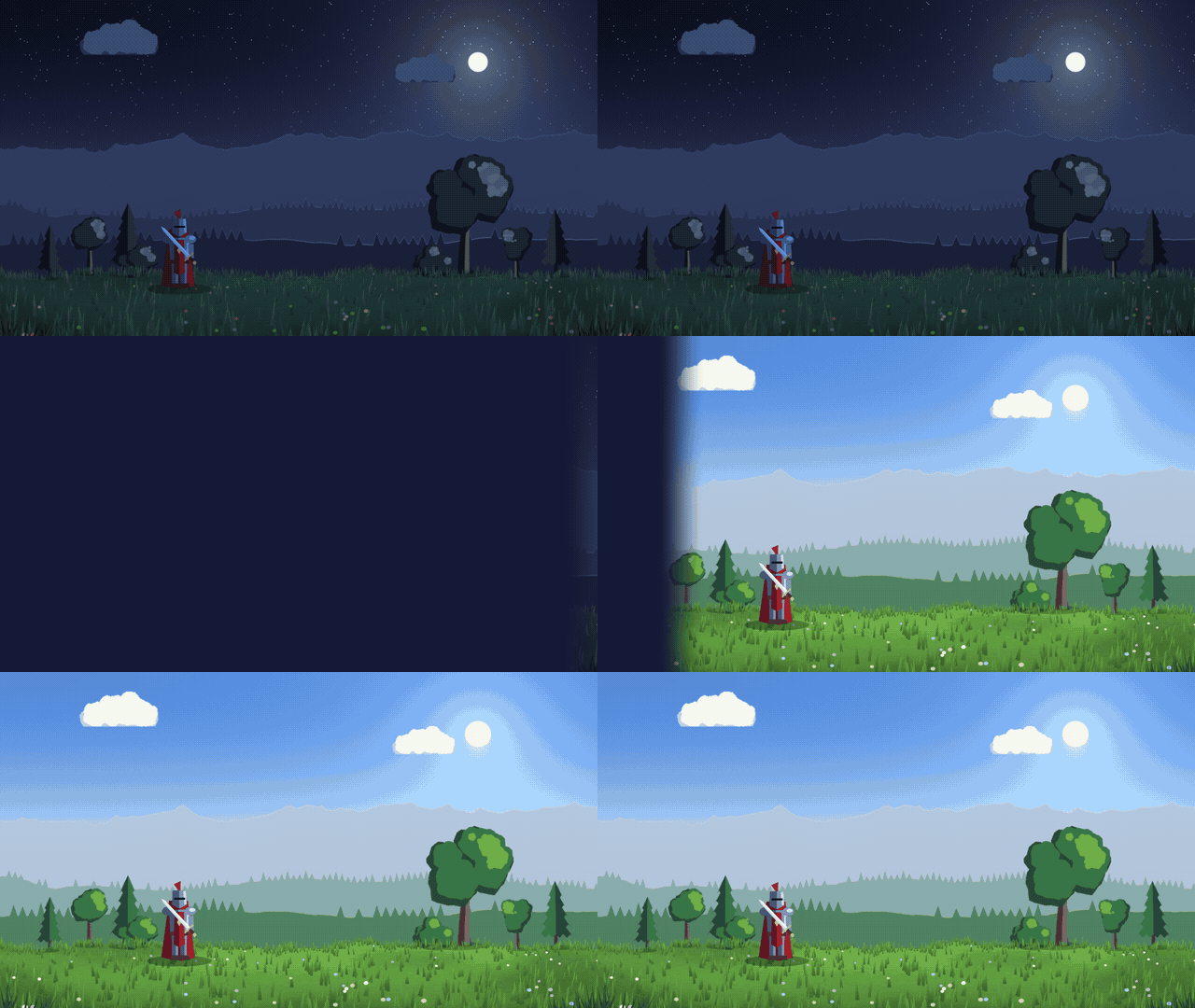
Soft wipe scene transition (any angle)

A straight wipe that covers the screen from any direction, with a soft edge you can widen until it turns into a fade.
Put it on a full-screen ColorRect above your scene and tween progress from 0 to 1 to cover, then back to 0 to reveal the next scene.
Settings:
- progress (0-1): 0 is a clear screen, 1 is fully covered. The posted code starts at 0.5 so the preview shows the edge.
- cover_color: the colour of the cover.
- angle (radians): 0 wipes left to right, 1.57 top to bottom, 3.14 right to left.
- softness: half the width of the edge, as a share of the screen (0.04 gives an edge about 8 % of the screen wide). It never goes under one pixel, so the edge does not alias.
The progress range is normalised for the angle, so 0 and 1 are exact at any direction, diagonals included.
This is one of the three shaders of Transitions Lite, a free MIT pack with a fade, this wipe and a circle, plus a small script that changes scene in one line.
Shader code
shader_type canvas_item;

// Scene transition: a straight wipe. Full-screen ColorRect over your scene, tween
// `progress` from 0 to 1 to cover, back to 0 to reveal. `angle` is the direction
// in radians: 0 left to right, PI/2 top to bottom, PI right to left.
group_uniforms Transition;
uniform float progress : hint_range(0.0, 1.0) = 0.5;
uniform vec4 cover_color : source_color = vec4(0.0, 0.0, 0.0, 1.0);
group_uniforms Shape;
// direction in radians: 0 left to right, 1.57 top to bottom, 3.14 right to left, 4.71 bottom to top
uniform float angle : hint_range(0.0, 6.2831853) = 0.0;
// edge width as a share of the screen: above about 0.25 the wipe looks like a fade
uniform float softness : hint_range(0.0, 0.25) = 0.04;

void fragment() {
	// the ColorRect colour and modulate: tint or fade the effect from the node
	vec4 node_tint = COLOR;
	vec2 dir = vec2(cos(angle), sin(angle));
	// normalise the projection so progress 0..1 covers the screen at any angle
	float span = 0.5 * (abs(dir.x) + abs(dir.y));
	float pn = (dot(UV - 0.5, dir) + span) / (2.0 * span);
	// at least one pixel of softness: 0 would turn the edge around (and alias)
	float s = max(softness, fwidth(pn));
	float w = mix(-s, 1.0 + s, progress);   // soft edge inside the range: 0 clear, 1 covered
	float cover = smoothstep(w + s, w - s, pn);
	COLOR = vec4(cover_color.rgb, cover * cover_color.a);
	COLOR *= node_tint;
}
Live Preview

Comments 0
No comments yet.