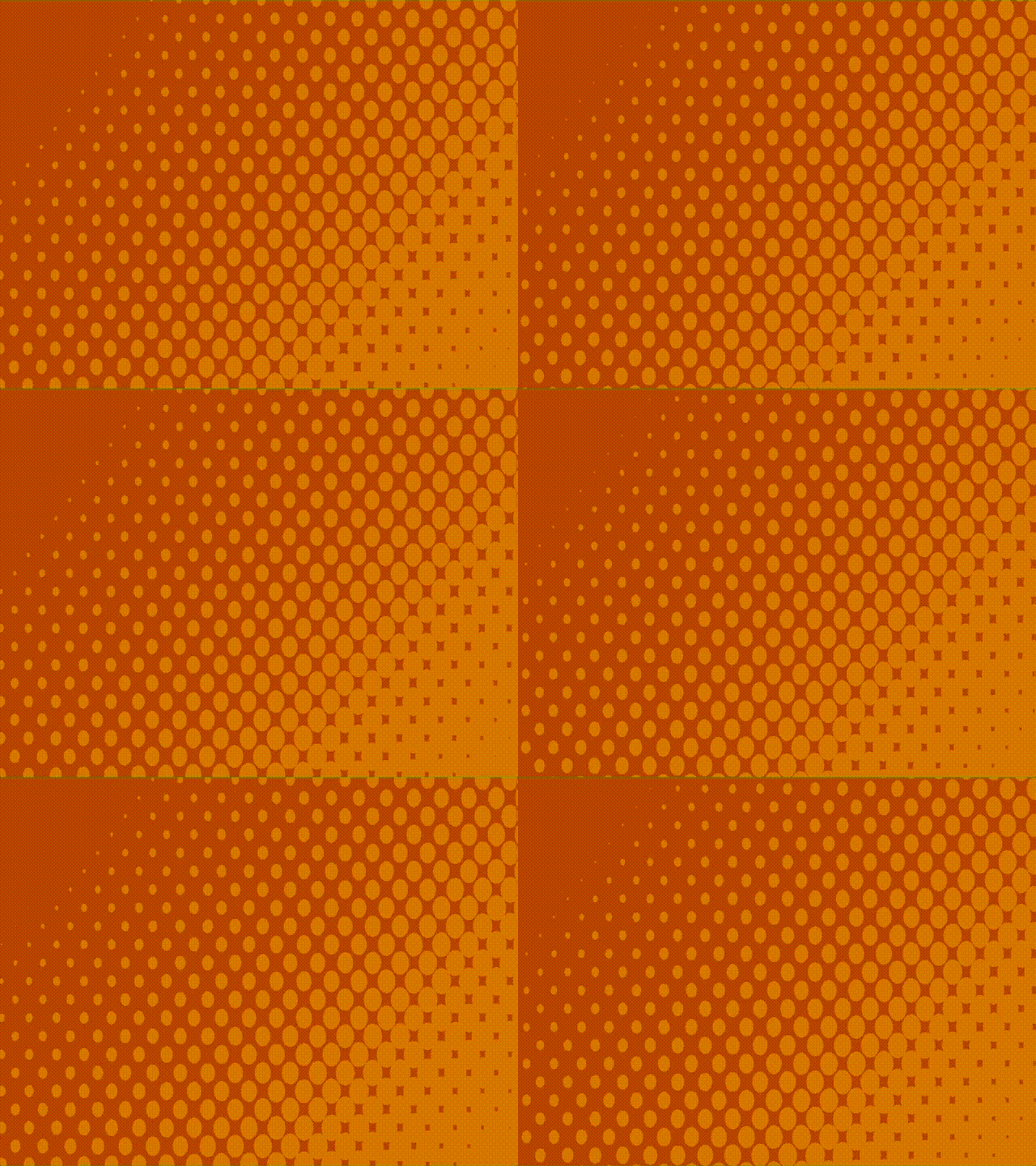
Moving circles effect background

This shader creates moving circles that increase in size according to a gradient.
To use it, create a panel node and in CanvasItem > Material create a New Shader Material. In Shader, create a New Shader and paste the code. Then in Shader parameters create a New GradientTexture2D and change the rest of parameters as you want.
Optional: Add a background.
Shader code
shader_type canvas_item;

uniform sampler2D gradient;
uniform vec4 circle_color : source_color = vec4(1.0,1.0,1.0,1.0);
uniform float circle_multiplier = 10.0;
uniform float speed = 1.0;
uniform vec2 direction = vec2(1.0,1.0);
uniform mat2 rotation = mat2(vec2(1.0,1.0), vec2(-1.0,1.0));

void fragment() {
	vec2 direction_norm = normalize(direction);
	vec2 uv = UV;
	vec2 uv_deriv = fwidthFine(uv);
	float aspect_ratio = uv_deriv.y / uv_deriv.x;
	uv.x *= aspect_ratio;
	vec2 tiled_UV = rotation * (uv * circle_multiplier - direction_norm * TIME * speed);
	vec2 local_uv = fract(tiled_UV);
	vec2 center = vec2(0.5);
	float dist = distance(local_uv, center);
	float radius = texture(gradient, UV).r;
	float circle_alpha = 1.0 - step(radius, dist);
	COLOR = circle_color * vec4(circle_alpha);
}
Live Preview