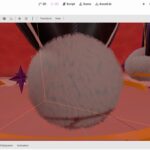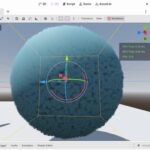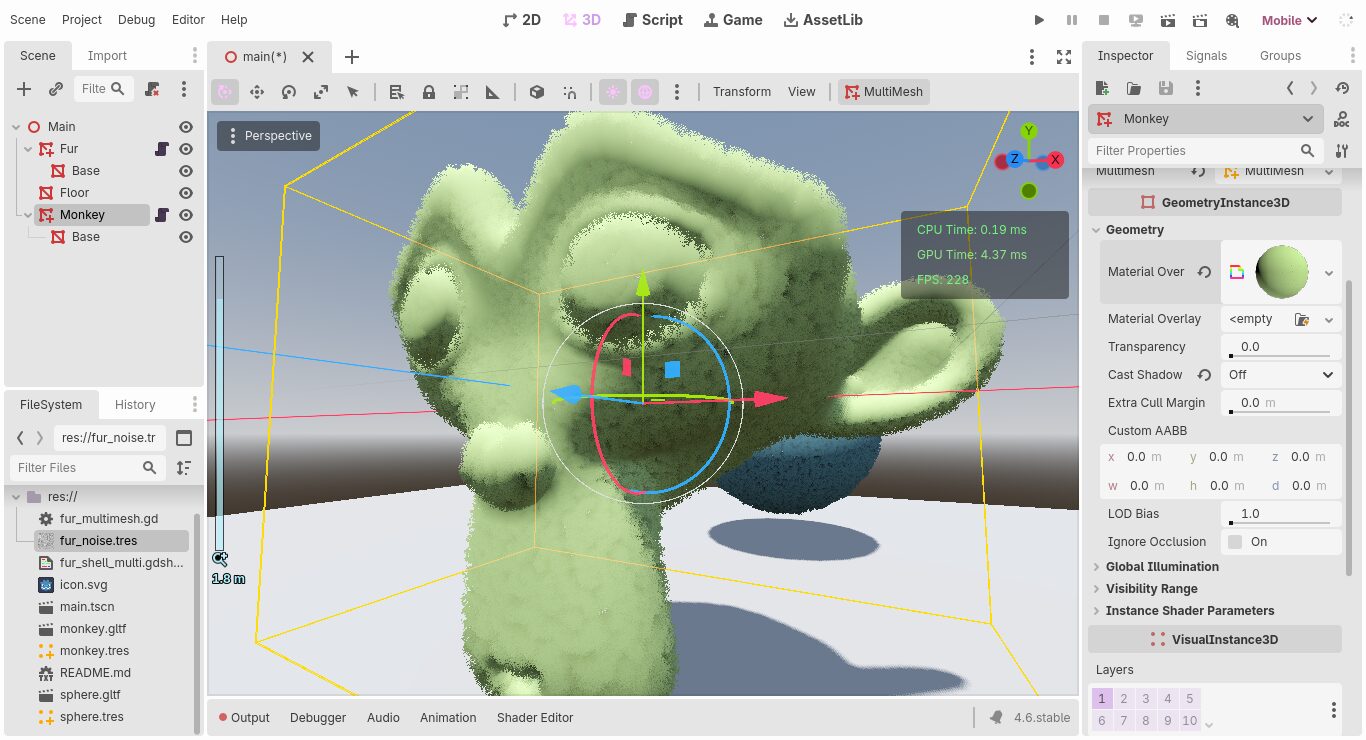
MultiMesh Shell Texturing Fur

Use the noise texture to control how the fur look.layer starts from 1.
For performance, disable shadow on the Fur MultiMesh. Instead use a regular MeshInstance for the base mesh (skin under the fur) and shadow. Check the example project for more details.
This shader relies on Alpha Hashing in the Godot Vulkan rendering pipeline. Meaning it will not work (look the same) on gl_compatibility renderer.
Here an editor script for Multimesh:
@tool
extends MultiMeshInstance3D

@export var layer_count = 16
@export var mesh : Mesh

@export_tool_button("Populate", "MultiMeshInstance3D")
var action = populate

func populate() -> void:
	multimesh = MultiMesh.new()
	multimesh.transform_format = MultiMesh.TRANSFORM_3D
	multimesh.mesh = mesh
	multimesh.instance_count = layer_count
	var material : ShaderMaterial = material_override
	material.set_shader_parameter("layers", float(layer_count + 1))
	var index := 0
	while index < layer_count:
		multimesh.set_instance_transform(index, Transform3D(Basis.IDENTITY, Vector3.ZERO))
		index += 1
Shader code
shader_type spatial;
// MultiMesh Shell Texturing shader by HaruYou27
uniform sampler2D noise : filter_linear_mipmap;
uniform float layers = 17;
uniform float hash_scale : hint_range(0.0, 2.0) = 0.5; // Too high will make the fur blocky, too low and it will flickering.
uniform float shell_length = 0.005;
uniform float SpreadPow = 1.1;
uniform vec3 color : source_color = vec3(1.0);
uniform float roughness : hint_range(0.0, 1.0) = 0.8;

instance uniform int layer = 1;

varying flat float height;

void vertex() {
	height = float(INSTANCE_ID + layer) / layers;

	// Vertex code from:
	// https://godotshaders.com/shader/fur-grass-with-shell-texturing/
	float h = pow(height, SpreadPow);
	//what is happening here -> we don't want to linearly spread our meshes.
	//so, we take their pow. if spread pow > 1 -> numbers smaller than one decrease
	//thus the closer you get to the outer most layer, the further away from 1 you get,
	//thus the greater the dist betwixt layers become. and vice versa if spread pow < 1

	VERTEX = fma(NORMAL, vec3(h * shell_length), VERTEX);
}

void fragment() {
	float noise_value = texture(noise, UV).r;
	ALPHA = fma(1.5, noise_value, -height); // Avoid negative alpha value.
	ALPHA_HASH_SCALE = hash_scale;

	ALBEDO = color;
	ROUGHNESS = roughness;
	AO = height;
}
Live Preview